

Let one tap run everything else.
Send MIDI and OSC, fire lighting scenes and trigger actions on a timecode. iQ Pro can drive the rest of your rig from the same cue list.
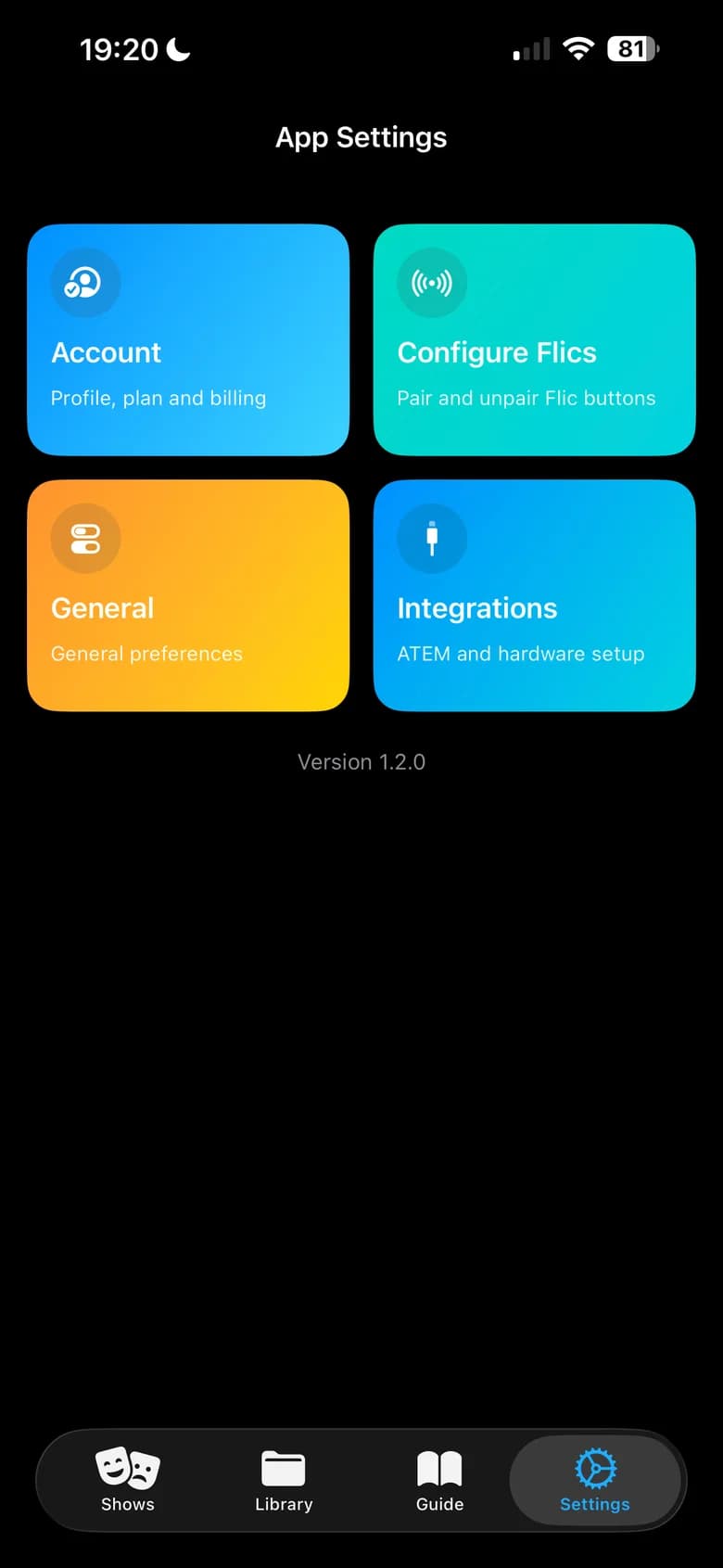
What you can do
Everything automation and lighting needs, in one app.
Lighting scenes and chases
Build a library of scenes, chases and banks, then fire them as cues alongside your music and video.
MIDI and OSC out
Send MIDI notes and OSC messages to lighting software, consoles, mixers and other apps.
Timecode actions
Fire actions at exact times as a track plays, so lights and effects stay locked to the music.
MIDI and OSC in
Use MIDI controllers, footswitches and OSC messages to trigger iQ Pro as well.
How it works
Three steps from idea to showtime.
- 01
Set up your outputs
Choose where MIDI and OSC messages should be sent in the show settings.
- 02
Add an action cue
Add a lighting, MIDI or OSC cue and choose what it should do.
- 03
Fire it with the show
Run it from the cue list, or let a timecode fire it for you.
Keep exploring
More that iQ Pro can do.
Audio
Play music, effects and voiceover from one cue list. Fire each cue with a tap, a button or your watch, and let iQ Pro handle the fades.

Live camera
Switch camera sources on the same cue list as the rest of your show. Ideal for conferences, live events and streams.

Groups and shows
Each group is a routine, a scene or a set. Drag them into order, start from any point and keep every show tidy.
Audio
Play music, effects and voiceover from one cue list. Fire each cue with a tap, a button or your watch, and let iQ Pro handle the fades.
Live camera
Switch camera sources on the same cue list as the rest of your show. Ideal for conferences, live events and streams.
Groups and shows
Each group is a routine, a scene or a set. Drag them into order, start from any point and keep every show tidy.
Take control of your next show.
Download iQ Pro and run your first cue in minutes.
