

Show control for iPhone and iPad
Your entire show,
in your pocket.
iQ Pro runs audio, video, live cameras, slides, MIDI and lighting from one cue list on your iPhone. No laptop, no rack, no cable snake.
- Audio
- Video
- Live camera
- Slides
- MIDI
- Automation
- Apple Watch
Interactive demo
Press play. Watch the room respond.
Fire cues from the phone and the screens, lighting and sound follow. Switch venue to see the same app run a keynote, a concert or a play.

The app, screen by screen
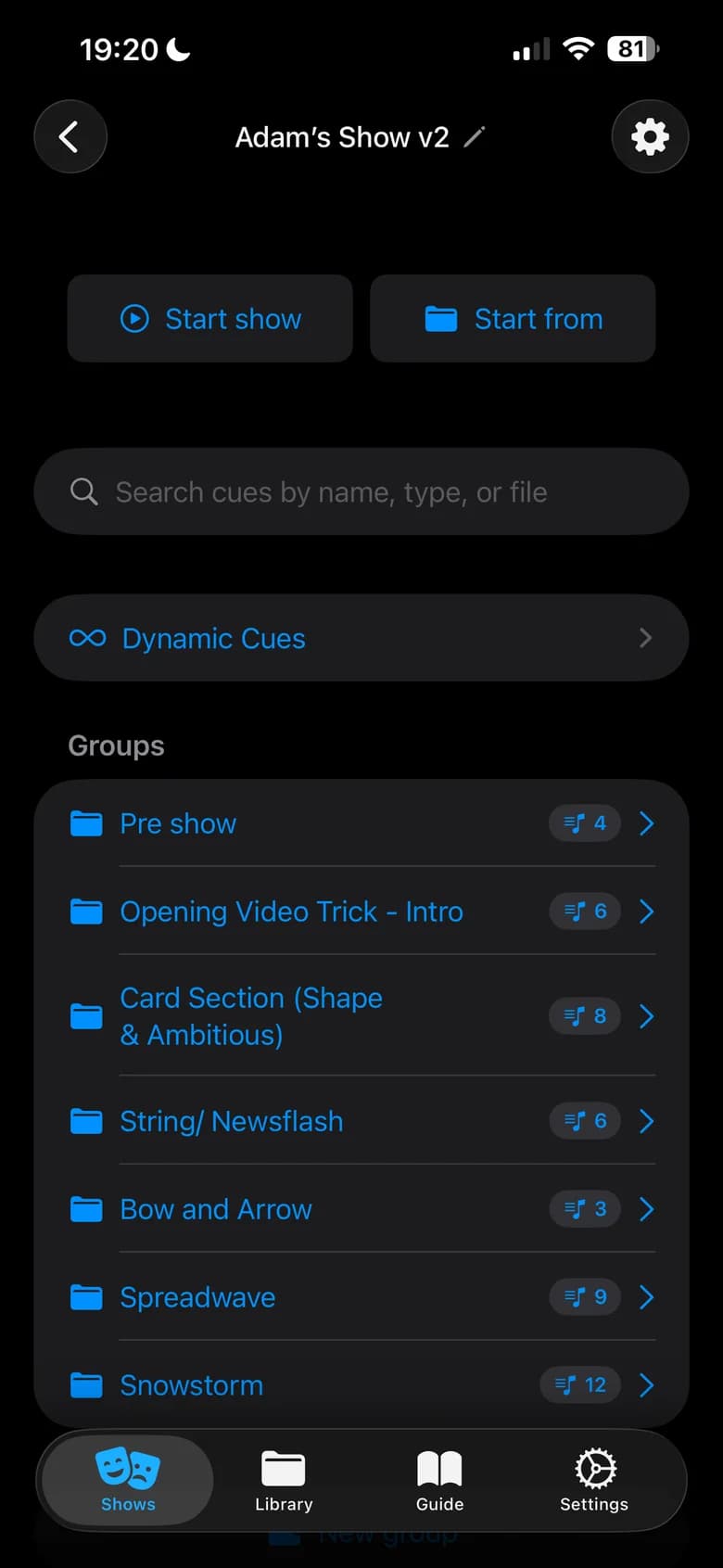
01 · Build
Organise your show into groups.
Each group is a routine, a set or a scene. Drag them into running order, search every cue by name, type or file, and start from anywhere.
02 · Add
Every kind of cue, one tap away.
Add audio, video, images and transitions from a single sheet. Tap a cue to insert it and jump straight into its settings.
03 · Refine
Pro-level control over every track.
Draw volume changes at exact points in a cue, trim non-destructively, then fine-tune playback, delay and triggers.
04 · Position
Put every visual exactly where you want it.
Resize and move any video or image on a live preview. Build picture-in-picture, drop in lower thirds, pin a logo to a corner or tuck a camera feed beside your slides. iQ Pro works out the stacking for you.
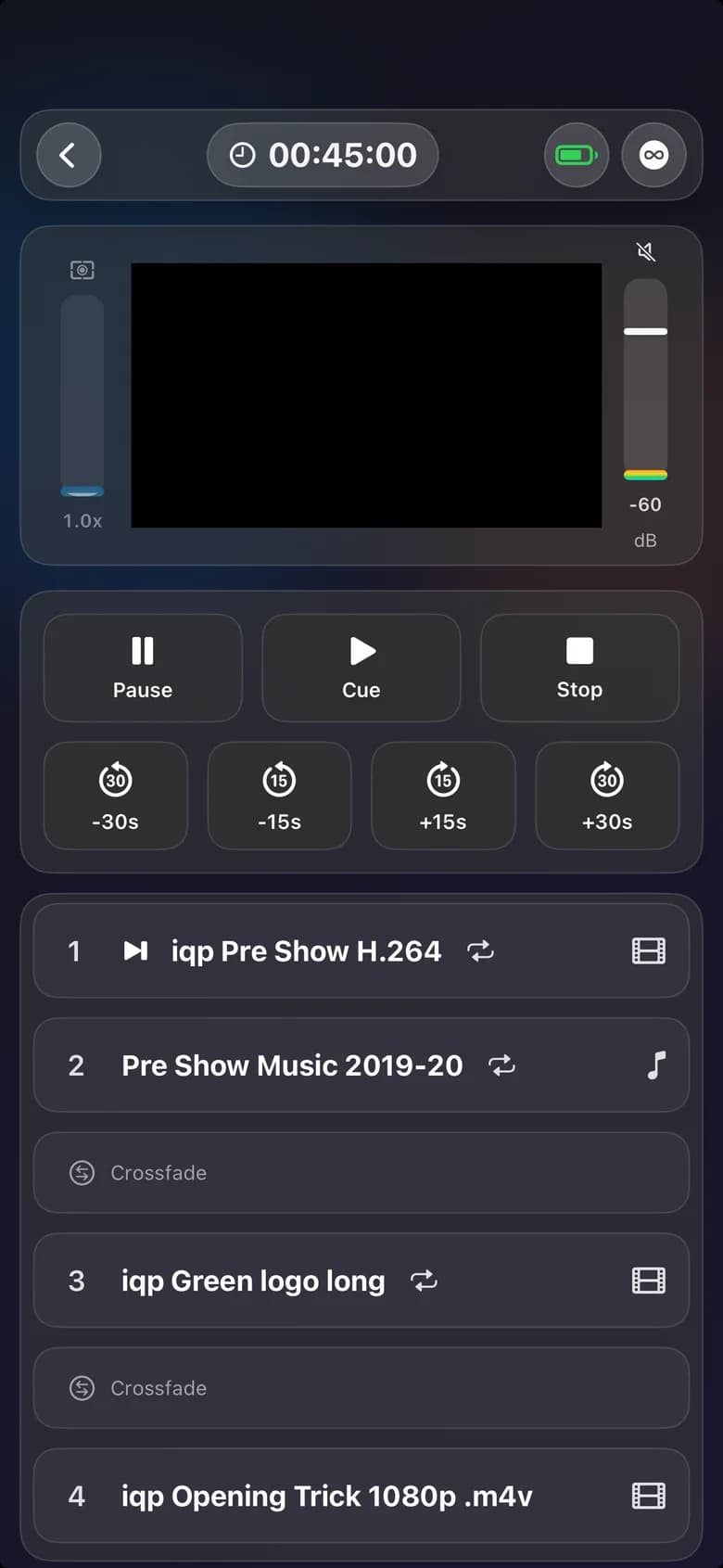
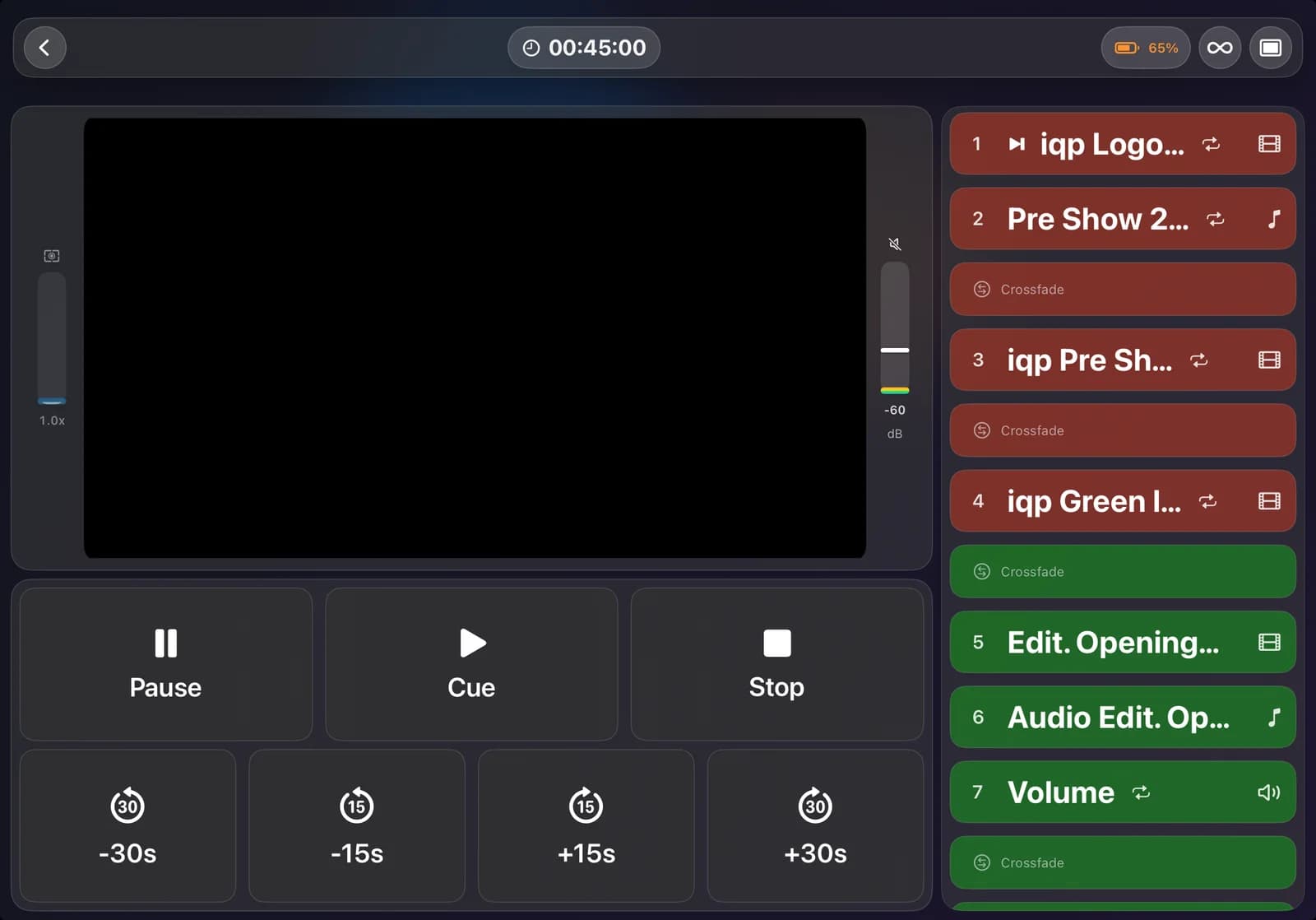
05 · Perform
Fire every cue, from anywhere.
Perform mode gives you a live preview, volume and speed, transport controls and your running order, on iPhone or iPad. Then keep your hands free with the controls you already own.
Flic 2 buttons
Pair a tiny Bluetooth button and fire cues discreetly from a pocket, prop or table.
MIDI and OSC input
Trigger cues from keyboards, footswitches, controllers and any app or desk that sends OSC.
Keyboard-compatible remotes
Presentation clickers and any remote that sends key presses.
Apple Watch
Back 15, Forward 15 and Stop, right from your wrist.
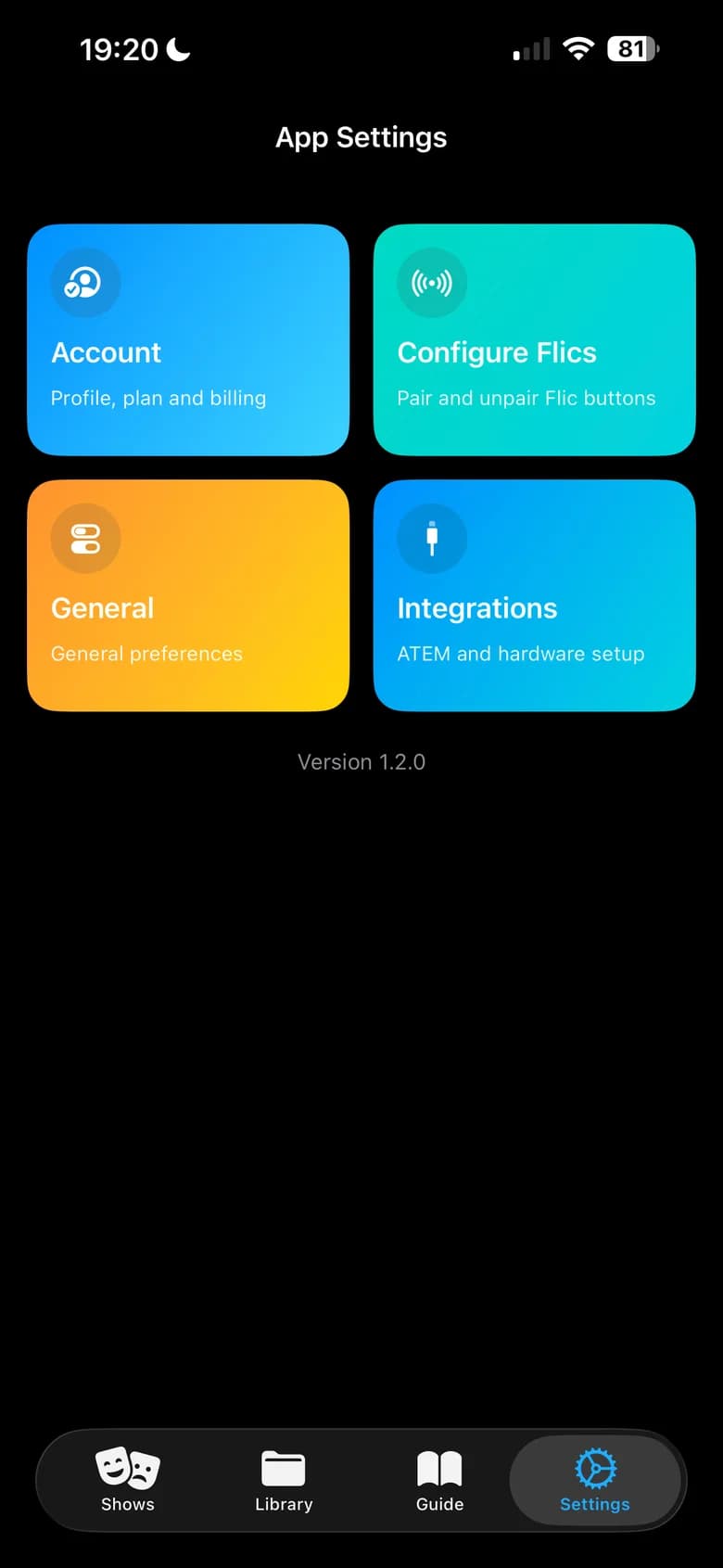
Organise and connect
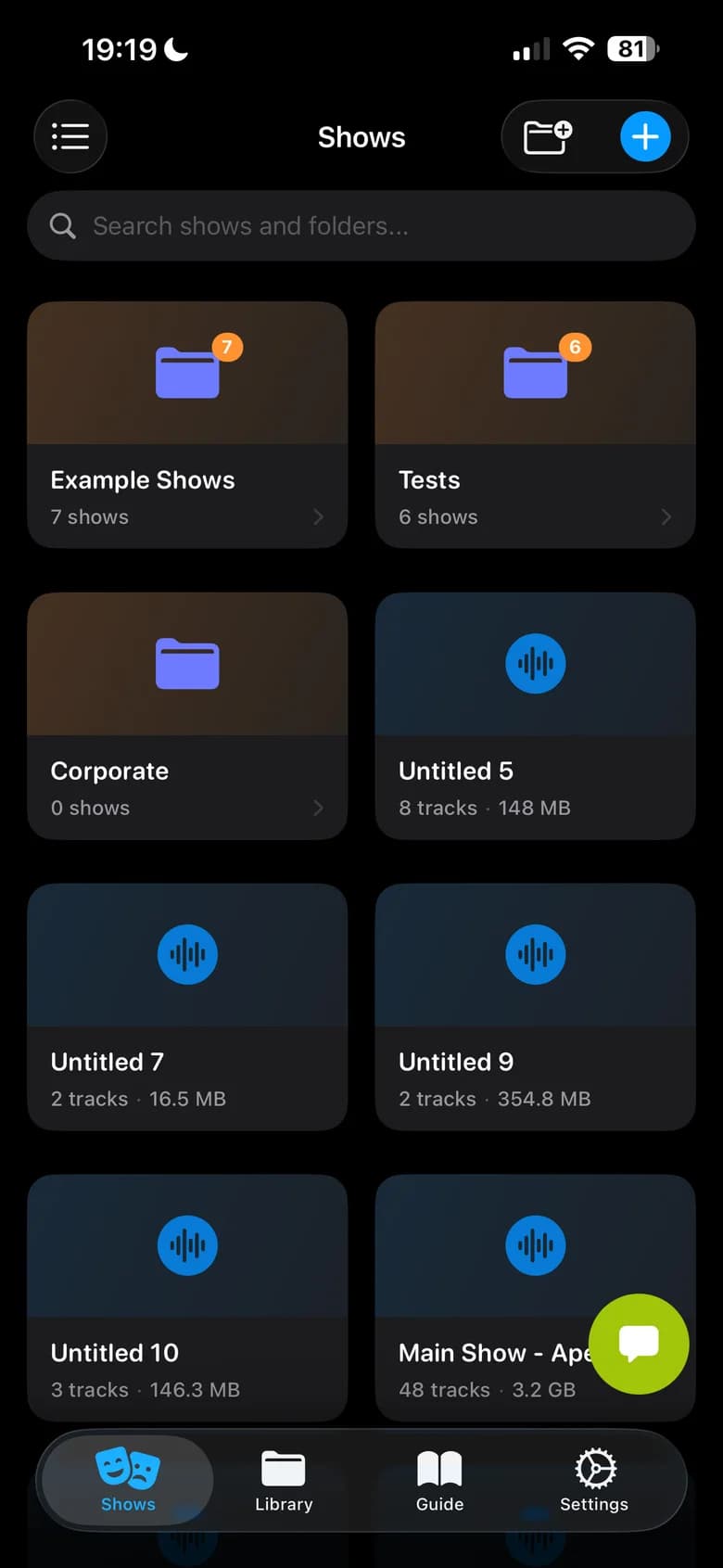
Every show, every client, every button.
Keep shows in folders, import and export them, and manage your media library. Then pair Flic buttons and set up hardware integrations from settings.
- Shows and folders for every client or set
- A media library to review and clear unused files
- Pair and unpair Flic buttons
- ATEM and hardware integrations
Capabilities
One app replaces the whole rig.
Every media type lives on the same timeline, so a single tap can start the music, bring up the video and change the lights.

Audio
Music, effects and voiceover from one cue list, with crossfades, trimming and volume you can draw.
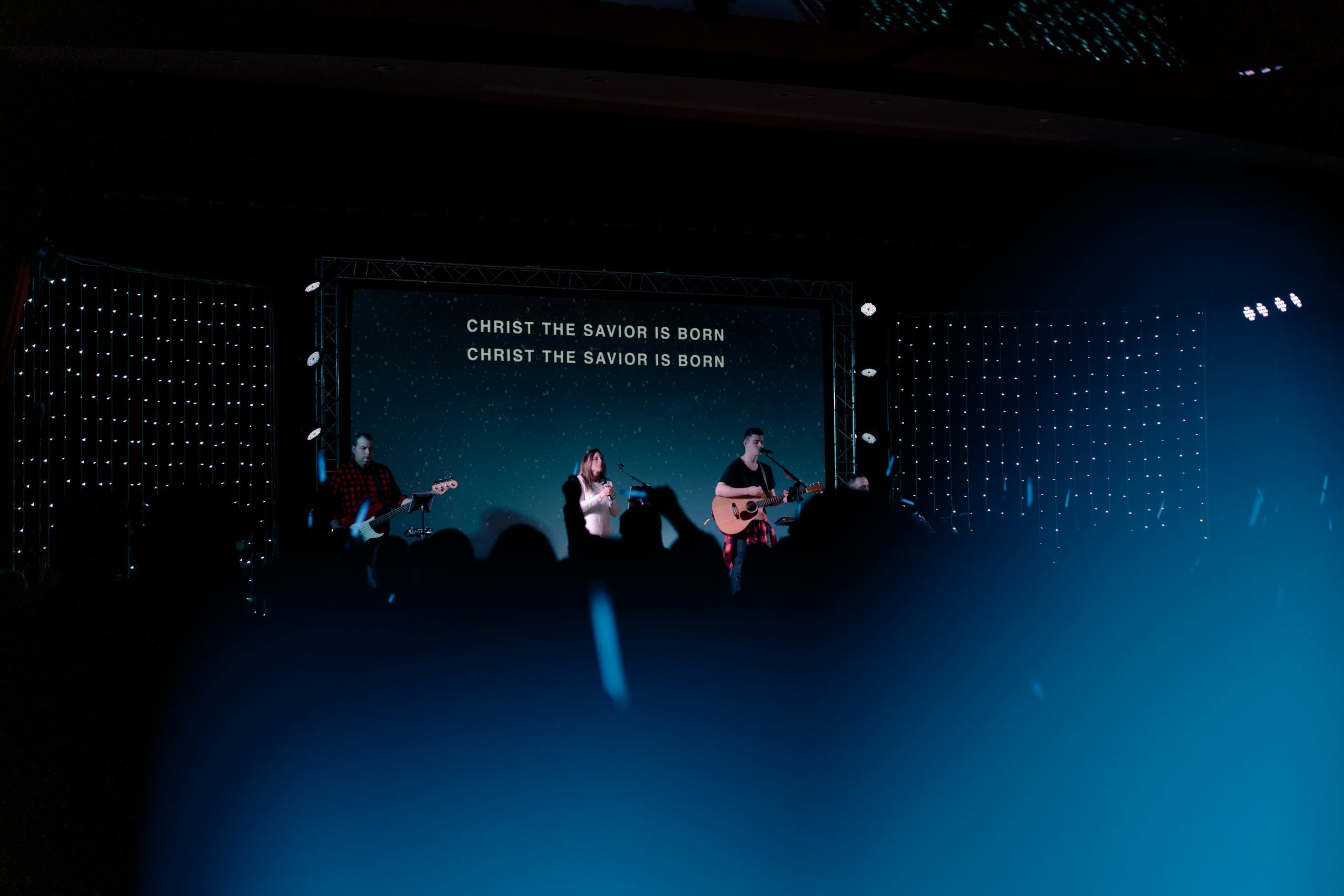
Video and live camera
Play video and images with transparency over AirPlay or HDMI, and cut between cameras on the same cue list.

Slides
Build birthday, corporate and event slides with the built-in editor, then cue them alongside everything else.

Automation and lighting
Send MIDI and OSC, fire lighting scenes and trigger actions on a timecode, all from the same cue list.
Audio
Music, effects and voiceover from one cue list, with crossfades, trimming and volume you can draw.
Video and live camera
Play video and images with transparency over AirPlay or HDMI, and cut between cameras on the same cue list.
Slides
Build birthday, corporate and event slides with the built-in editor, then cue them alongside everything else.
Automation and lighting
Send MIDI and OSC, fire lighting scenes and trigger actions on a timecode, all from the same cue list.
Who it's for
Built for people who perform live.
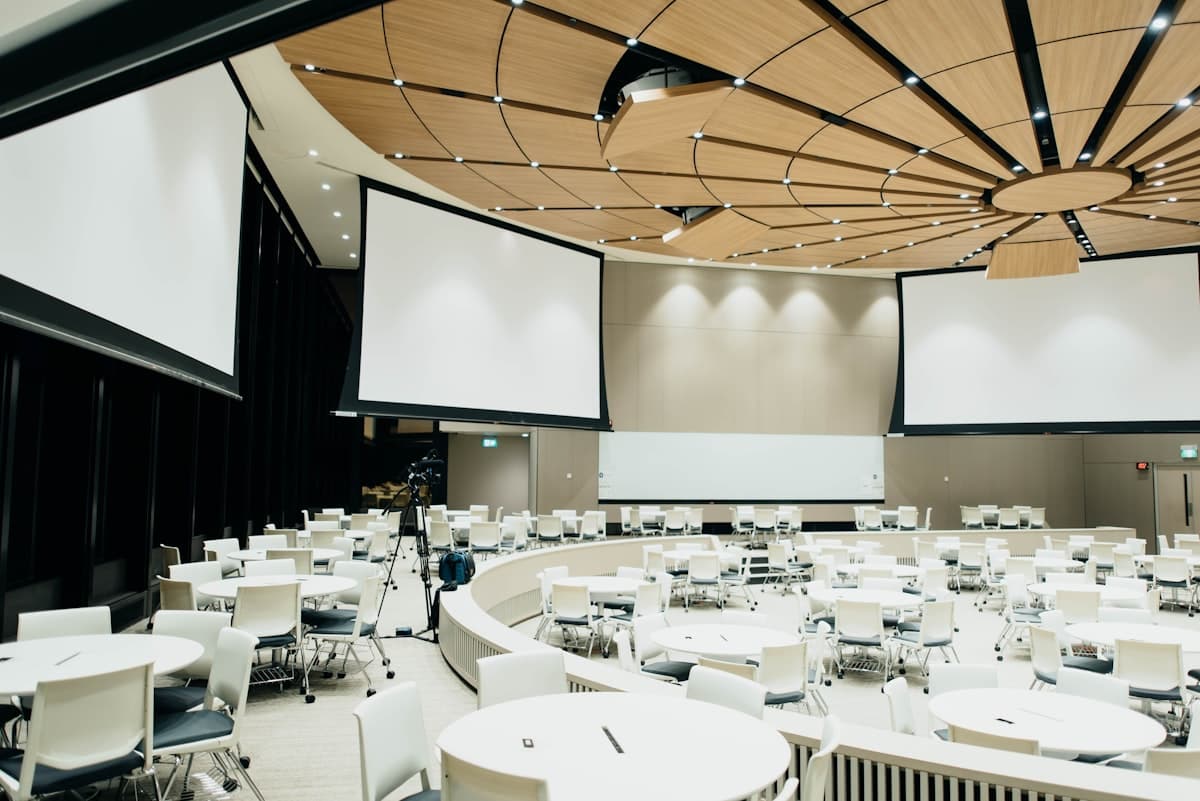 Keynote speakers
 Magicians
 Bands & musiciansTheatre
 Event producers
 Houses of worshipKeynote speakersMagiciansBands & musiciansTheatreEvent producersHouses of worshipKeynote speakersMagiciansBands & musiciansTheatreEvent producersHouses of worshipKeynote speakersMagiciansBands & musiciansTheatreEvent producersHouses of worshipKeynote speakersMagiciansBands & musiciansTheatreEvent producersHouses of worship
Pricing
One plan. Everything included.
No tiers and no feature locks. Pick how you would like to be billed, and manage or cancel at any time in the App Store.
- Audio with crossfades, trimming and volume control
- Video and images with transparency, placed anywhere
- Live camera switching
- A built-in slide editor
- Groups, folders and unlimited shows
- Automation and lighting through MIDI and OSC
- Flic 2, keyboard remotes and Apple Watch control
- AirPlay and HDMI output
$14.99/ month
Flexible month-to-month billing.
Get iQ Pro on the App StoreBilled through your Apple ID. Cancel any time.
Take control of your next show.
Download iQ Pro and run your first cue in minutes.
