

Custom slides in about two minutes.
Build birthday, corporate and event slides with the built-in editor. Change the name, walk on stage and shine.
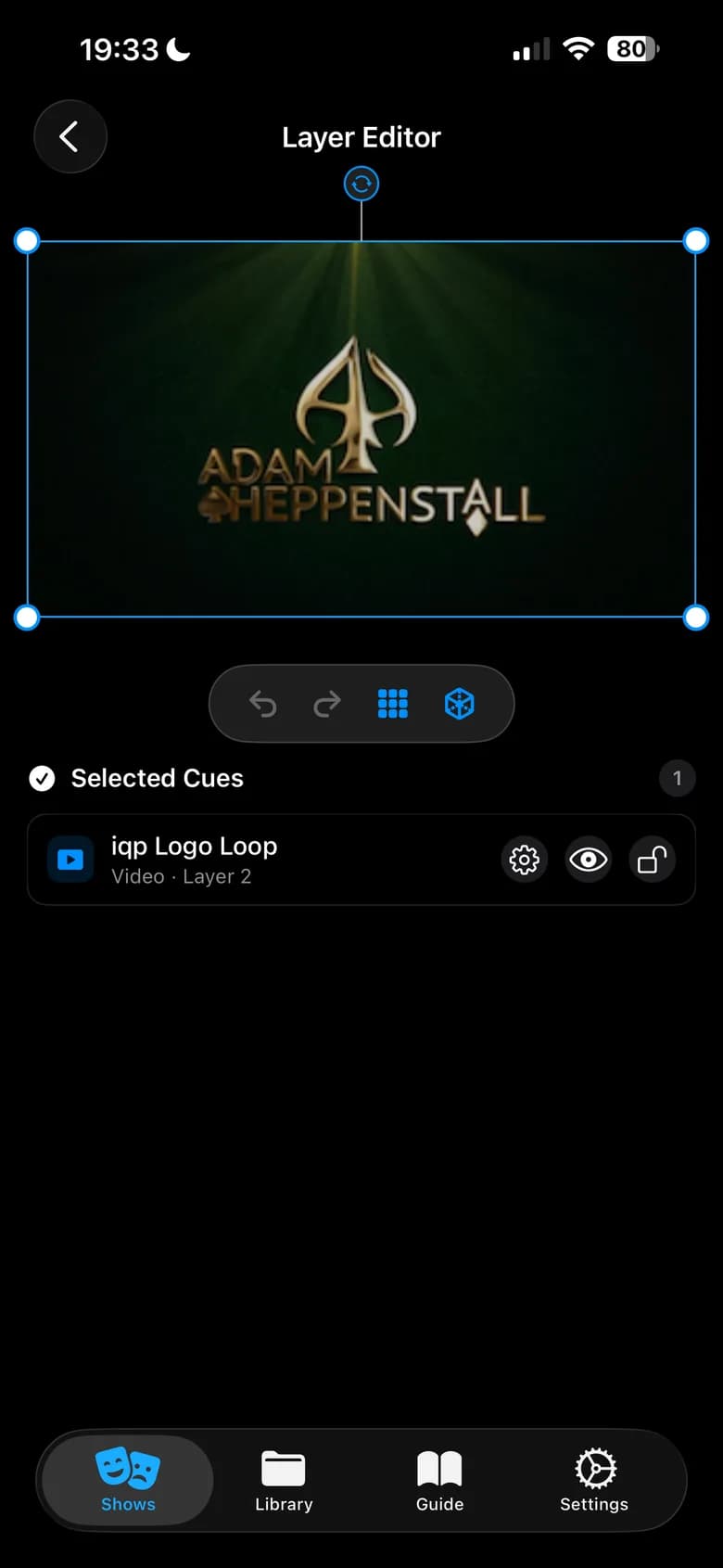
What you can do
Everything slides needs, in one app.
A built-in slide editor
Create clean, branded slides without leaving the app or opening another tool.
Personalise at the last minute
Swap a name, a date or a message right before you go on.
Place things where you like
Move text, logos and pictures into position with a drag.
Cued with everything else
Bring a slide up alongside your music, video and camera shots.
How it works
Three steps from idea to showtime.
- 01
Make the slide
Open the slide editor and add your text and images.
- 02
Add it as a cue
Drop it into your running order next to the rest of your show.
- 03
Show it live
Fire it on cue, with a fade if you like.
Keep exploring
More that iQ Pro can do.

Video
Play video and images straight from your phone to any screen or projector. Size and place them exactly where you want them.

Groups and shows
Each group is a routine, a scene or a set. Drag them into order, start from any point and keep every show tidy.

Audio
Play music, effects and voiceover from one cue list. Fire each cue with a tap, a button or your watch, and let iQ Pro handle the fades.
Video
Play video and images straight from your phone to any screen or projector. Size and place them exactly where you want them.
Groups and shows
Each group is a routine, a scene or a set. Drag them into order, start from any point and keep every show tidy.
Audio
Play music, effects and voiceover from one cue list. Fire each cue with a tap, a button or your watch, and let iQ Pro handle the fades.
Take control of your next show.
Download iQ Pro and run your first cue in minutes.
