
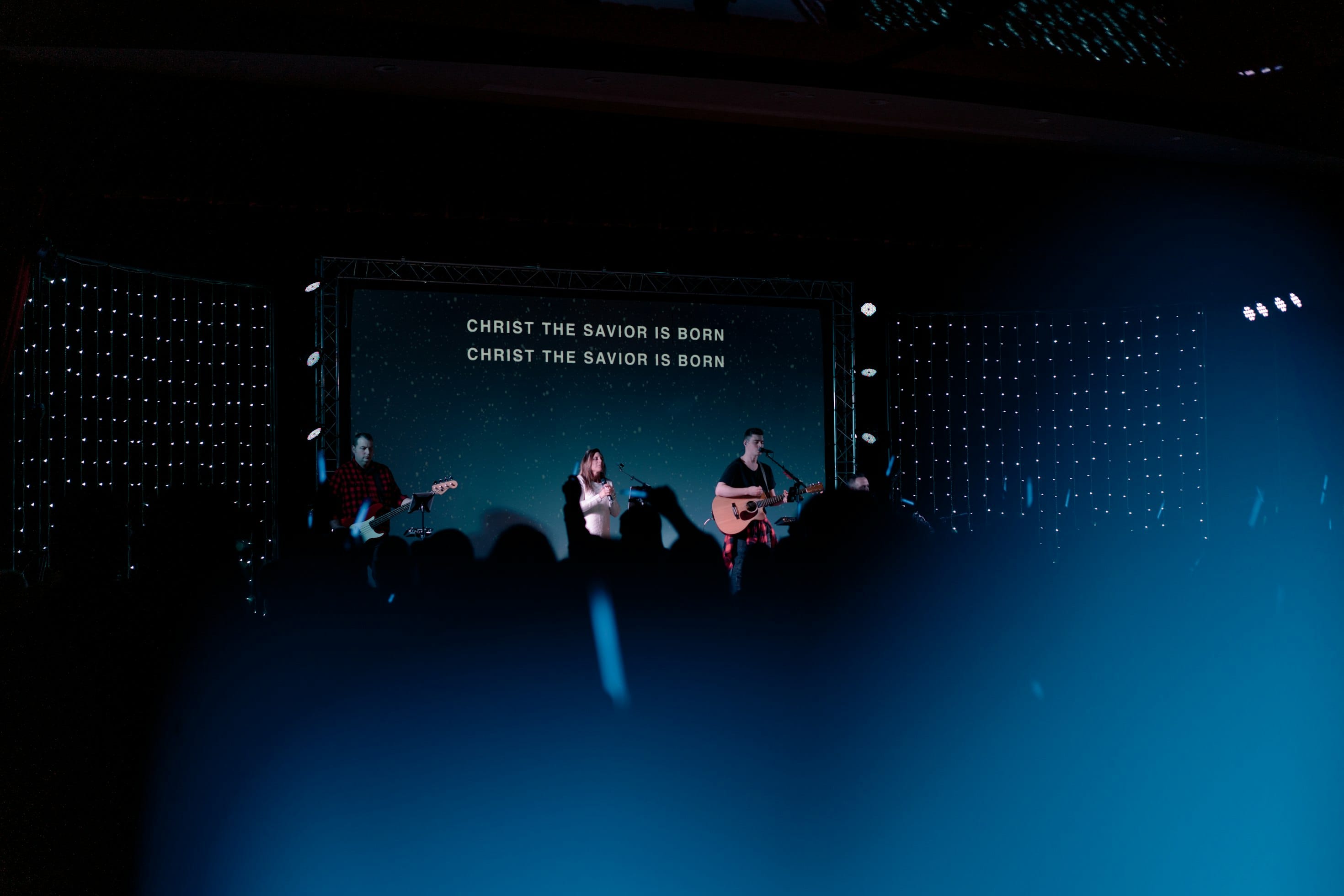
Video without the playback rig.
Play video and images straight from your phone to any screen or projector. Size and place them exactly where you want them.
What you can do
Everything video needs, in one app.
Any screen, any projector
Send your show to a TV, projector or LED wall over AirPlay or HDMI.
Picture-in-picture and lower thirds
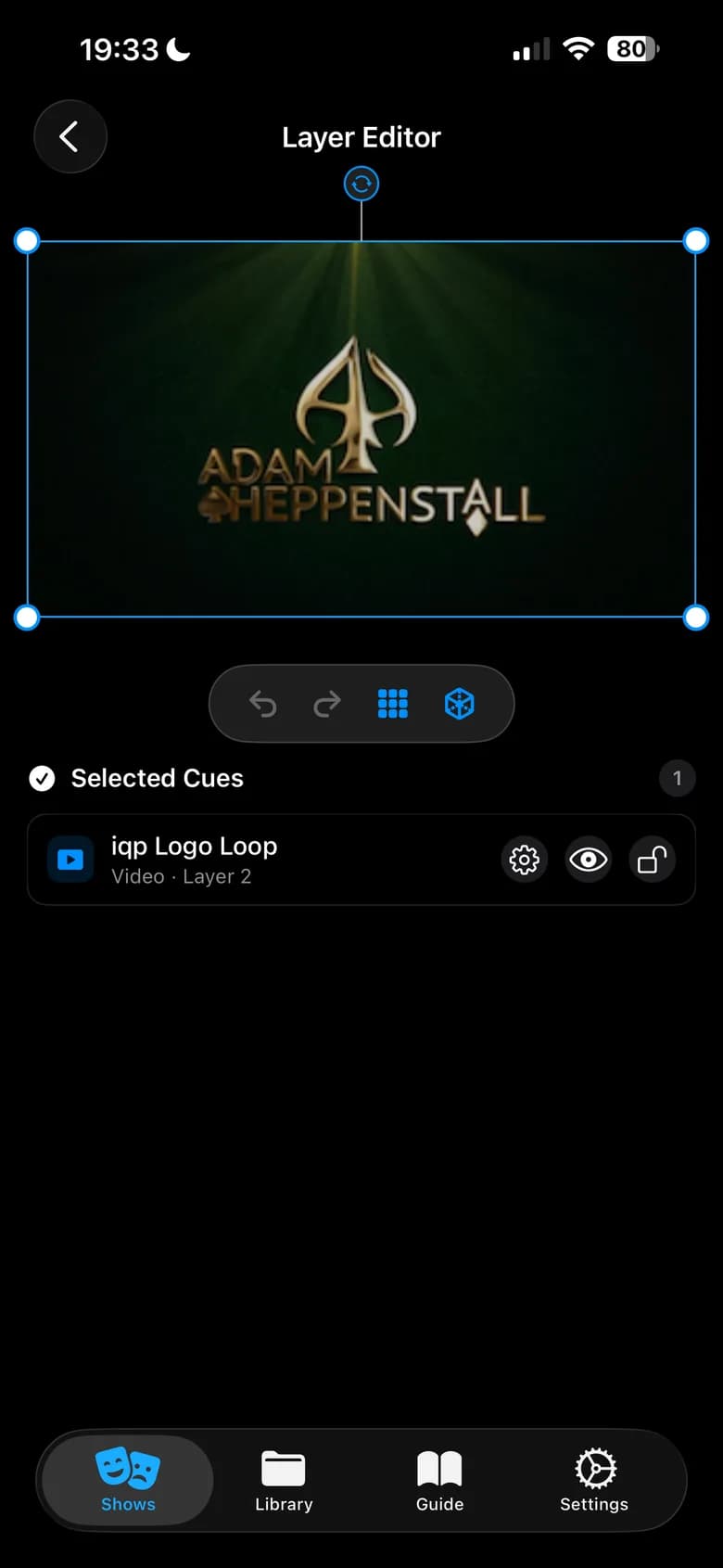
Shrink a video into a corner, add a name strap or pin a logo. Drag it into place and you are done.
Transparency built in
Video with an alpha channel sits cleanly on top of whatever is behind it.
Stacking handled for you
iQ Pro works out what goes in front of what, so you never have to manage it.
3D perspective warp
Pull the corners of your picture to match an angled screen or a projection surface.
Animated backgrounds
Add moving gradient backgrounds with presets when you do not have a video to hand.
How it works
Three steps from idea to showtime.
- 01
Add your media
Import videos and images into your library, then add them as cues.
- 02
Place it on screen
Drag, resize and rotate on a live preview of your output.
- 03
Play it on cue
Fire it when you are ready and iQ Pro handles the layout and the fade.
Keep exploring
More that iQ Pro can do.

Live camera
Switch camera sources on the same cue list as the rest of your show. Ideal for conferences, live events and streams.

Slides
Build birthday, corporate and event slides with the built-in editor. Change the name, walk on stage and shine.

Audio
Play music, effects and voiceover from one cue list. Fire each cue with a tap, a button or your watch, and let iQ Pro handle the fades.
Live camera
Switch camera sources on the same cue list as the rest of your show. Ideal for conferences, live events and streams.
Slides
Build birthday, corporate and event slides with the built-in editor. Change the name, walk on stage and shine.
Audio
Play music, effects and voiceover from one cue list. Fire each cue with a tap, a button or your watch, and let iQ Pro handle the fades.
Take control of your next show.
Download iQ Pro and run your first cue in minutes.
