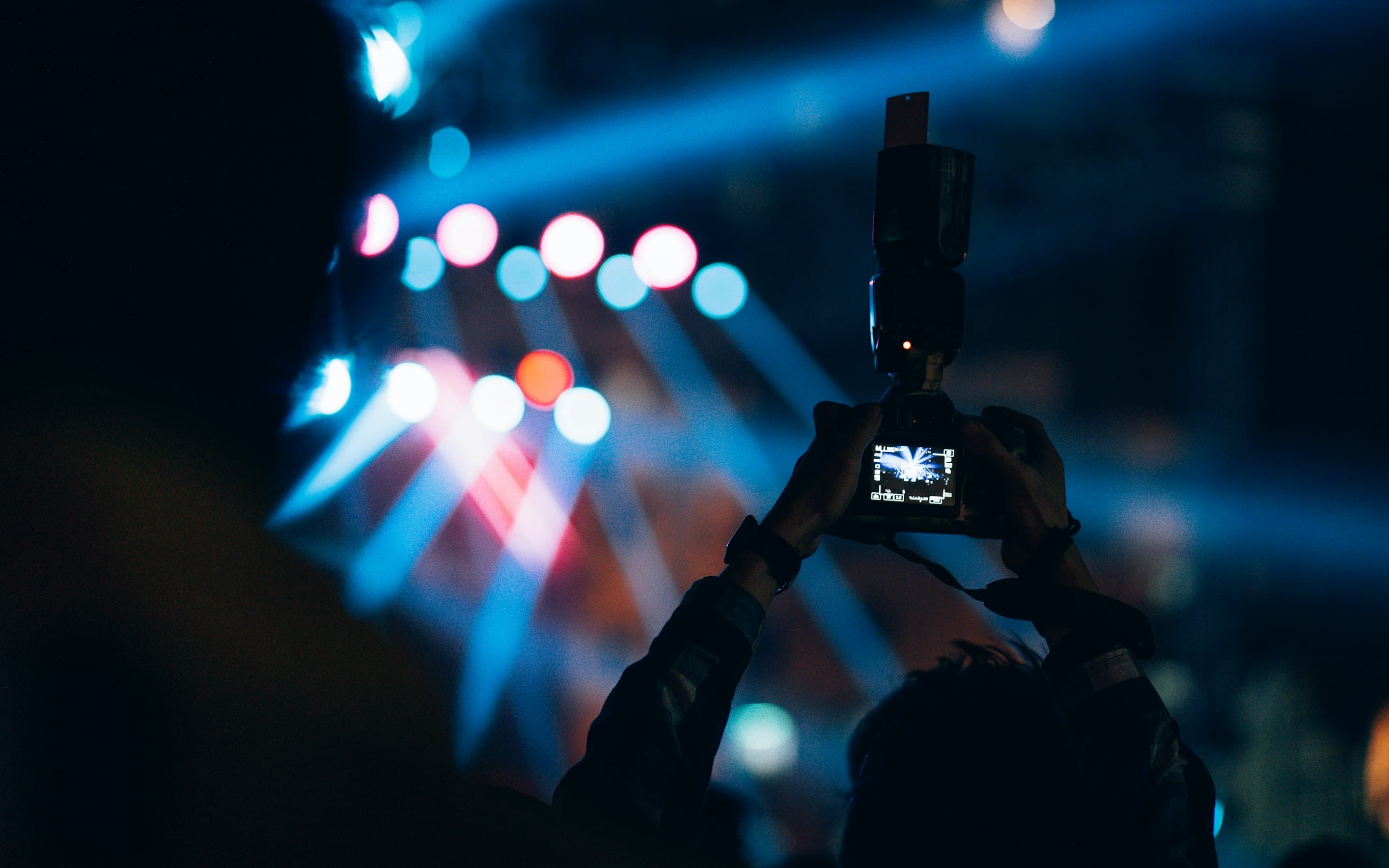
Multi-Camera Shows Require Expensive Video Switchers and Technicians
You want to switch between multiple cameras for IMAG or live streaming. But professional video switchers cost thousands. You need a technician to run it. Your budget can't handle it. Your show suffers.
Switch Cameras Instantly from Your Device
Use your iPhone's built-in camera, or connect multiple cameras via USB-C hub on iPad. Switch between them instantly with zero latency. No expensive switcher. No technician needed. Just tap and you're live.
Simple to Pro Camera Control
Use your iPhone for everything, or expand with iPad and capture cards. Switch cameras for in-person shows—no streaming required. Perfect for IMAG, venues, and live productions.
iPhone-Only Setup
Use your built-in iPhone camera as a confidence monitor. Switch between your show content and live camera feed with one tap.
iPad Command Center
Connect a USB-C iPad as your main control surface. Use a USB-C hub to connect multiple cameras and capture cards.
HDMI & USB Capture Cards
Connect professional HDMI cameras and USB webcams. Supports multiple inputs through USB-C hubs for maximum flexibility.
Instant Camera Cuts
Switch between cameras instantly with zero latency. Perfect for multi-angle presentations and live performances.