

Everything you need, on one screen.
The Perform screen puts the live preview, transport, running order and show timer under your thumb.

What you can do
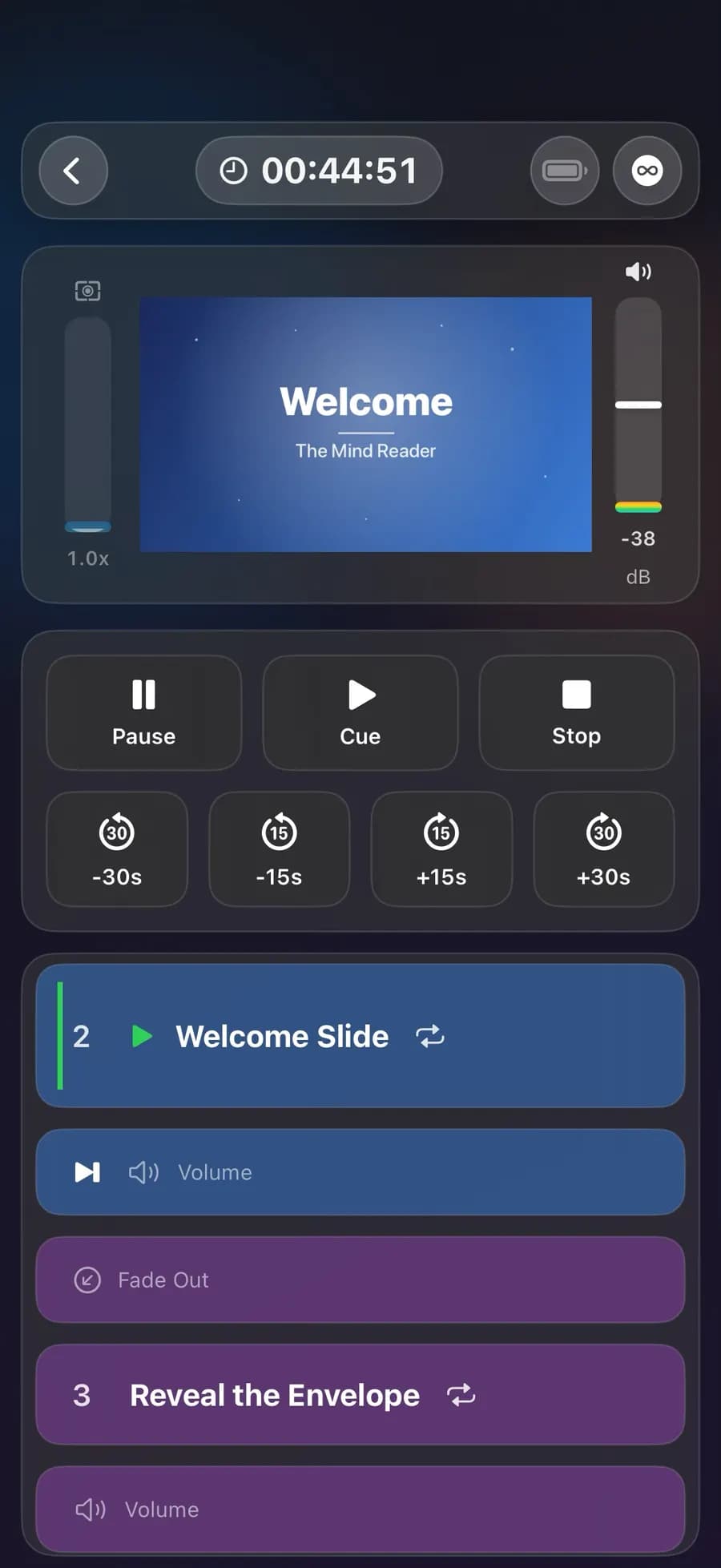
Cue, pause, stop and scrub
Fire cues in order, pause and resume, skip ±15 or ±30 seconds and jump around the cue list.
Read the guideNow and next
Read the cue list at a glance, with what's playing and what's coming next.
Read the guide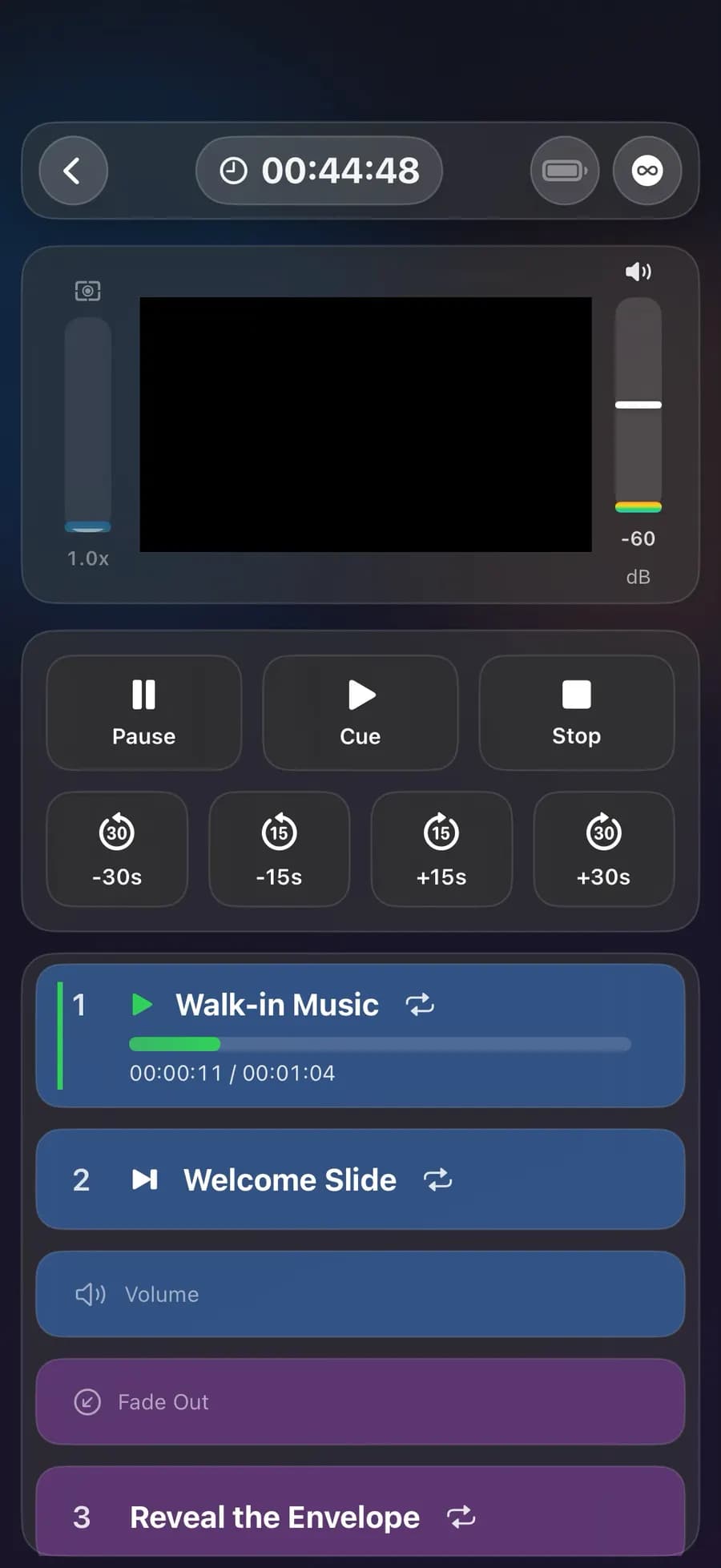
Dynamic cues
Keep drumrolls, applause and reveals ready to fire at any moment, outside the running order.
Read the guide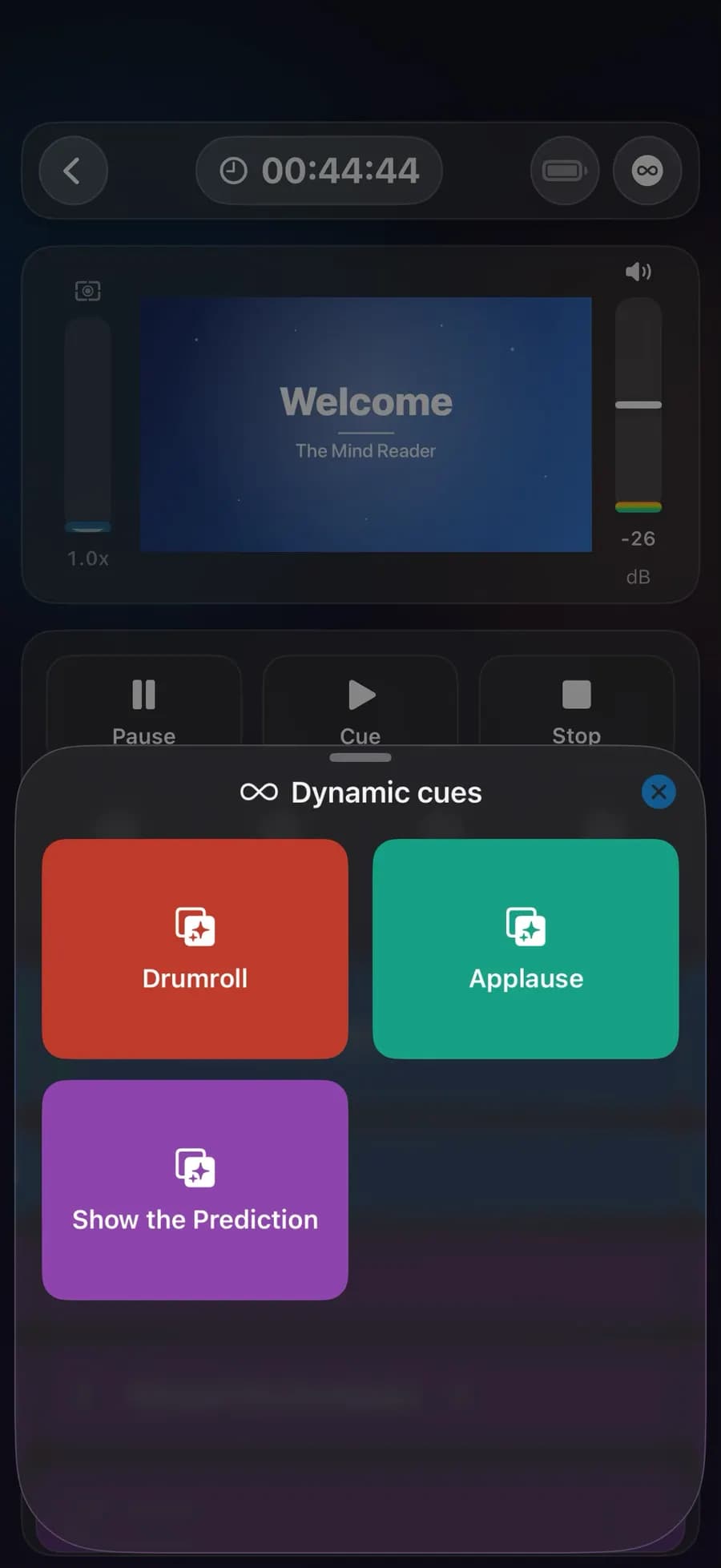
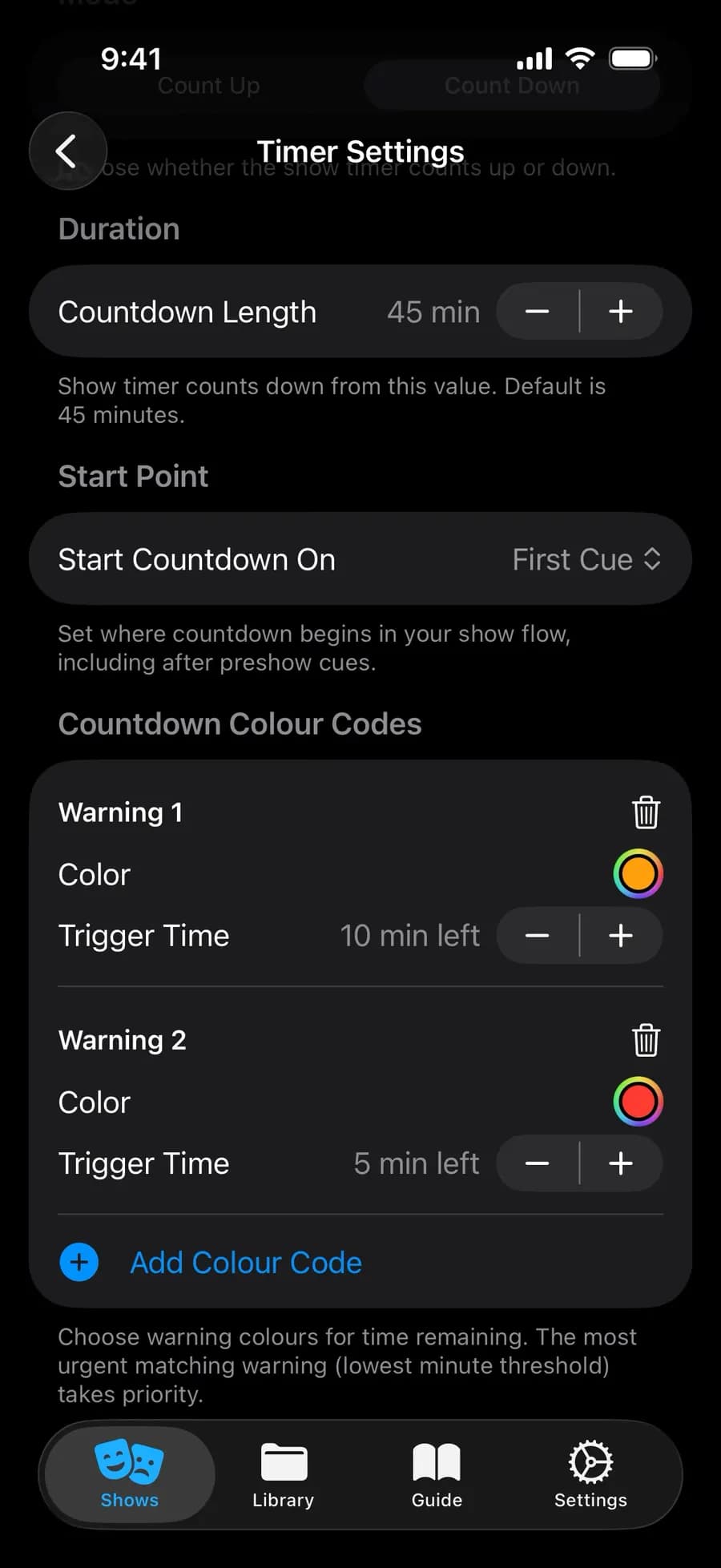
Pre-show checklist
A quick checklist before you start, so a notification never interrupts the show.
Read the guide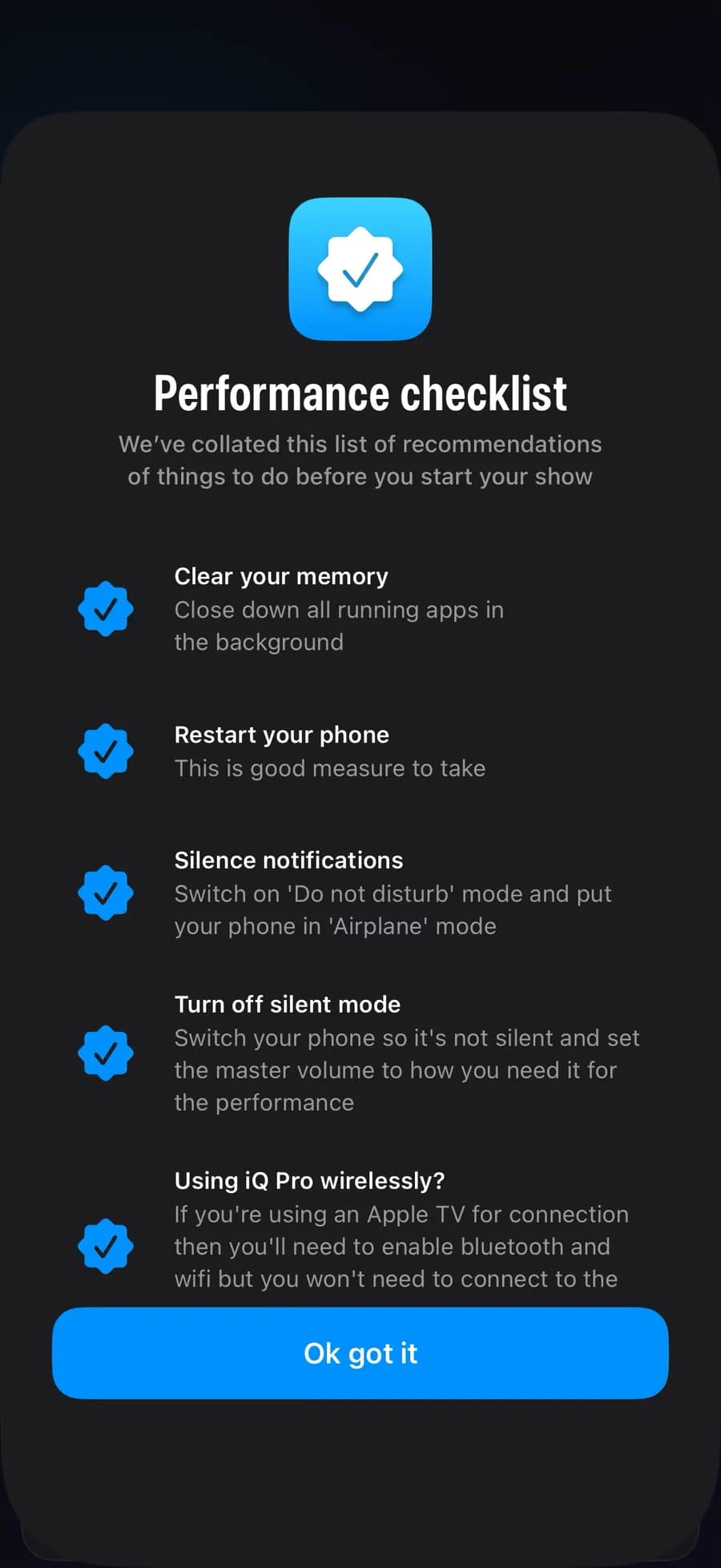
How it works
Three steps from idea to showtime.
- 01
Open Perform
Start the show, or start from any group.
- 02
Run the cues
Tap Cue, or use a remote, your watch or your voice.
- 03
Stay in control
Pause, scrub, skip and fire dynamic cues whenever you need them.
Learn it step by step
9 guides on performing.
The same guides that live in the app, with real screenshots of every step.
- Beginner · 2 minThe Perform screen at a glanceWhat every part of the Perform screen does, from the show timer to the cue list and dynamic cues.
- Beginner · 2 minRunning a show: cue, pause, stop and scrubFire cues in order, pause and resume, jump around the cue list, and stop the show cleanly.
- Beginner · 1 minNow, Next and the cue listRead the Perform cue list at a glance, and switch the preview to big Now and Next names.
- Intermediate · 2 minDynamic cues: create, assign and fireKeep drumrolls, applause and reveals ready to fire at any moment, outside your running order.
- Beginner · 2 minFullscreen mode and the show timerGive the preview the whole screen, and keep an eye on your running time with the show timer.
- Beginner · 2 minExternal displays and AirPlaySend your show to a projector, TV or Apple TV while your iPhone or iPad keeps the controls.
- Beginner · 1 minPre-show checklistThe Performance checklist iQ Pro shows before a show, and a scan that catches programming mistakes first.
- Intermediate · 1 minSiri and ShortcutsStart a show, fire the next cue or stop with your voice, a Shortcut or an automation.
- Beginner · 2 minShow-day checklist: battery, Do Not Disturb, preloadingEverything to check on your iPhone or iPad before the doors open, so nothing interrupts the show.
Keep exploring
More that iQ Pro can do.
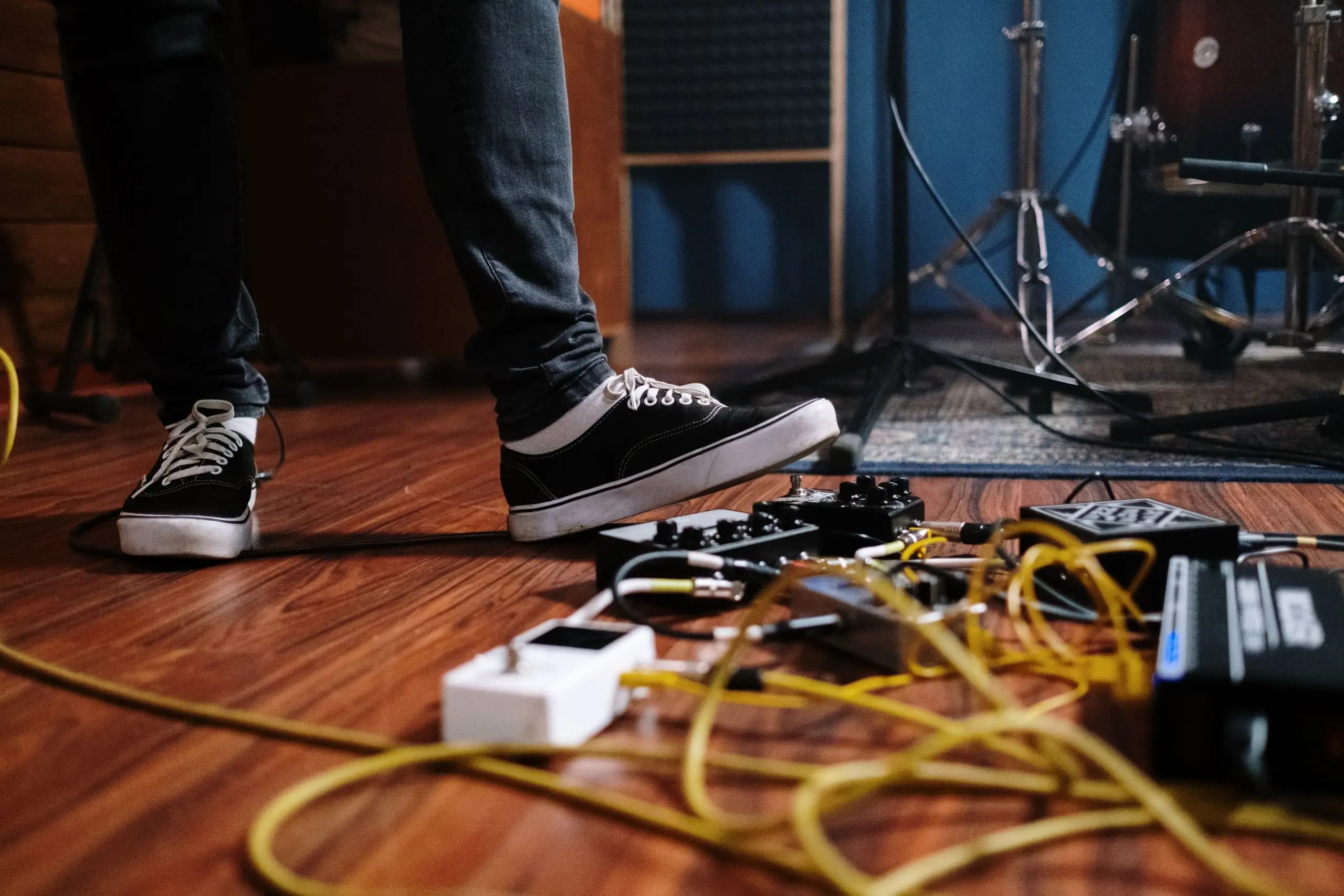
Remote control
Flic buttons, presentation clickers, MIDI, OSC, the Apple Watch and Siri. Keep your hands free and your eyes on the audience.
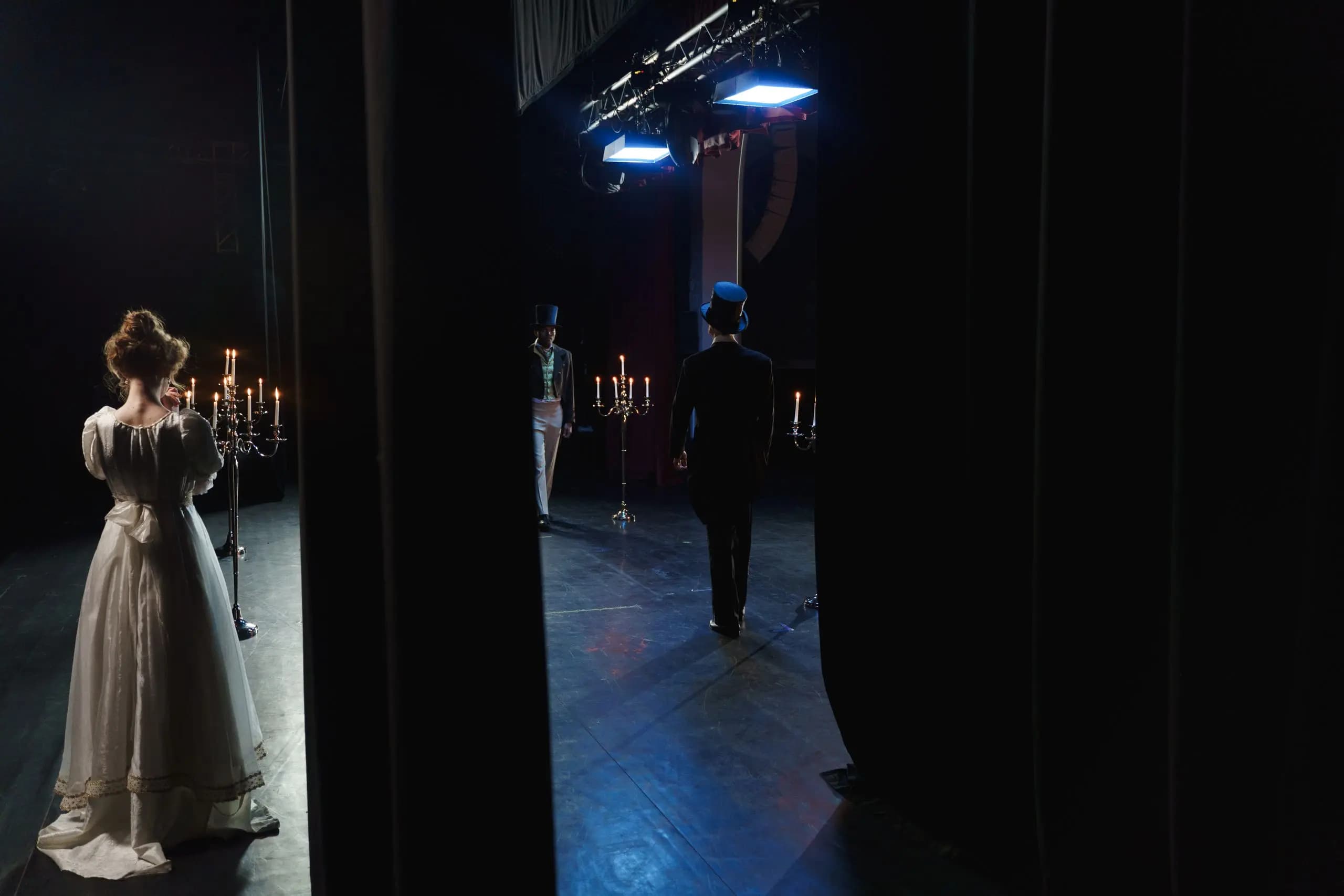
Shows, groups and cues
Each group is a routine, a scene or a set. Drag them into order, start from any point and keep every show tidy.
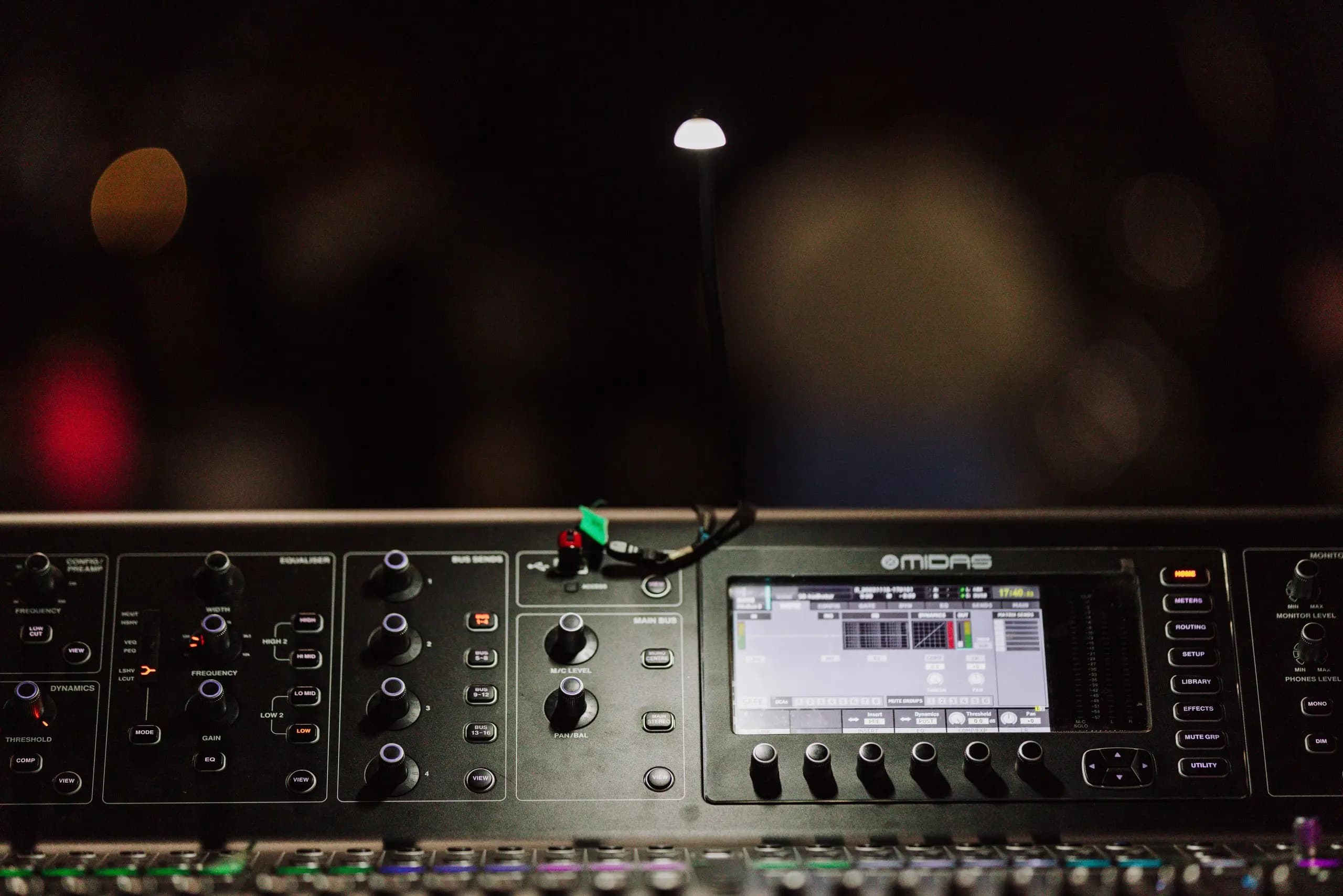
Audio
Music, sound effects and spoken voice-overs from one cue list. Trim them, shape the level and let iQ Pro handle the fades.
Remote control
Flic buttons, presentation clickers, MIDI, OSC, the Apple Watch and Siri. Keep your hands free and your eyes on the audience.
Shows, groups and cues
Each group is a routine, a scene or a set. Drag them into order, start from any point and keep every show tidy.
Audio
Music, sound effects and spoken voice-overs from one cue list. Trim them, shape the level and let iQ Pro handle the fades.
Take control of your next show.
Download iQ Pro and run your first cue in minutes.
