
iQ Pro gives Siri and the Shortcuts app three actions. You don't need to set anything up: they're available as soon as iQ Pro is installed.
- Start Show opens a show you choose and fires its first cue.
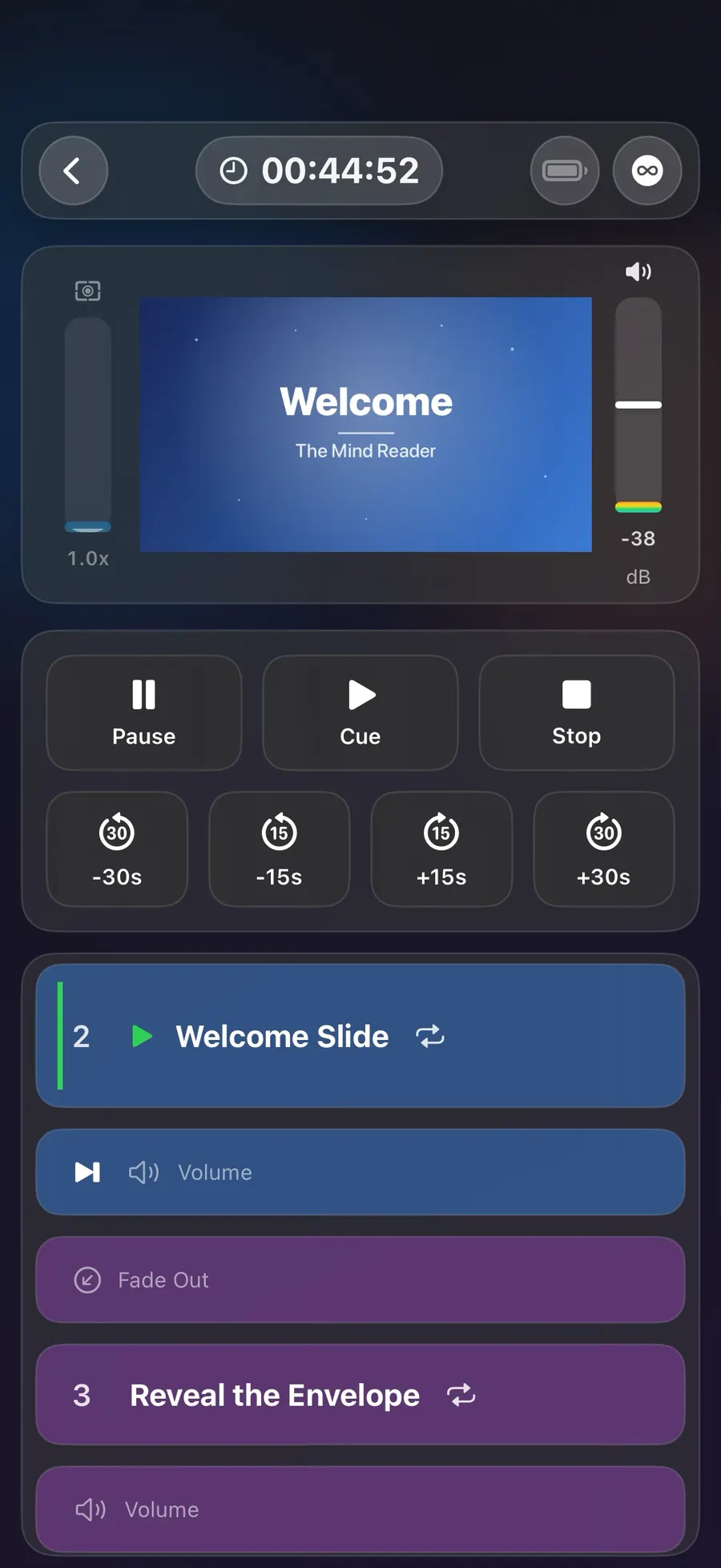
- Cue Show fires the next cue in the show that's running, just like tapping Cue.
- Stop Show stops the show that's running, just like tapping Stop.
Ask Siri
Say one of these, with or without your show's name:
- "Start a show in iQ Pro", or "Start The Mind Reader in iQ Pro"
- "Cue show in iQ Pro", or "Trigger next cue in iQ Pro"
- "Stop show in iQ Pro"
Siri confirms what it did, such as "Started The Mind Reader." If the show has no cues yet, Siri tells you instead of starting it.
Use them in Shortcuts
- 1
Open the Shortcuts app and create a new shortcut.
- 2
Search for iQ Pro and add Start Show, Cue Show or Stop Show.
- 3
For Start Show, tap Show and pick the show to run.
You can then run the shortcut from the Home Screen, the Action button, a widget, or an automation, for example one that starts your walk-in show at a set time.
