
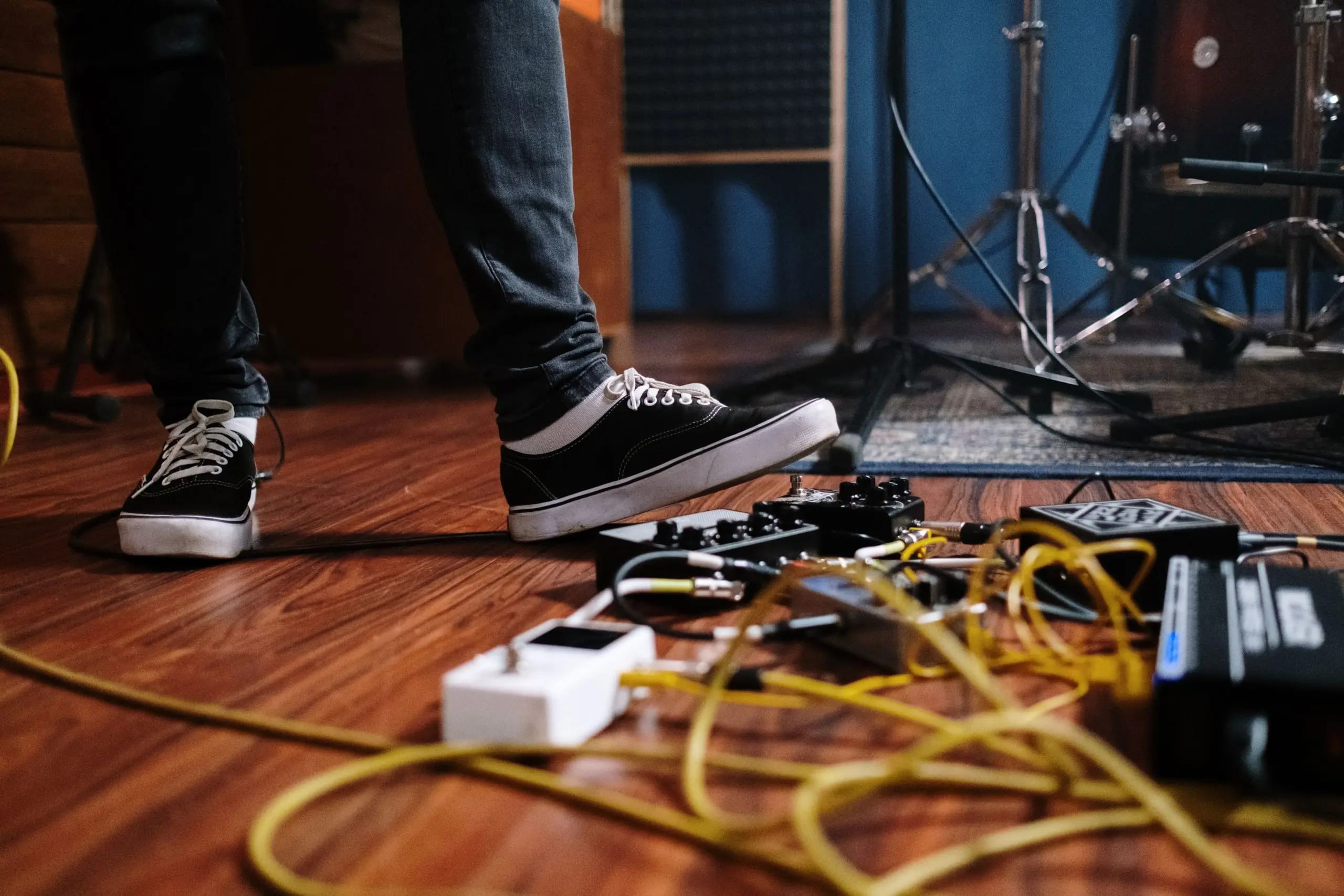
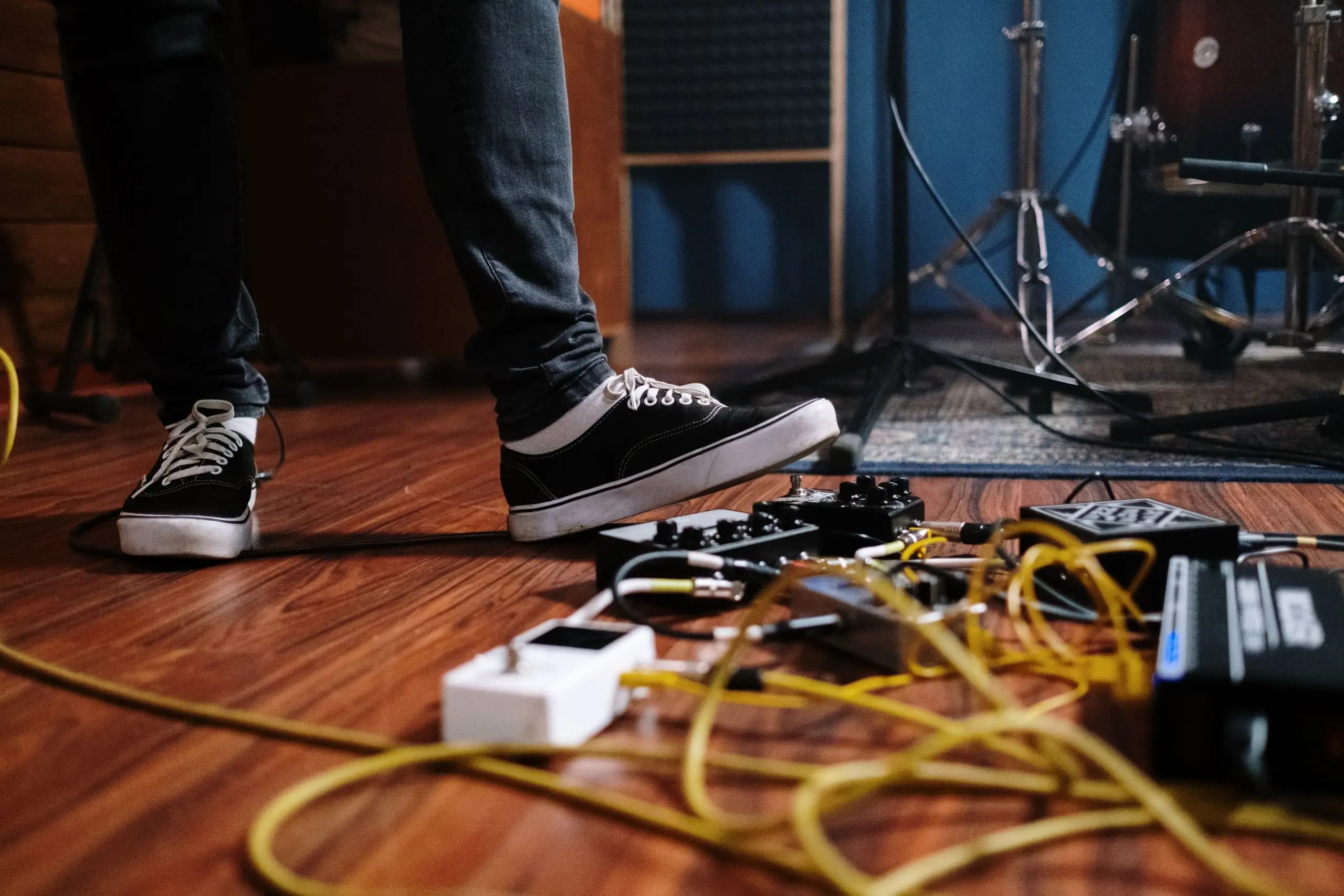
Fire every cue, from anywhere.
Flic buttons, presentation clickers, MIDI, OSC, the Apple Watch and Siri. Keep your hands free and your eyes on the audience.
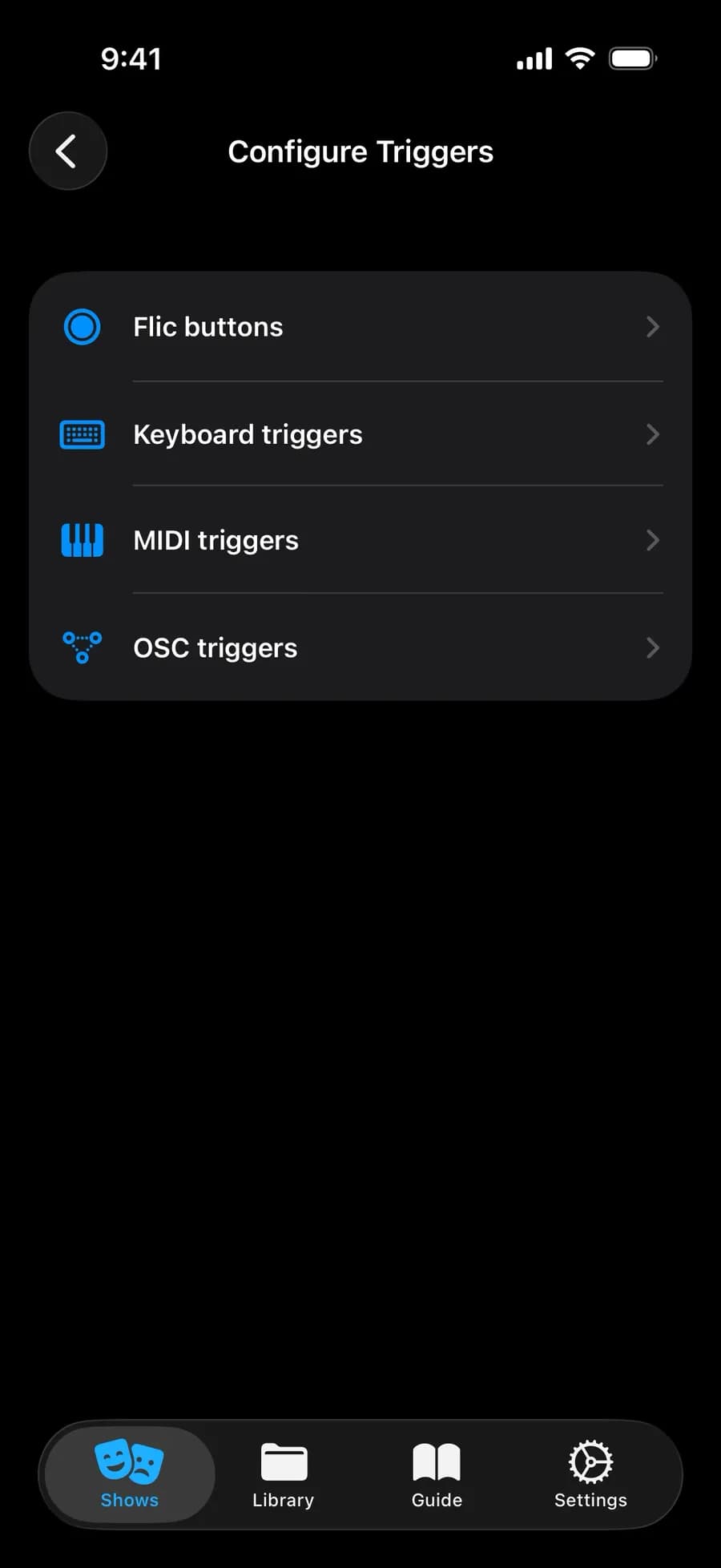
What you can do
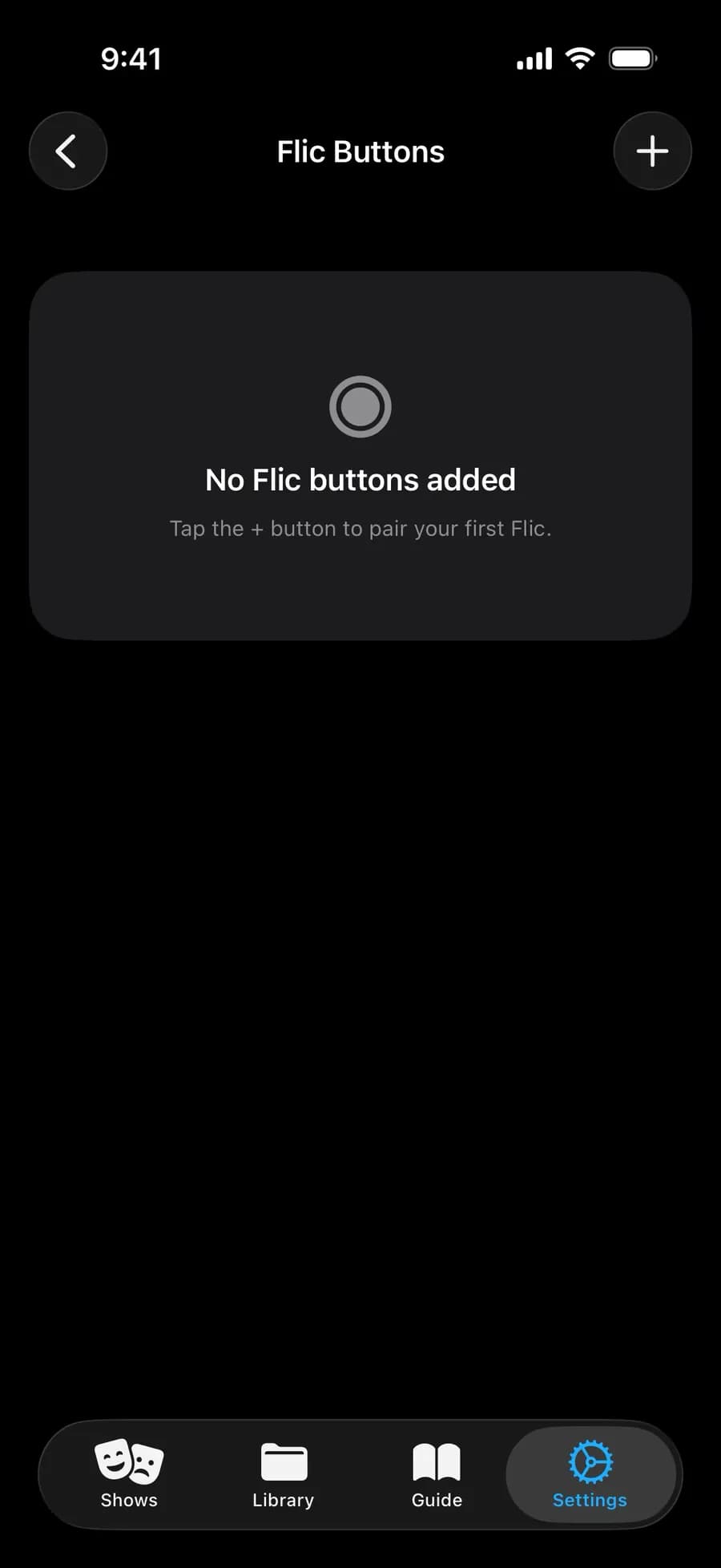
Flic buttons
Pair a tiny Bluetooth button and give each click, double click and hold its own action.
Read the guide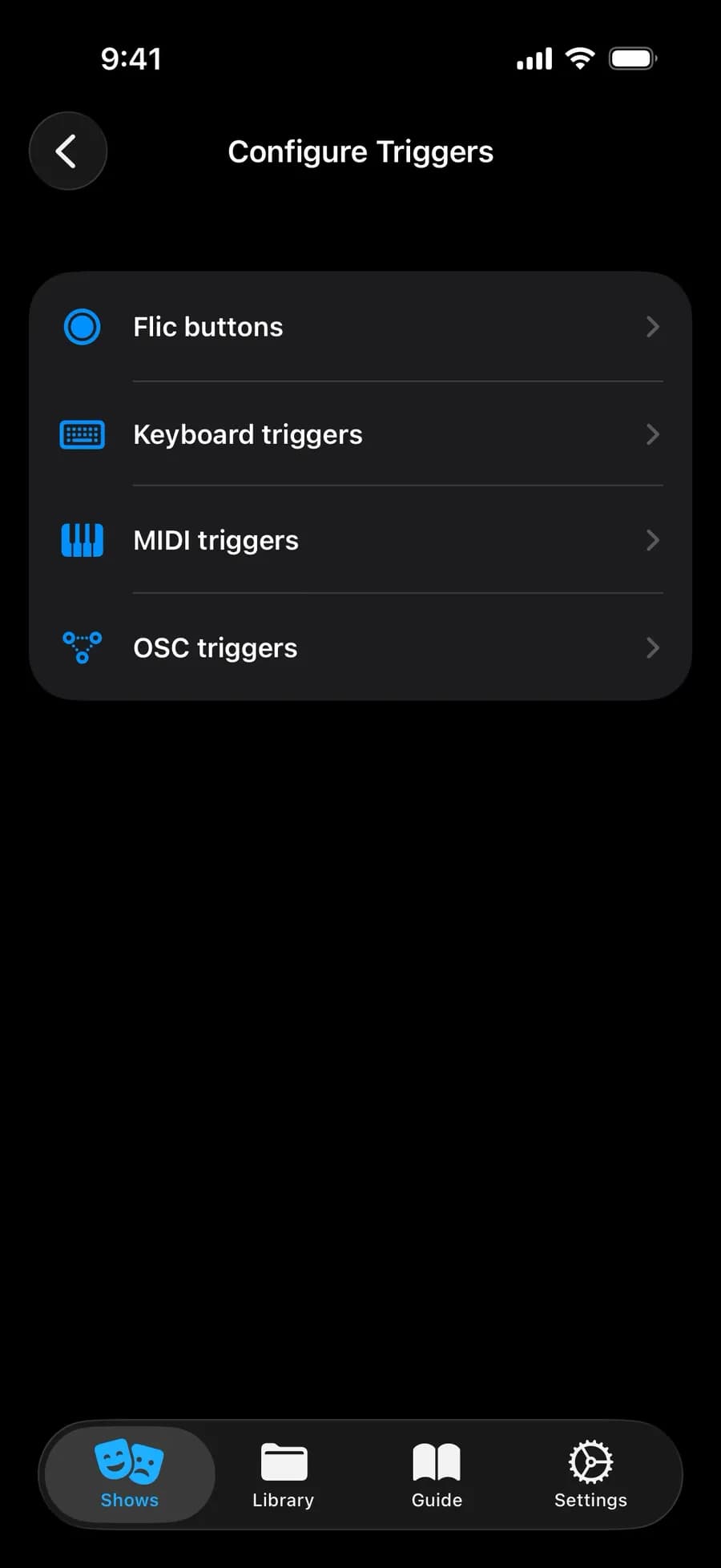
Presentation remotes and keyboards
Map any clicker or Bluetooth keyboard key to an action, or to its own dynamic cue.
Read the guide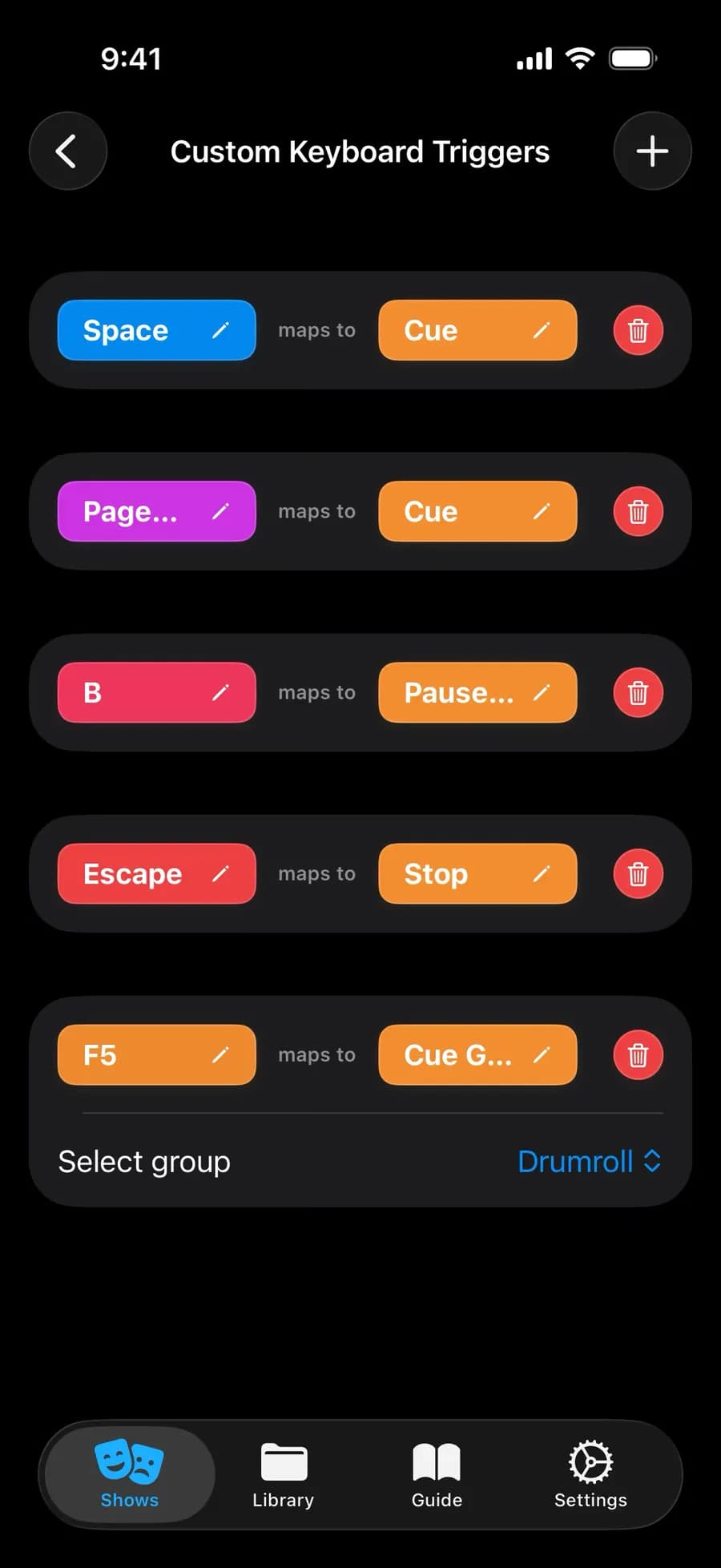
MIDI triggers
Fire cues from notes sent by a keyboard, pad controller, footswitch or console.
Read the guide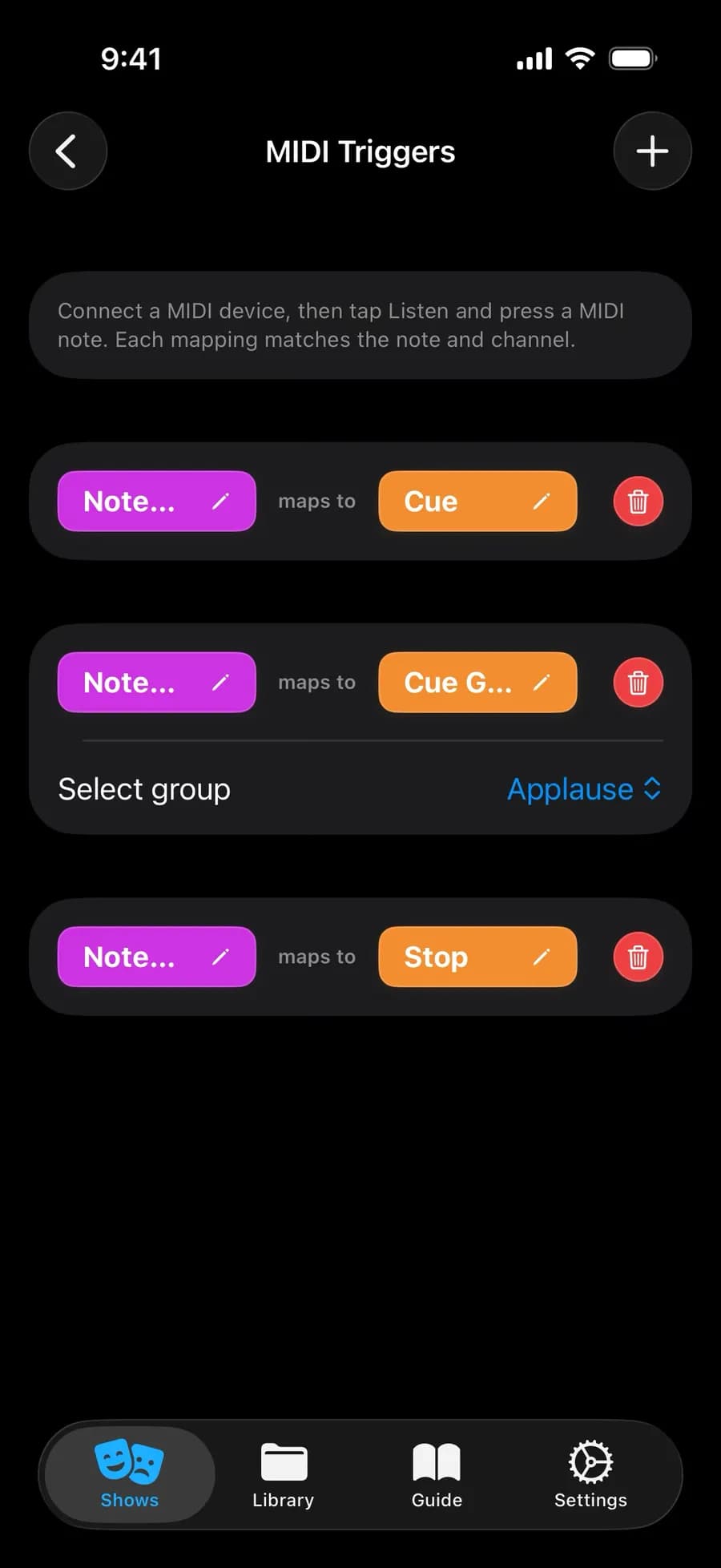
Apple Watch
Fire cues, jump to groups, play dynamic cues and set the volume from your wrist.
Read the guide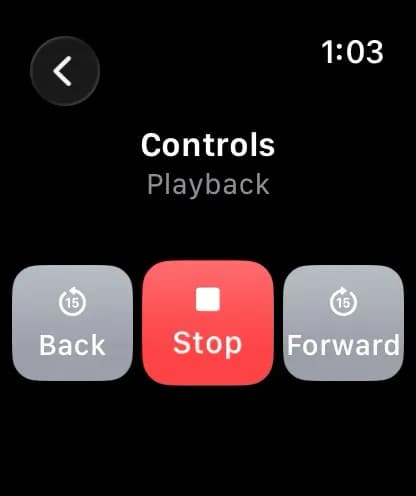
How it works
Three steps from idea to showtime.
- 01
Choose a remote
Flic, clicker, MIDI, OSC or the Apple Watch, whichever suits the gig.
- 02
Map the actions
Choose what each button, key or message does for this show.
- 03
Perform hands-free
Run the whole show without touching the screen.
Learn it step by step
10 guides on remote control and triggers.
The same guides that live in the app, with real screenshots of every step.
- Beginner · 2 minChoosing a remoteFlic buttons, presentation remotes, MIDI, OSC or the Apple Watch? What each one is good for, and the actions they can run.
- Beginner · 3 minPair and name a Flic buttonPair a Flic button with iQ Pro and give it a name you'll recognise on show day.
- Beginner · 1 minSingle Press vs Multi PressChoose between the fastest possible Flic and one that can do three jobs.
- Beginner · 2 minAssign Flic actionsChoose what each click, double click and hold of a Flic does in a show.
- Intermediate · 1 minFlic Duo: small button and swipesUse a Flic Duo's second button and four swipe gestures for up to ten actions from one remote.
- Beginner · 2 minPresentation remotes and keyboardsUse a presentation clicker or a Bluetooth keyboard to run your show, by mapping its keys to actions.
- Intermediate · 1 minCustom keyboard triggers for dynamic cuesGive a key on your remote or keyboard its own dynamic cue, such as a drumroll or applause.
- Intermediate · 1 minMIDI triggersFire cues, dynamic cues and other actions from MIDI notes sent by a keyboard, pad controller or console.
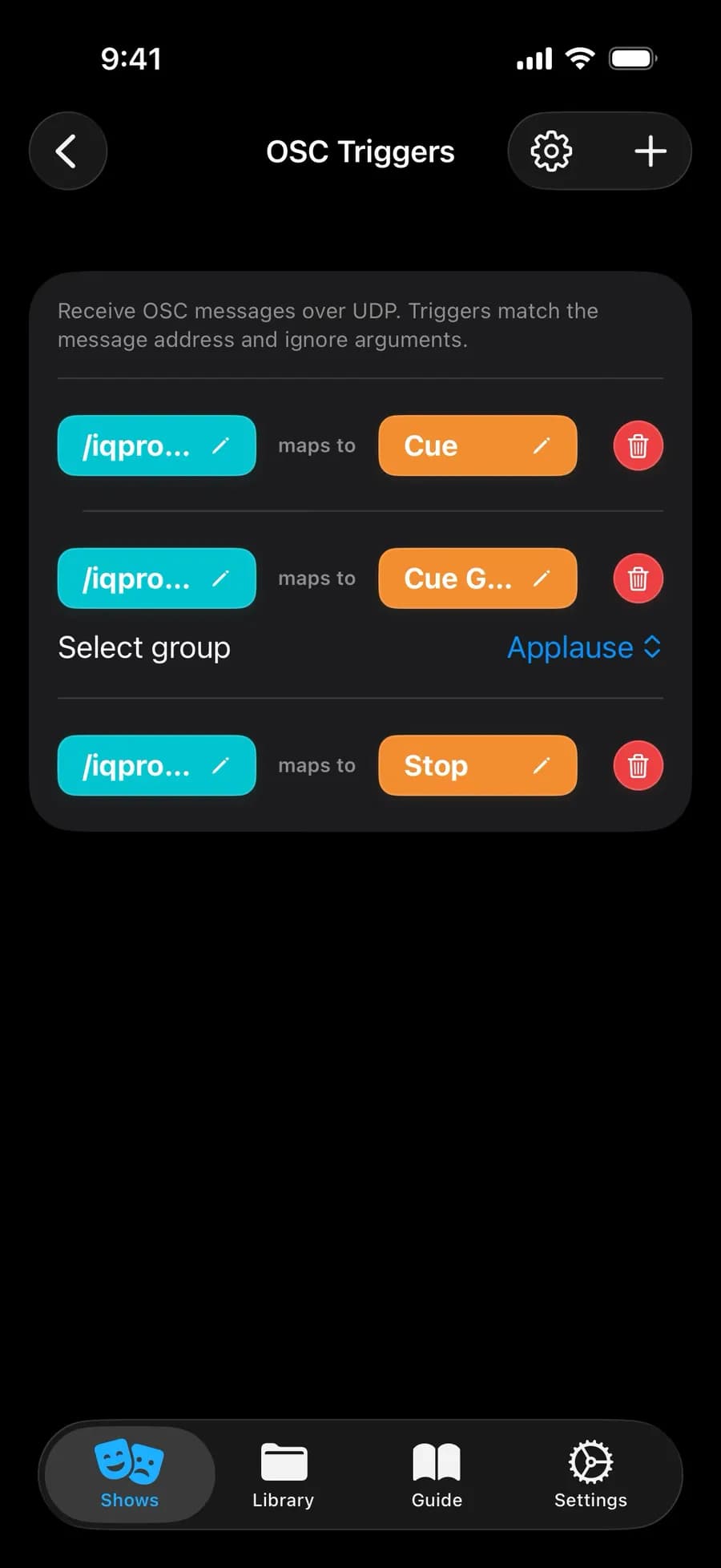
- Advanced · 1 minOSC triggersLet show-control software and consoles fire your cues over the network with OSC messages.
- Beginner · 1 minThe Apple Watch appFire cues, jump to groups, play dynamic cues and set the volume from your wrist.
Keep exploring
More that iQ Pro can do.

Perform
The Perform screen puts the live preview, transport, running order and show timer under your thumb.
Lighting and automation
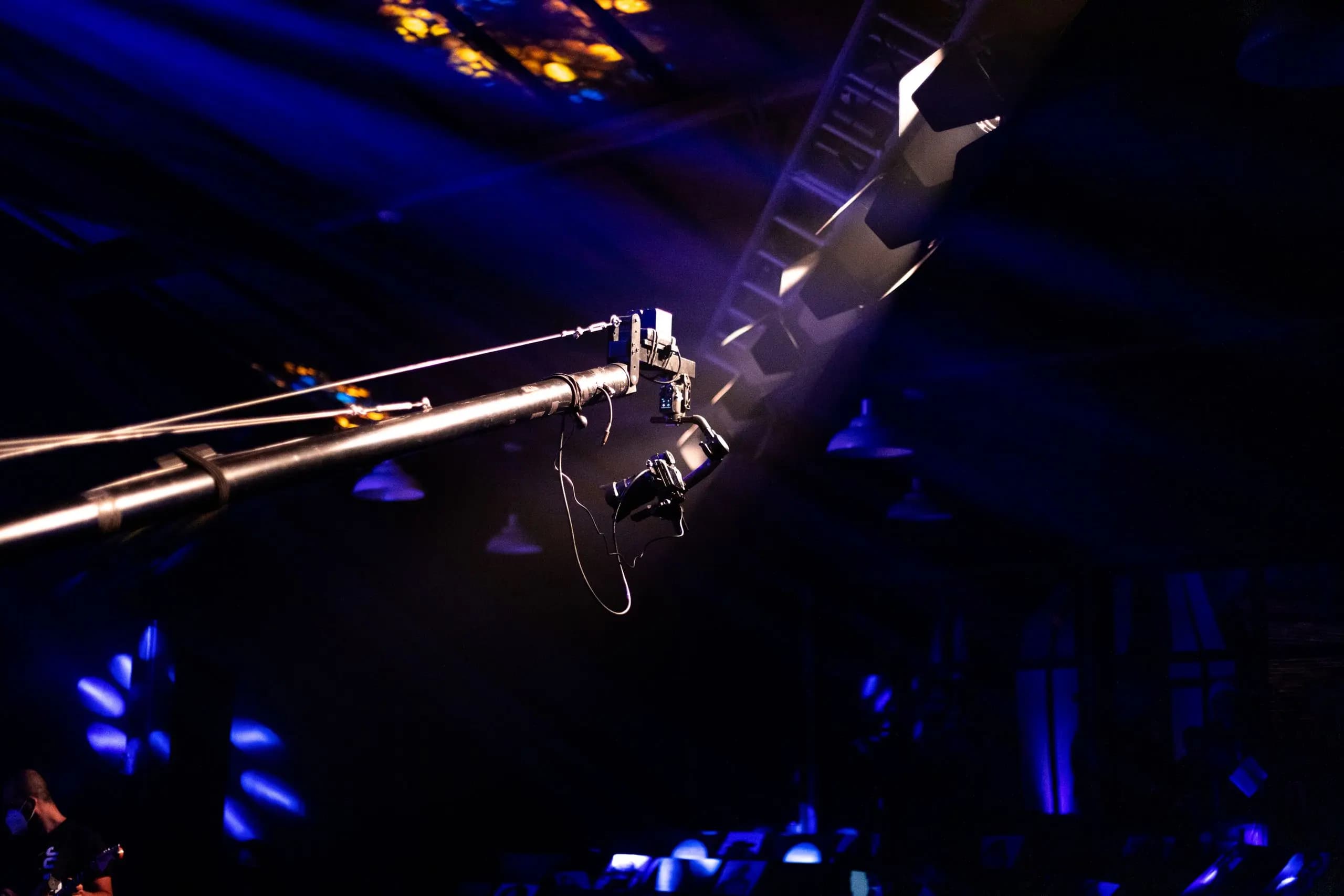
Fire lighting scenes, send MIDI and OSC, switch an ATEM and lock it all to the music with time code.
Shows, groups and cues
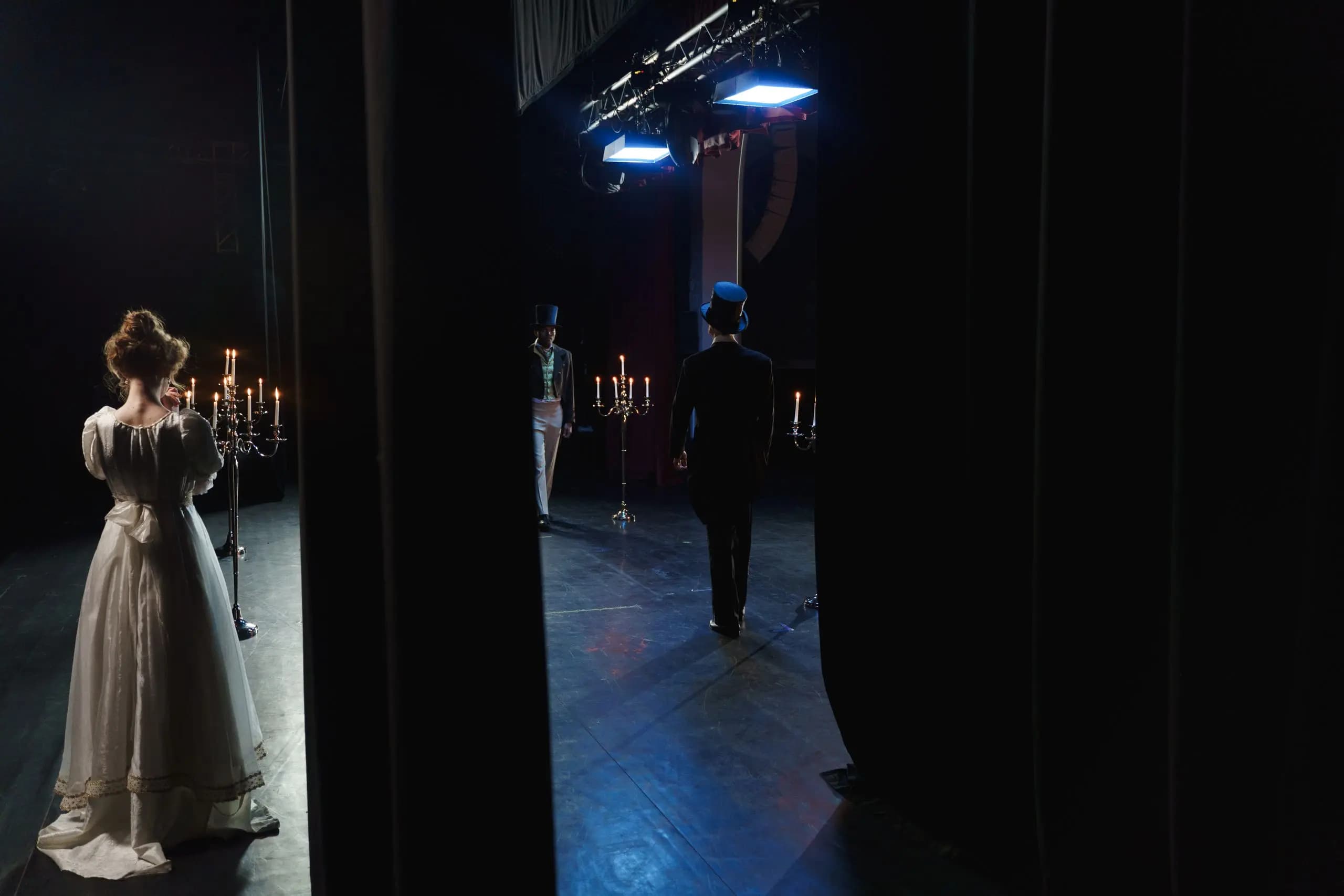
Each group is a routine, a scene or a set. Drag them into order, start from any point and keep every show tidy.
Perform
The Perform screen puts the live preview, transport, running order and show timer under your thumb.
Lighting and automation
Fire lighting scenes, send MIDI and OSC, switch an ATEM and lock it all to the music with time code.
Shows, groups and cues
Each group is a routine, a scene or a set. Drag them into order, start from any point and keep every show tidy.
Take control of your next show.
Download iQ Pro and run your first cue in minutes.
