
A Flic Duo has a big button, a small button, and a surface you can swipe in four directions. iQ Pro supports all of it, so one Duo can run a whole act.
The extra triggers
- Small Click, Small Double and Small Hold on the small button.
- Swipe Left, Swipe Right, Swipe Up and Swipe Down on the button's surface.
They start as Nothing, so a stray swipe never does anything until you choose otherwise. The big button works like any Flic, under Main Flic Triggers.
Set them up
- 1
Pair the Duo like any Flic. See Pair and name a Flic button.
- 2
In your show's settings, tap Configure Triggers, then Flic buttons, then your Duo.
- 3
Tap Flic Duo Triggers. The Duo section lists the small button's presses, and Swipes lists the gestures.
- 4
Tap the action next to each one and choose from Choose action.
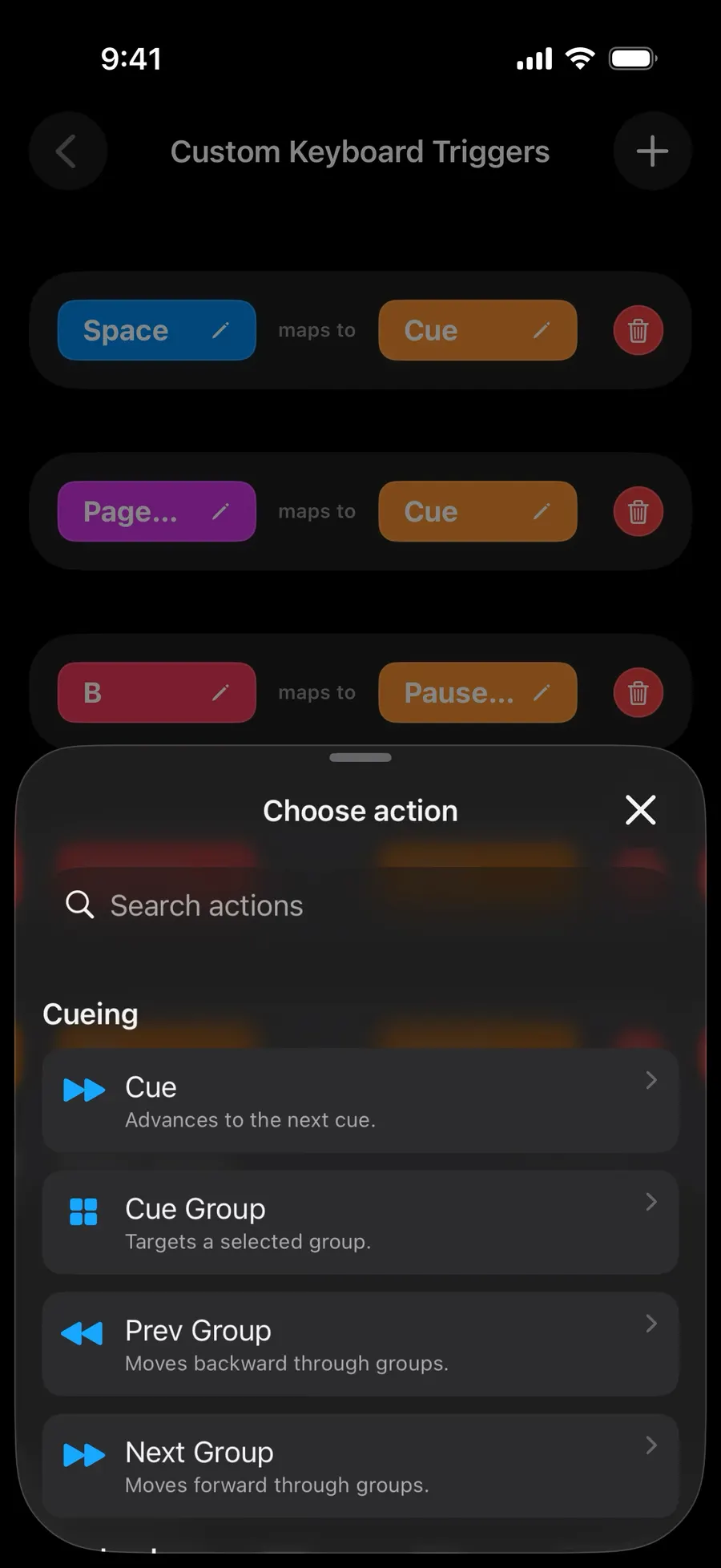
The same actions as every other trigger
A layout that works
- Big button, Click: Cue.
- Small Click: Pause/Play.
- Small Hold: Stop, hard to press by accident.
- Swipe Right / Swipe Left: Next Group and Prev Group, to skip to the next part of your act or go back.
- Swipe Up: Cue Group with your applause dynamic cue.
