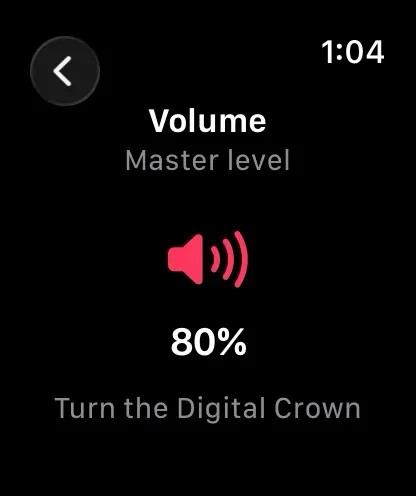
The iQ Pro Apple Watch app turns your watch into a discreet remote. It's included with iQ Pro: install it from the Watch app on your iPhone, in Available Apps.
Get started
- 1
On your iPhone, open your show in iQ Pro and start it.
- 2
Open iQ Pro on your watch. Until a show is running it says Open a show on your iPhone (or Waiting for iQ Pro while it connects).
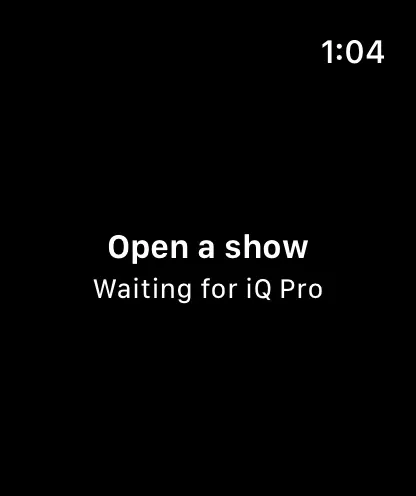
Start a show on your iPhone and the watch picks it up - 3
Once the show is running, the watch shows six tiles: Controls, Now, Groups, Dynamic, Camera and Volume.
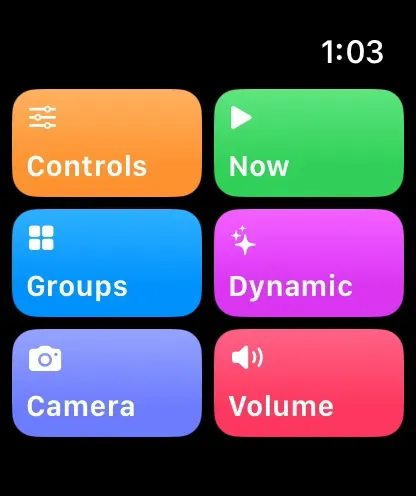
Tap a tile to open it
What each tile does
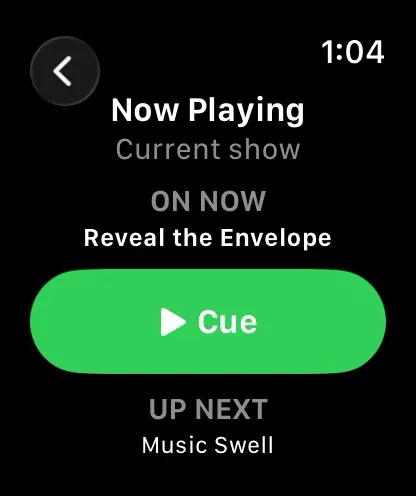
Now
Now shows what's ON NOW and UP NEXT, with a big Cue button that fires the next cue.
Controls
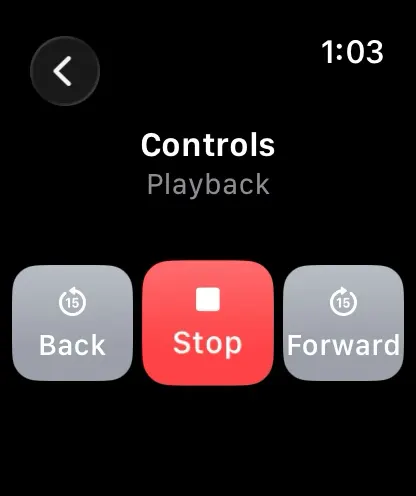
Controls has Back and Forward (15 seconds), and Stop. Turn the Digital Crown to change the volume.
Groups
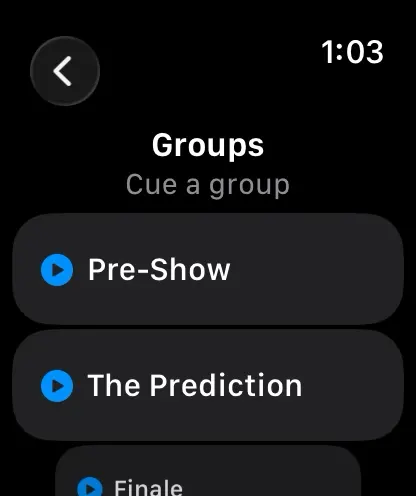
Groups lists your show's groups. Tap one to jump to it.
Dynamic
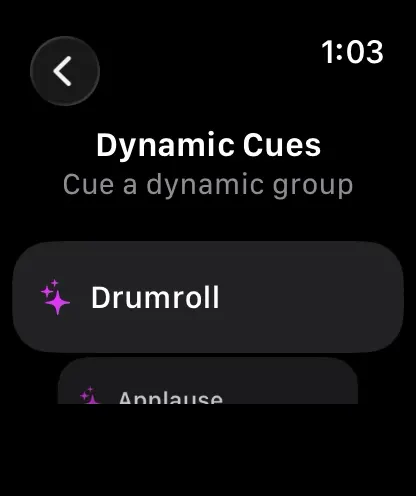
Dynamic lists your dynamic cues. Tap one to fire it, just like a tile in the Perform screen's Dynamic cues sheet.
Camera
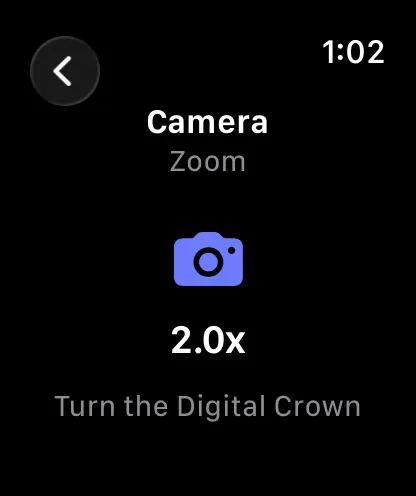
Camera zooms a live camera from 1× to 5× as you turn the Digital Crown.
Volume
Volume sets the master level from 0 to 100% with the Digital Crown. It's the same cap as the level handle on the Perform screen.