
All your media, ready to go.
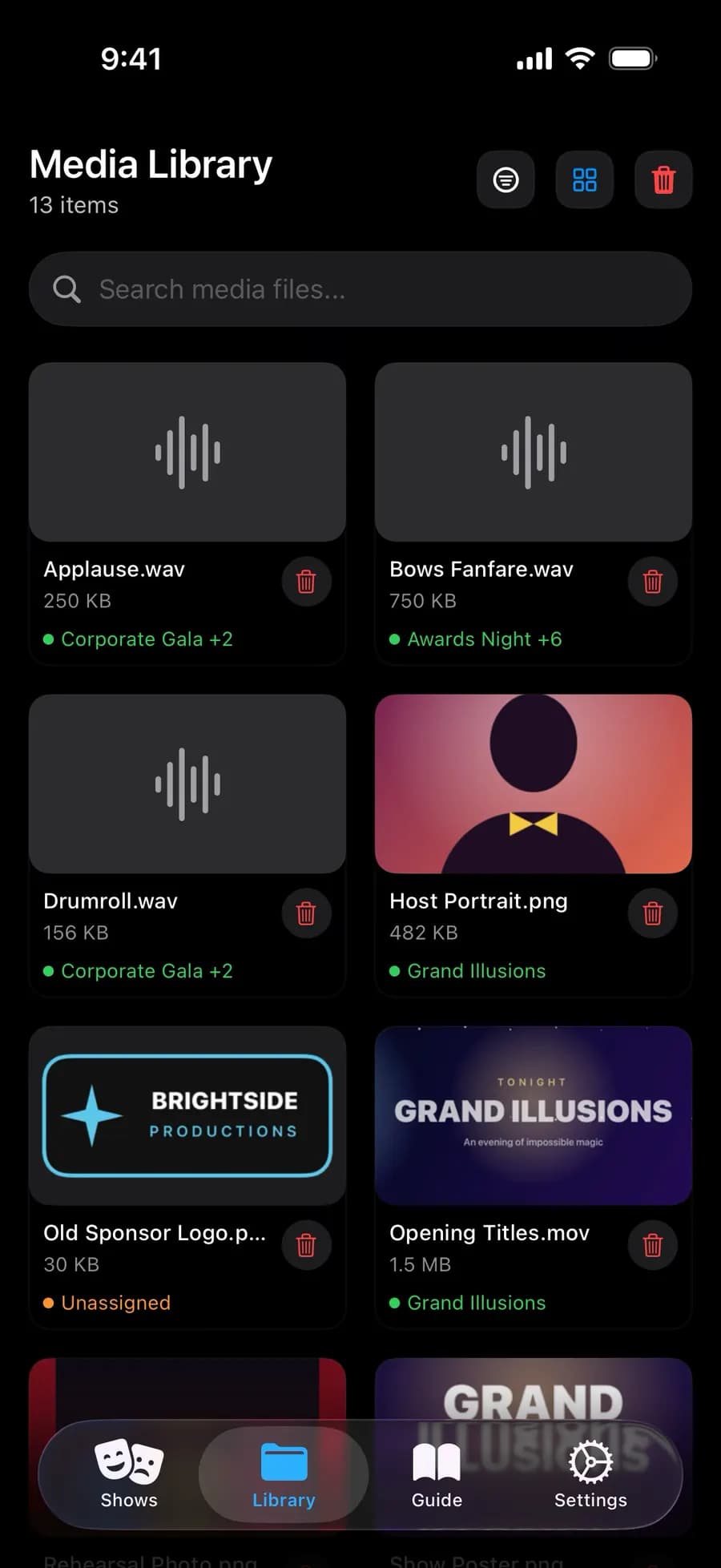
Import from Files, Photos or free stock media, see where every file is used and clear what you don't need.
What you can do
Import from anywhere
Bring in music, video and images from Files, Photos, your built-in library or free stock media.
Read the guide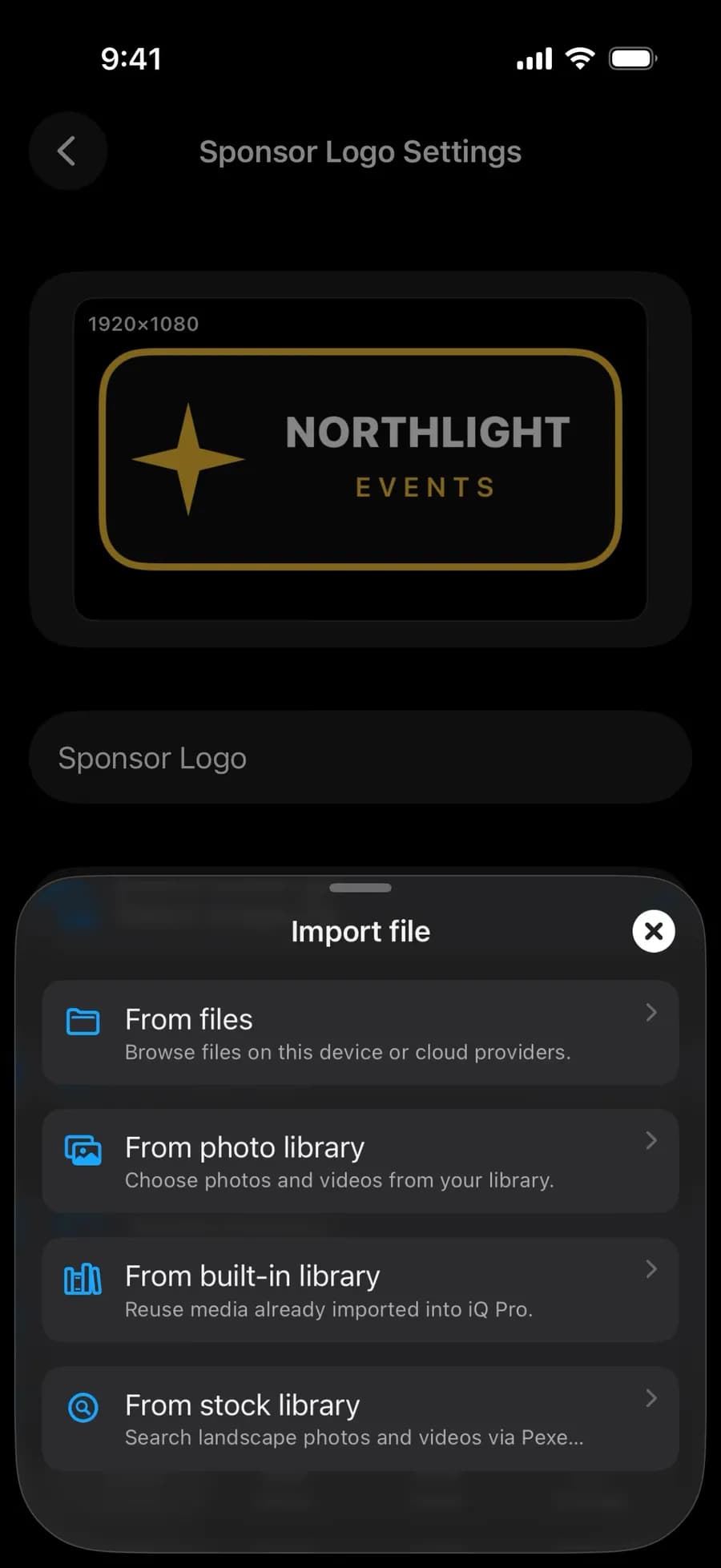
Free up space
Find media no show uses and delete it, one file at a time or all at once.
Read the guide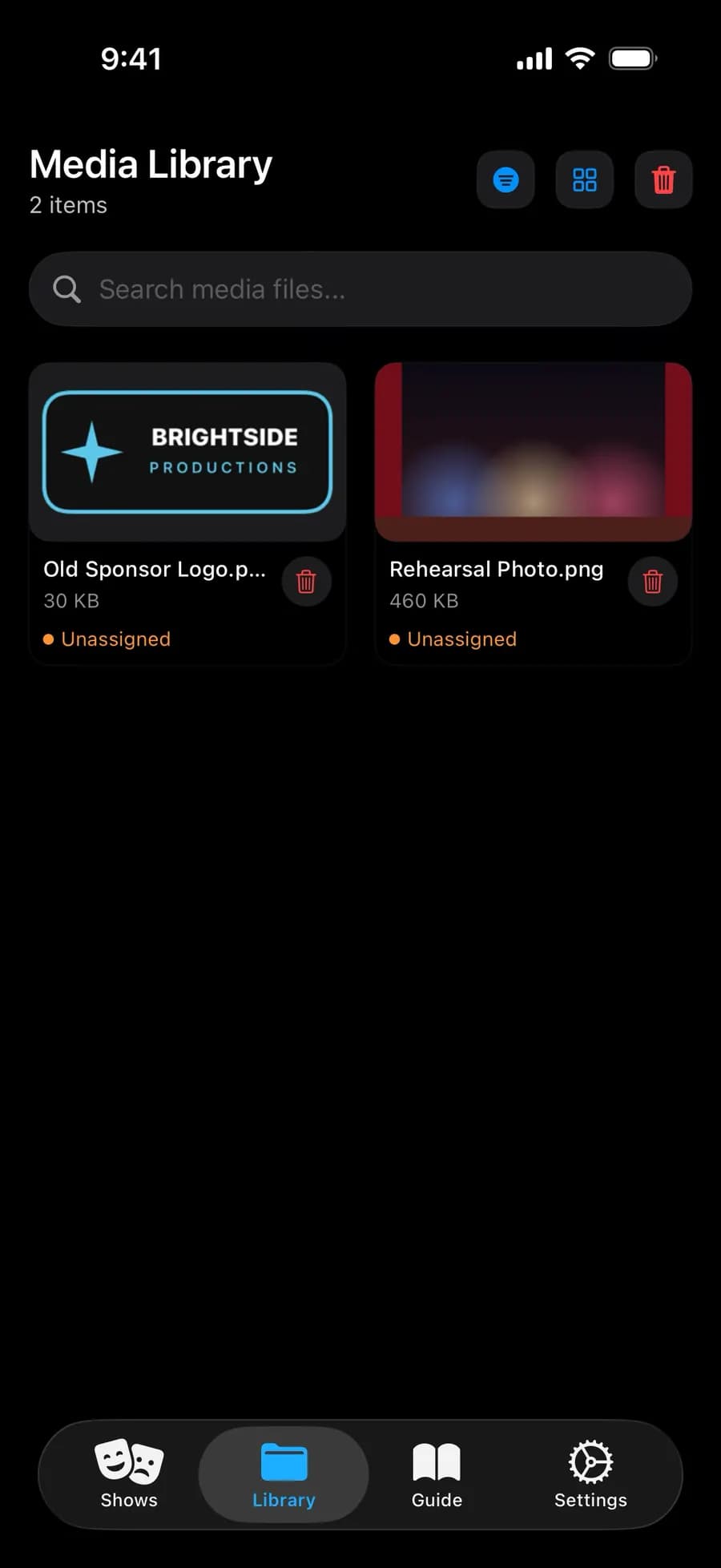
Share whole shows
Export a show and its media as one file to back it up or send it to another device.
Read the guide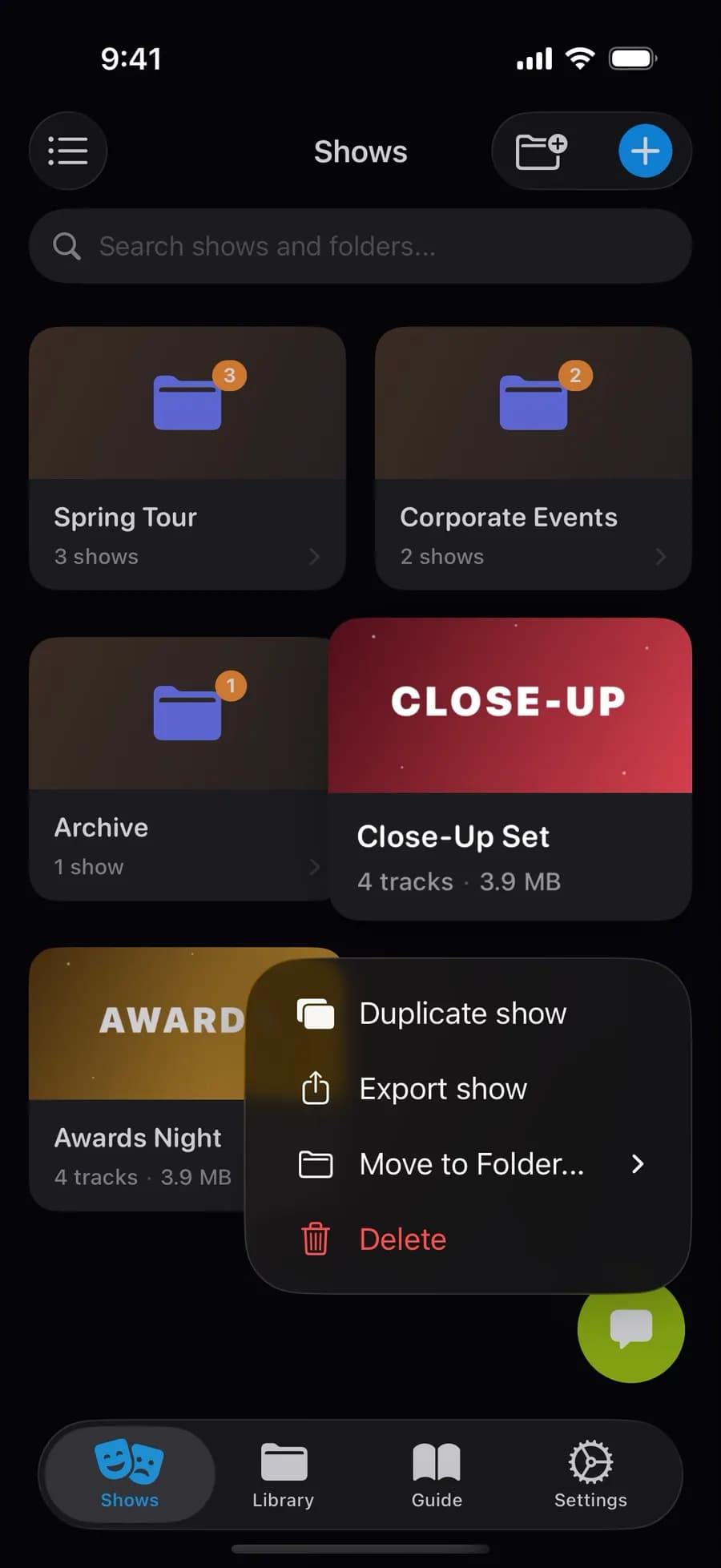
How it works
Three steps from idea to showtime.
- 01
Import
Add media from Files, Photos or the stock library.
- 02
Use it anywhere
Pick it for any cue, in any show.
- 03
Keep it tidy
Clear out unused files when you need the space.
Learn it step by step
3 guides on media library.
The same guides that live in the app, with real screenshots of every step.
- Beginner · 2 minImport media: Files, Photos, built-in library and PexelsBring music, video and images into iQ Pro from Files, Photos, your library or free stock media.
- Beginner · 1 minBrowse, preview and see where media is usedFind any file in the Library tab, preview it full screen and see which shows use it.
- Beginner · 1 minFree up space: delete unused mediaFind media no show uses and delete it, one file at a time or all at once.
Keep exploring
More that iQ Pro can do.
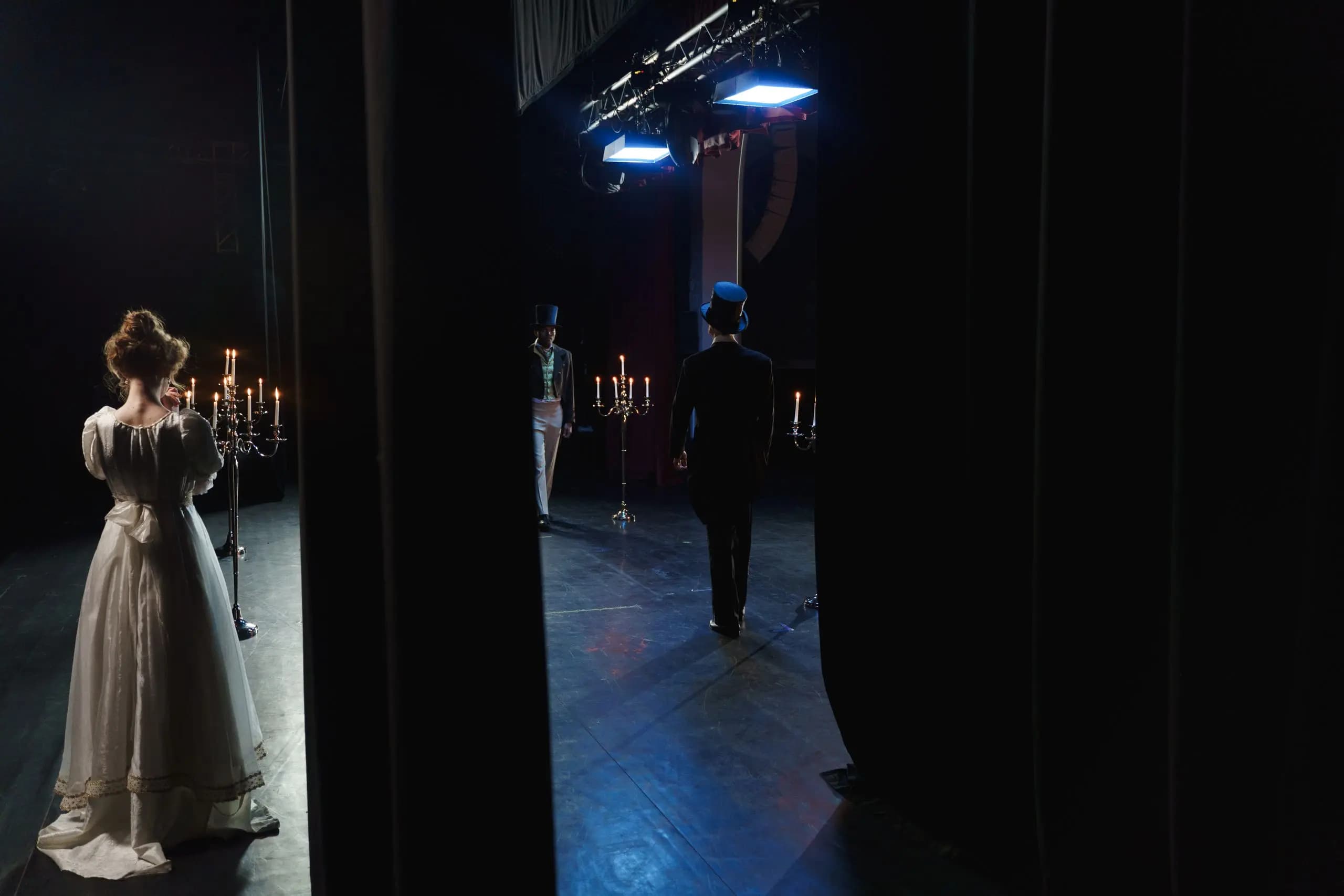
Shows, groups and cues
Each group is a routine, a scene or a set. Drag them into order, start from any point and keep every show tidy.

Video and images
Play video, stills and animated backgrounds on any projector, TV or LED wall, straight from your iPhone or iPad.
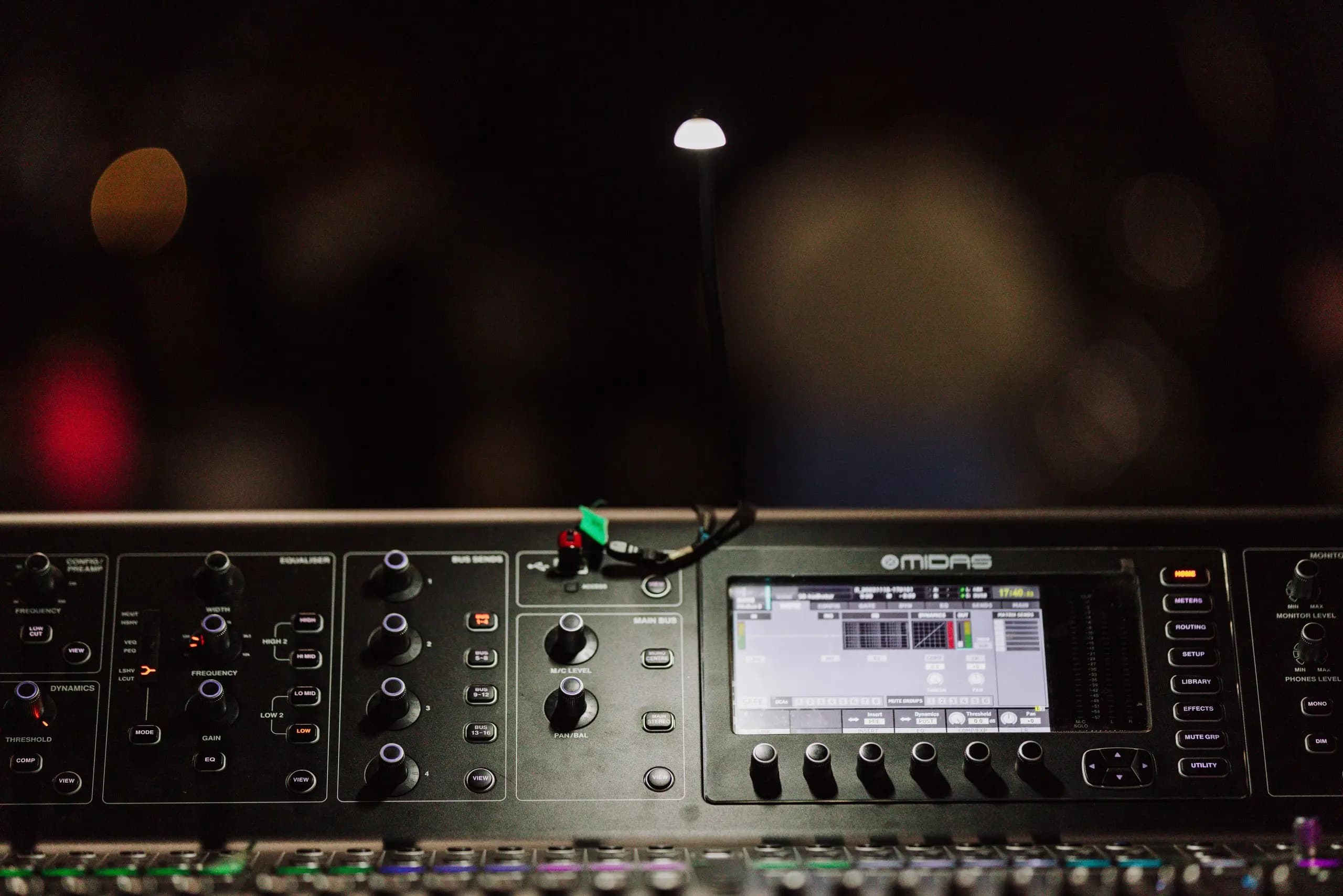
Audio
Music, sound effects and spoken voice-overs from one cue list. Trim them, shape the level and let iQ Pro handle the fades.
Shows, groups and cues
Each group is a routine, a scene or a set. Drag them into order, start from any point and keep every show tidy.
Video and images
Play video, stills and animated backgrounds on any projector, TV or LED wall, straight from your iPhone or iPad.
Audio
Music, sound effects and spoken voice-overs from one cue list. Trim them, shape the level and let iQ Pro handle the fades.
Take control of your next show.
Download iQ Pro and run your first cue in minutes.
