
Videos in particular take up a lot of space. When you replace a file or remove a cue, the old file stays in the Library, so it's worth tidying up from time to time.
List only unused files
- 1
Open the Library tab and tap the filter button.
- 2
Tap Clear all. This unticks every show.
- 3
Tap the filter button again and tick Unused files. Only files that no cue in any show uses are listed, each marked Unassigned.
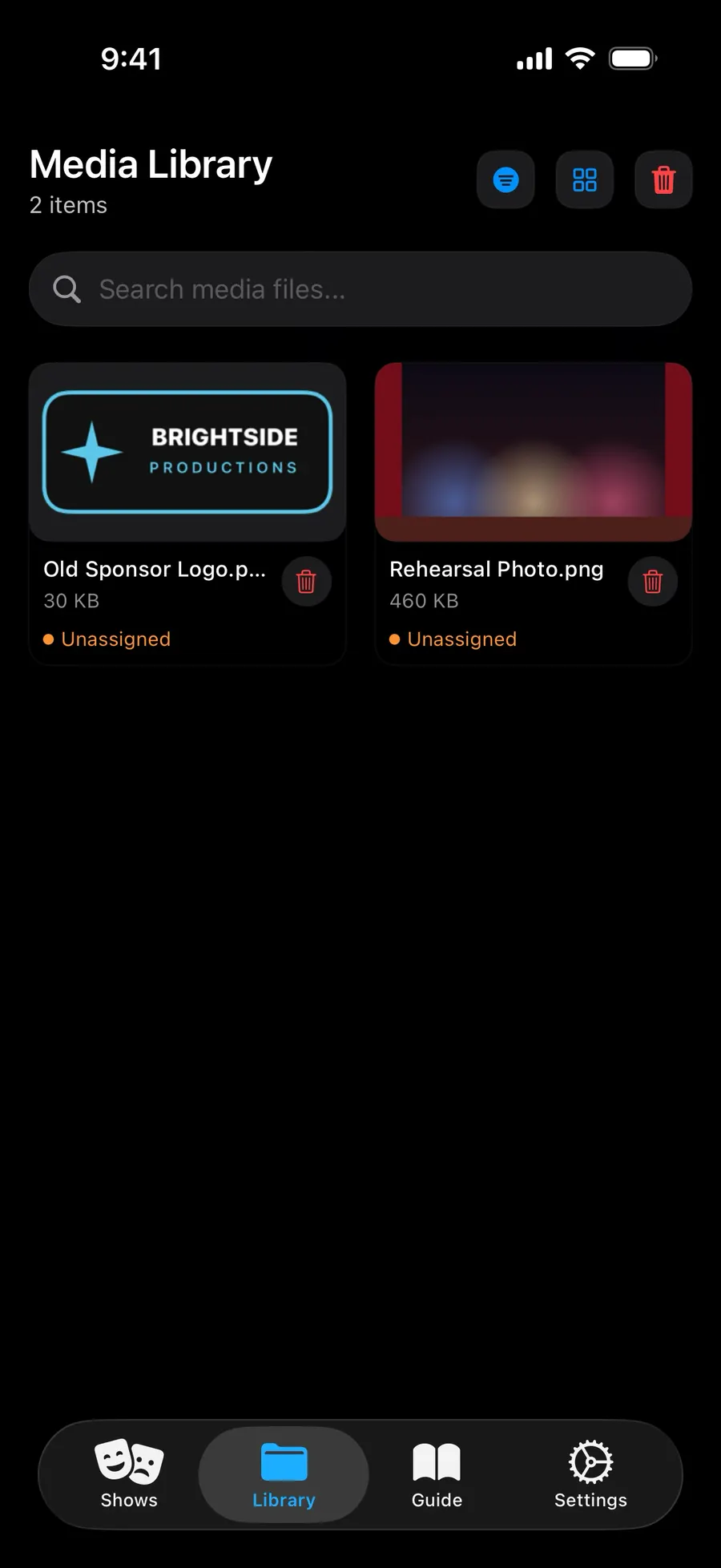
Two files no show uses
Delete one file
- 1
Tap the red bin on the file.
- 2
iQ Pro asks you to confirm. If a show uses the file, it lists those shows. Otherwise it reminds you that this can't be undone.
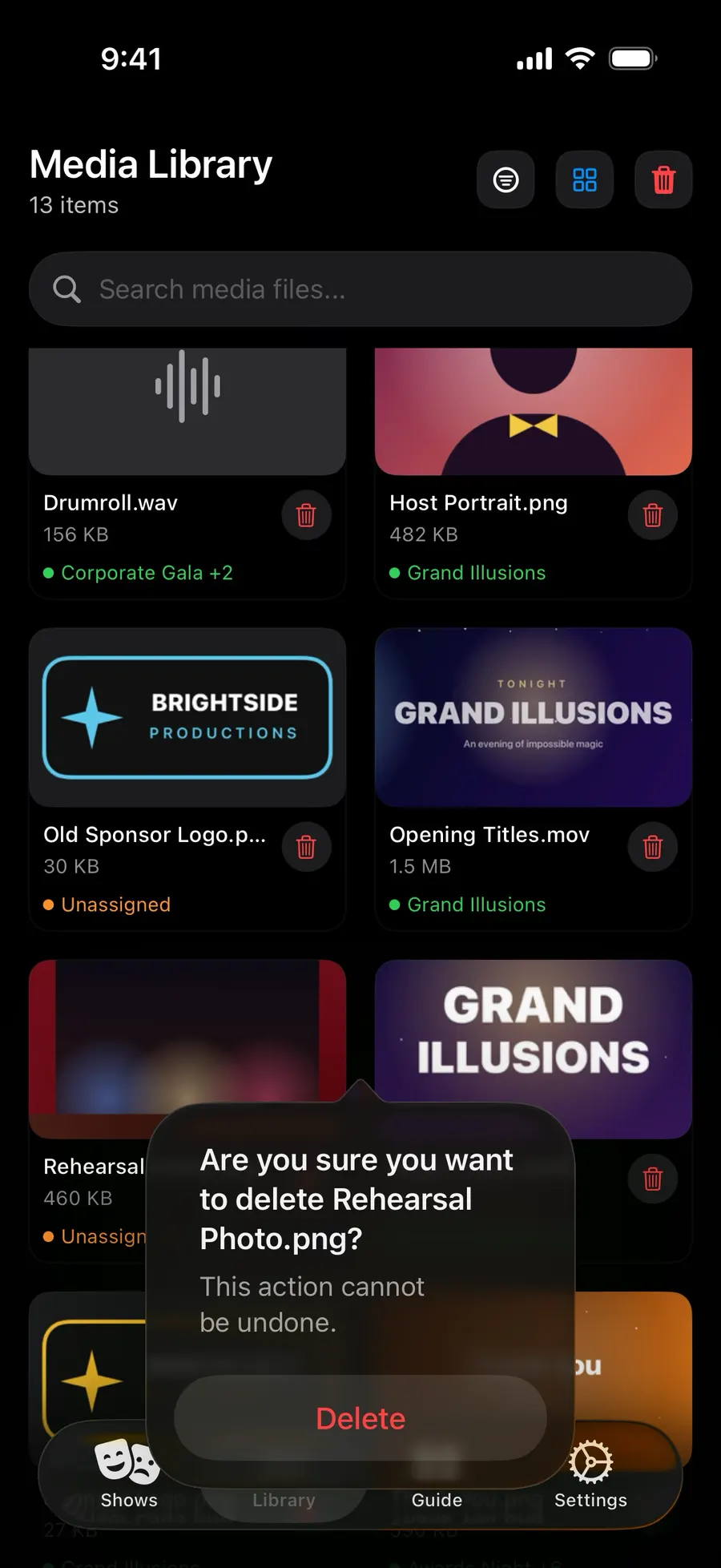
Delete Rehearsal Photo.png - 3
Tap Delete.
Delete everything that's listed
The red bin at the top, next to the filter button, deletes every file currently listed. iQ Pro tells you how many files will go and how much space you'll get back. Tap Delete All to go ahead.
Open the Library in iQ Pro