
Audio cues play your walk-in music, sound effects, stings and recorded voice-overs. Each one plays a single file from your library, at the level you set. To have iQ Pro speak a script for you instead, add a voice-over cue.
Add the cue
- 1
Open your show, tap the group the sound belongs in, then tap Add cue.
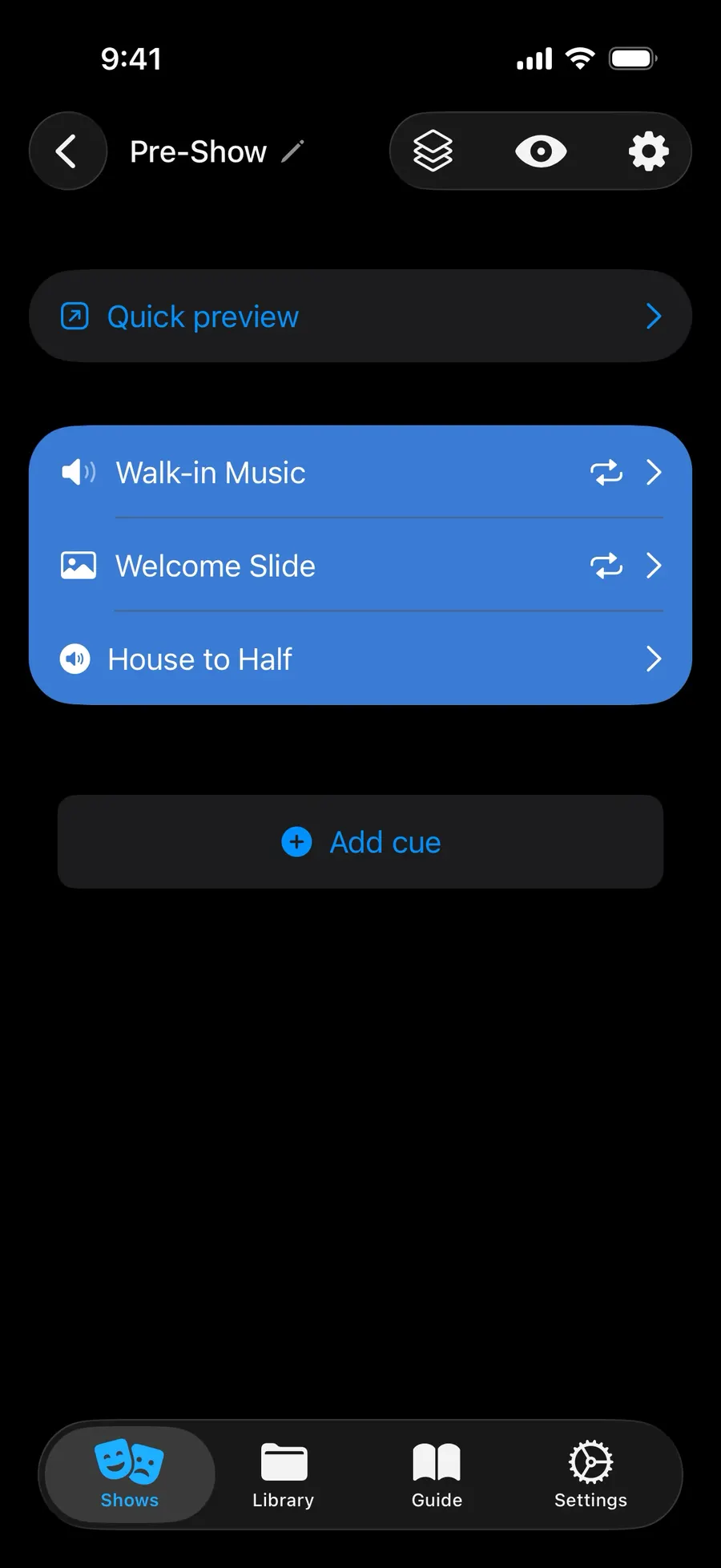
Add cue sits below the group's cues - 2
Tap Audio. It's at the top, under Suggested.
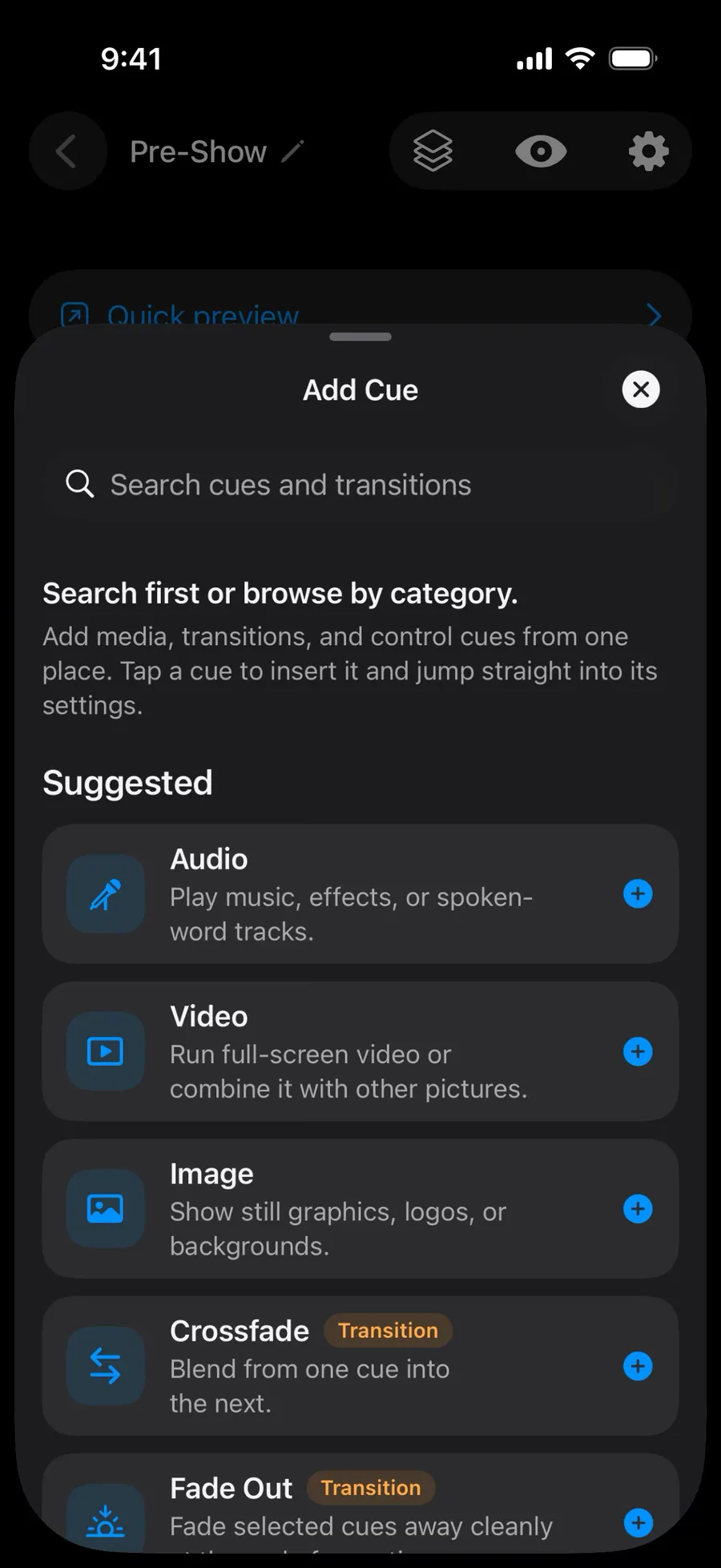
Audio: play music, effects or spoken-word tracks - 3
On Audio Cue Setup, tap Choose import source.
- 4
Choose where the file comes from. From files opens Files, including iCloud Drive and other cloud storage. From built-in library reuses audio you've already imported into iQ Pro.
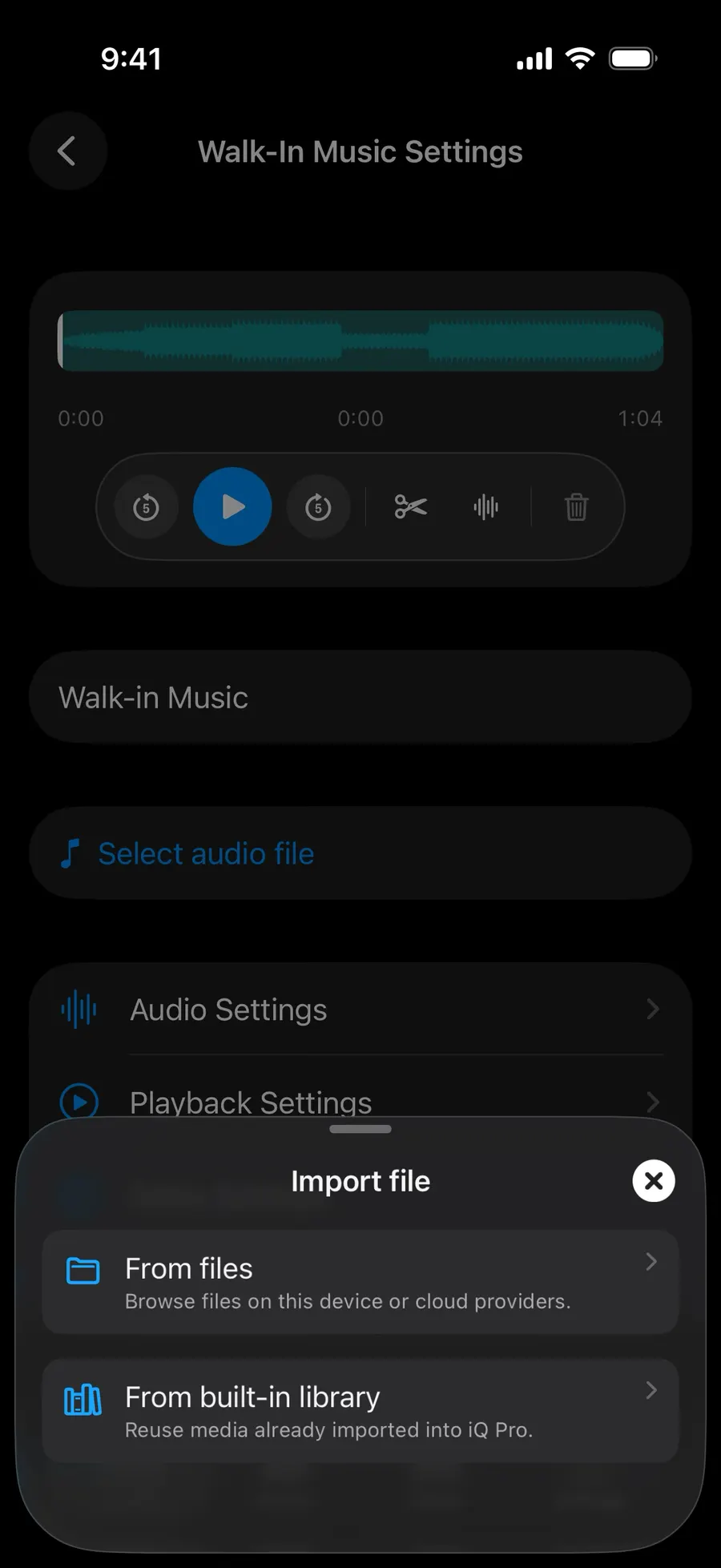
Pick a source for the audio file - 5
Pick the file. In Select from library, tap Preview to listen first, then Select.
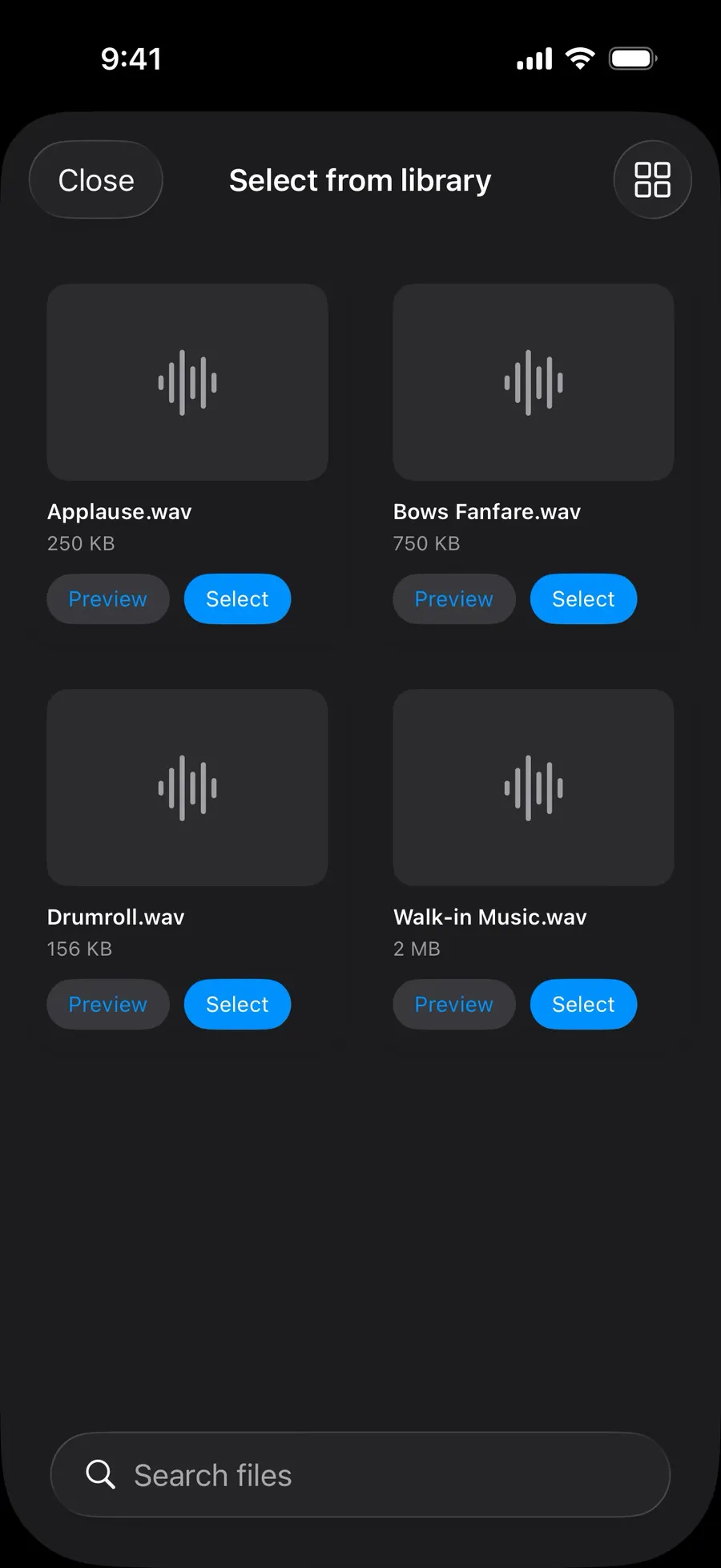
Audio already in your iQ Pro library - 6
Type a Cue Name you'll recognise mid-show, such as Walk-in Music, and tap Continue.
iQ Pro copies the file into its library, so the cue keeps working even if you move or delete the original.
Trim and preview
The waveform at the top of the cue's settings shows the whole file.
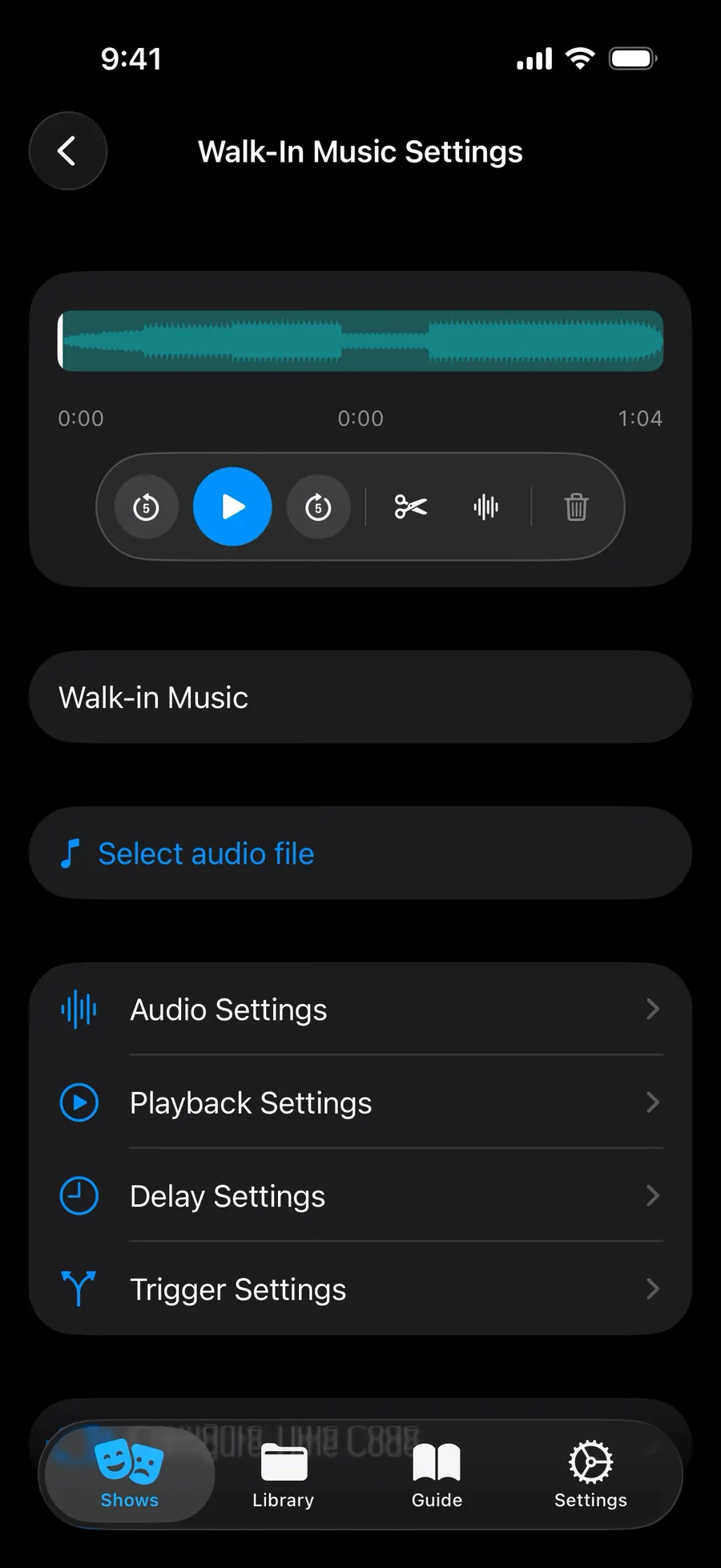
- Tap play to listen, and the arrow buttons either side to jump 5 seconds back or forward.
- Tap the scissors to trim: drag the start and end handles to skip a long intro or cut the cue short. The times underneath show the start, the playhead and the end.
- Tap the waveform button to shape the level over time with points on the waveform. Select a point and tap the bin to remove it.
To change the file later, tap Select audio file.
Set the level
Tap Audio Settings to set how loud the cue plays.
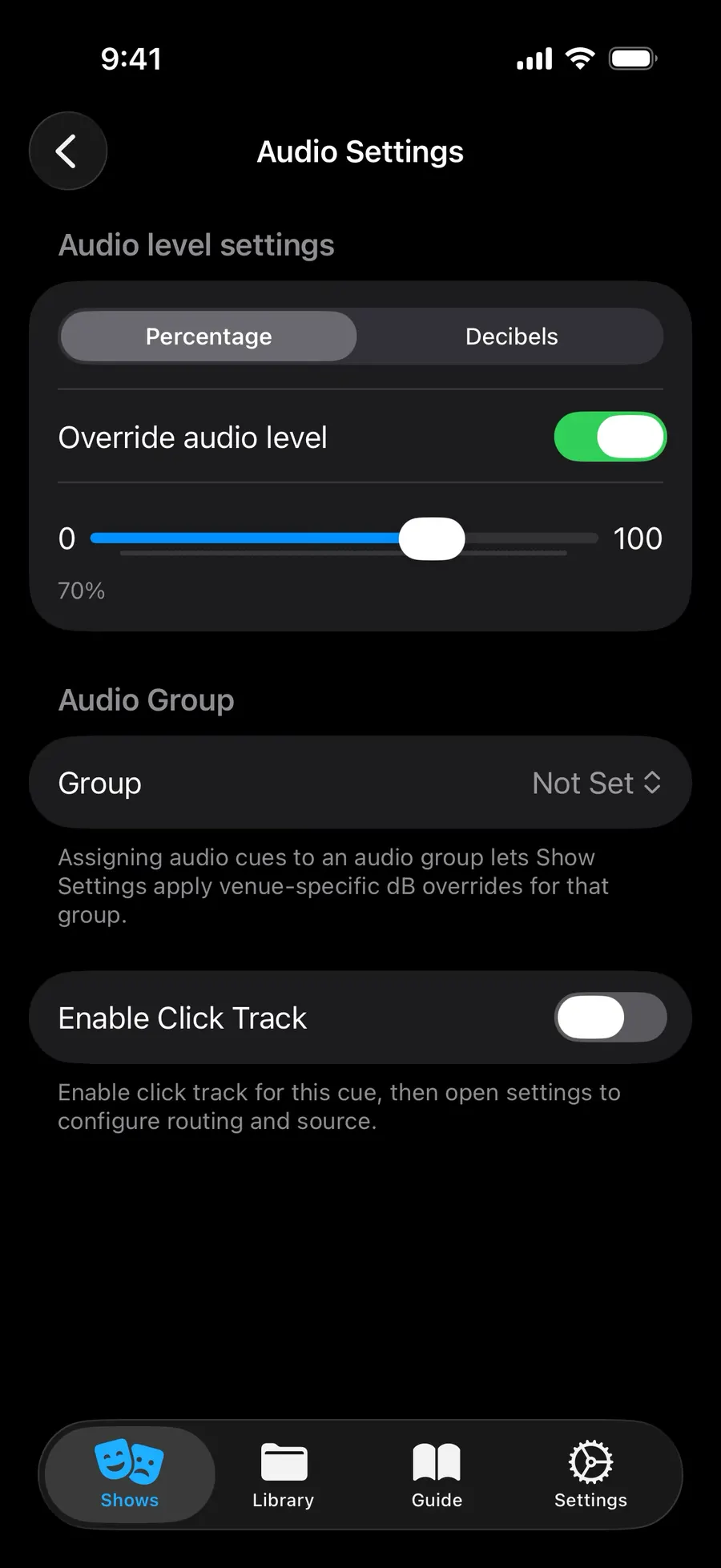
- With Percentage, turn on Override audio level and drag the slider. Use it to sit walk-in music under the room.
- With Decibels, iQ Pro analyses the file's loudness, then you set the Current level in dB. Tap Re-analyze audio if you've replaced the file.
Hear it in the show
Back in the group, tap Quick preview to run the group on the Perform screen, then tap Cue. The cue list shows the audio playing, with its progress and time.
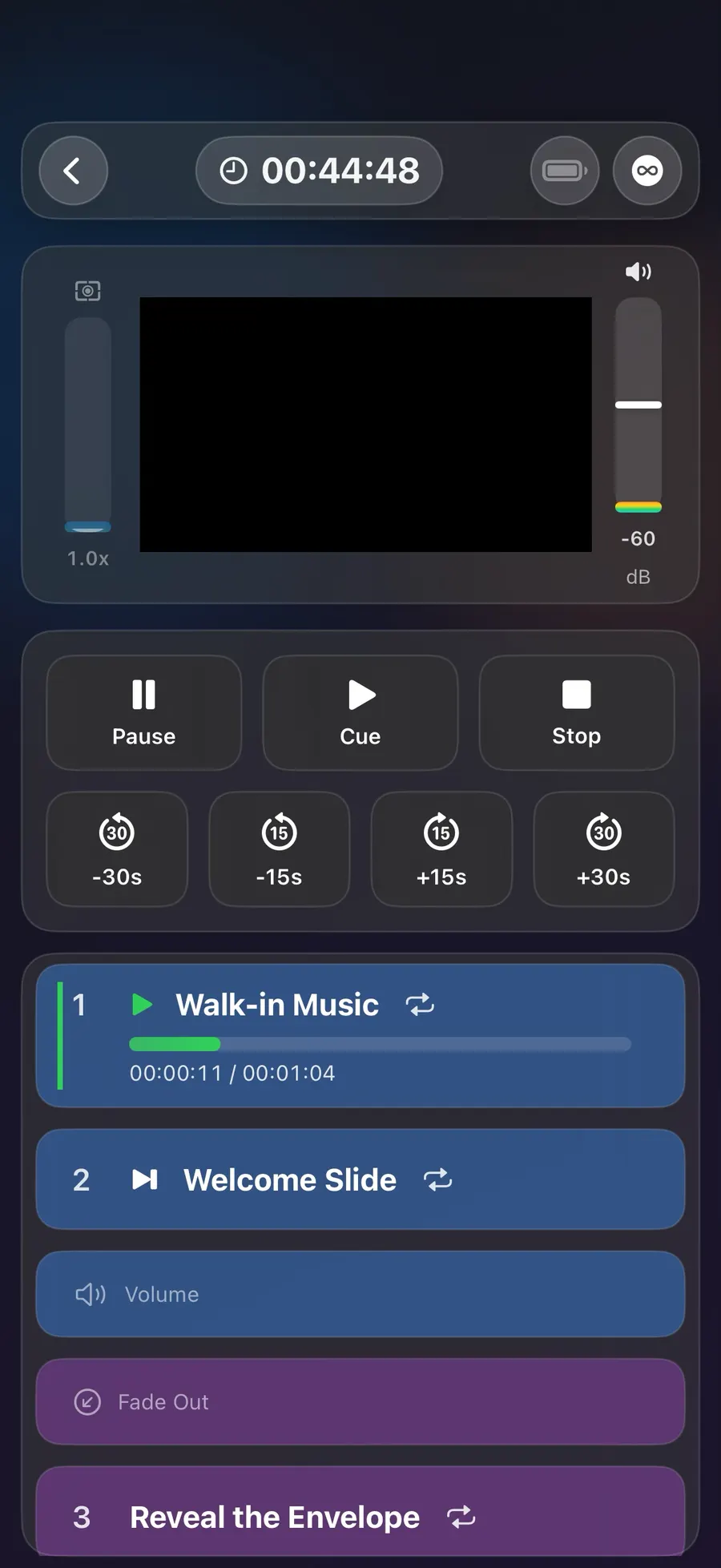
The Perform screen at a glance covers the rest of the controls, and Build your first show in 10 minutes puts it all together.
