
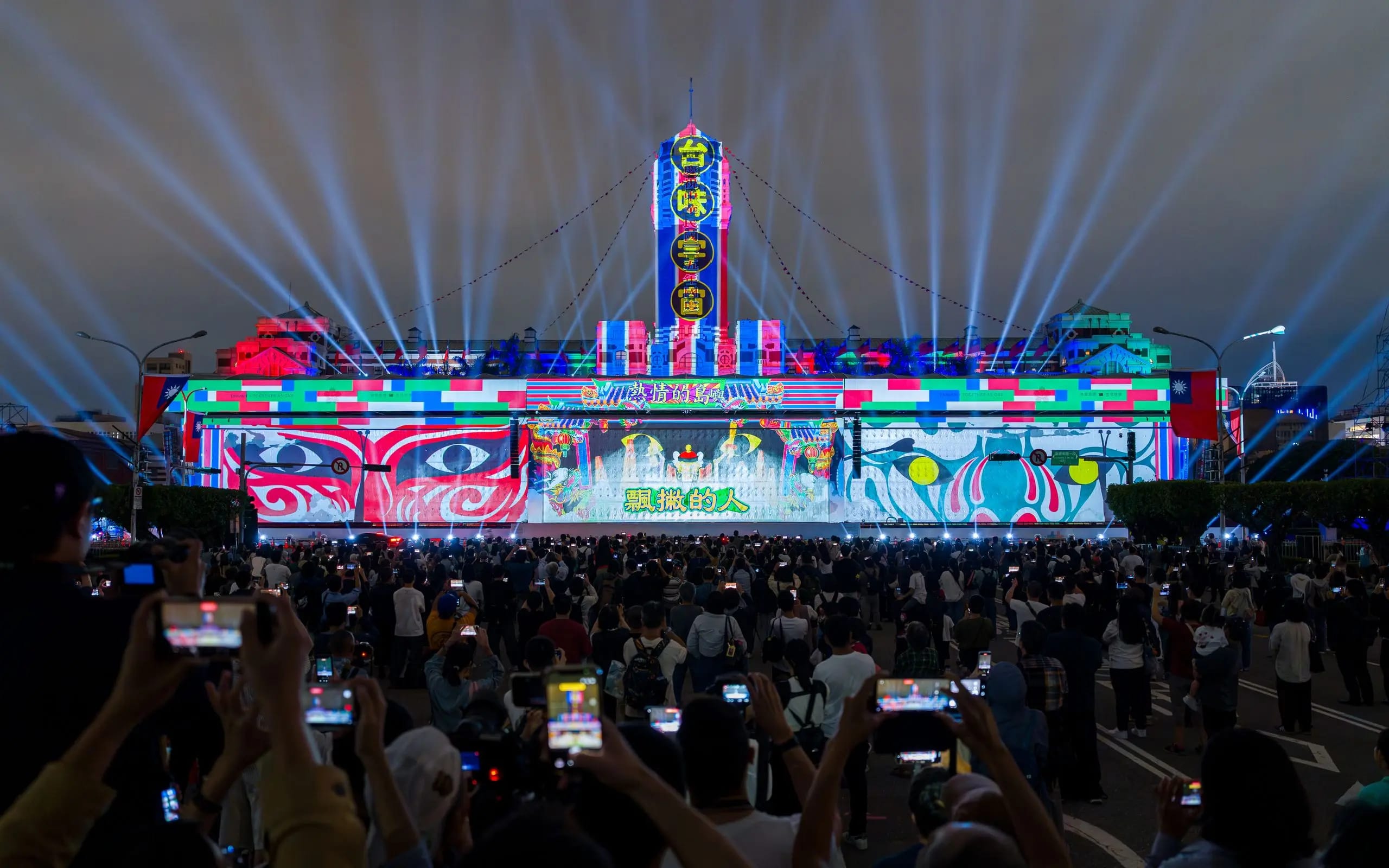
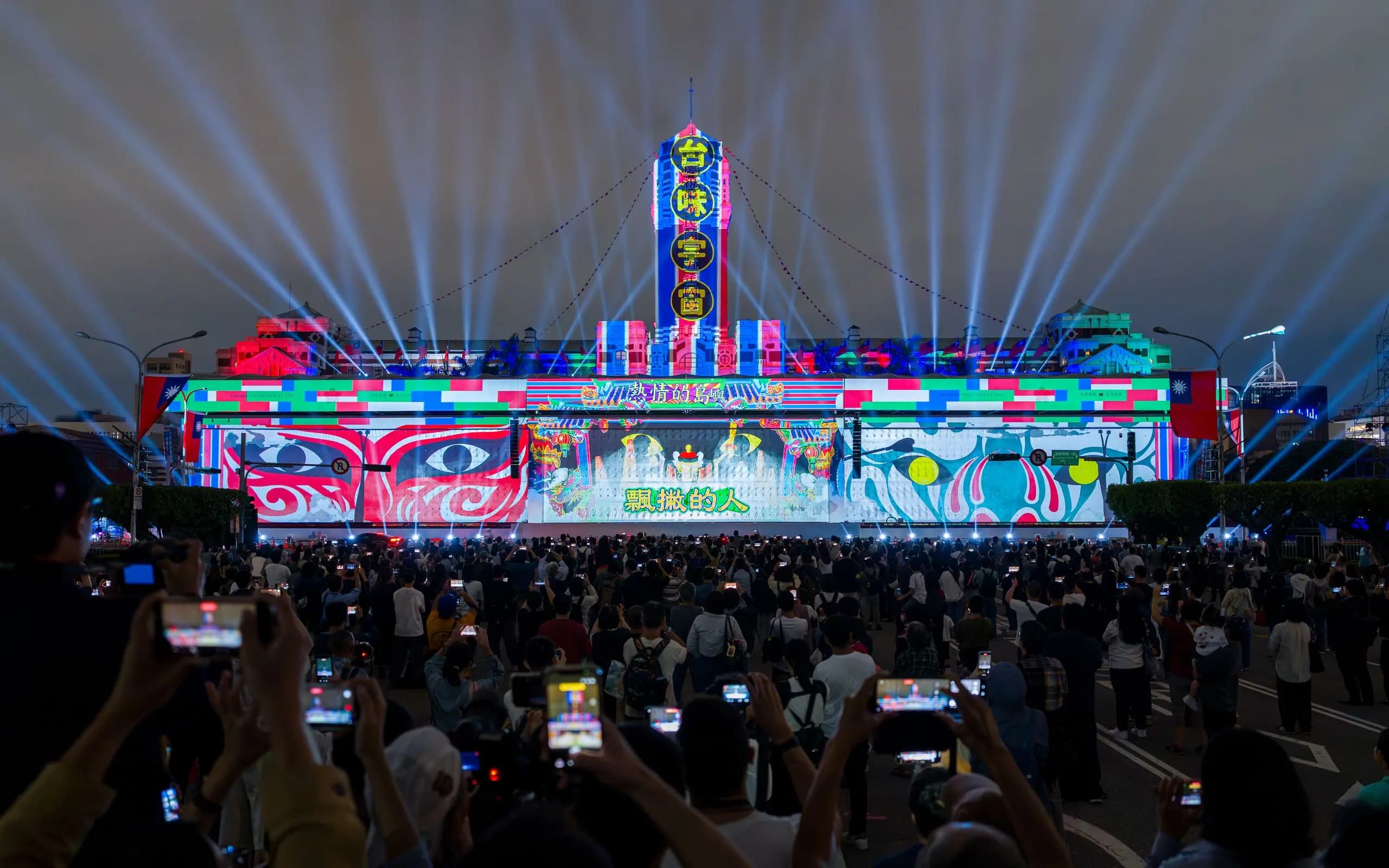
Put every picture exactly where you want it.
Stack, move, mask and style everything on screen on a live preview of your output. Picture-in-picture in seconds.
What you can do
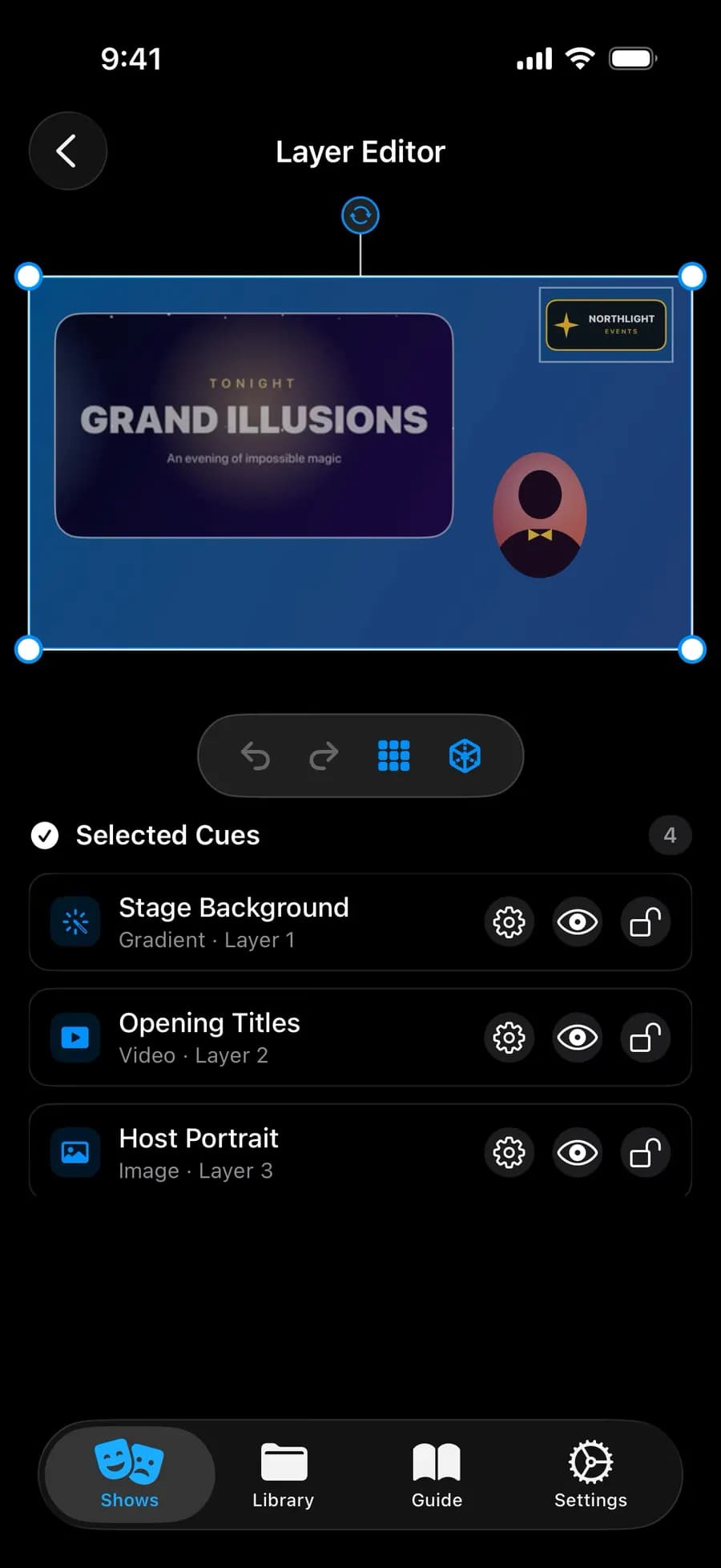
Move, resize and rotate
Drag pictures around a live preview of your output, with grids, snapping and 3D corners for angled screens.
Read the guideStacking handled for you
Automatic cue layout stacks pictures in cue order. Pick a layer yourself only when you want to.
Read the guide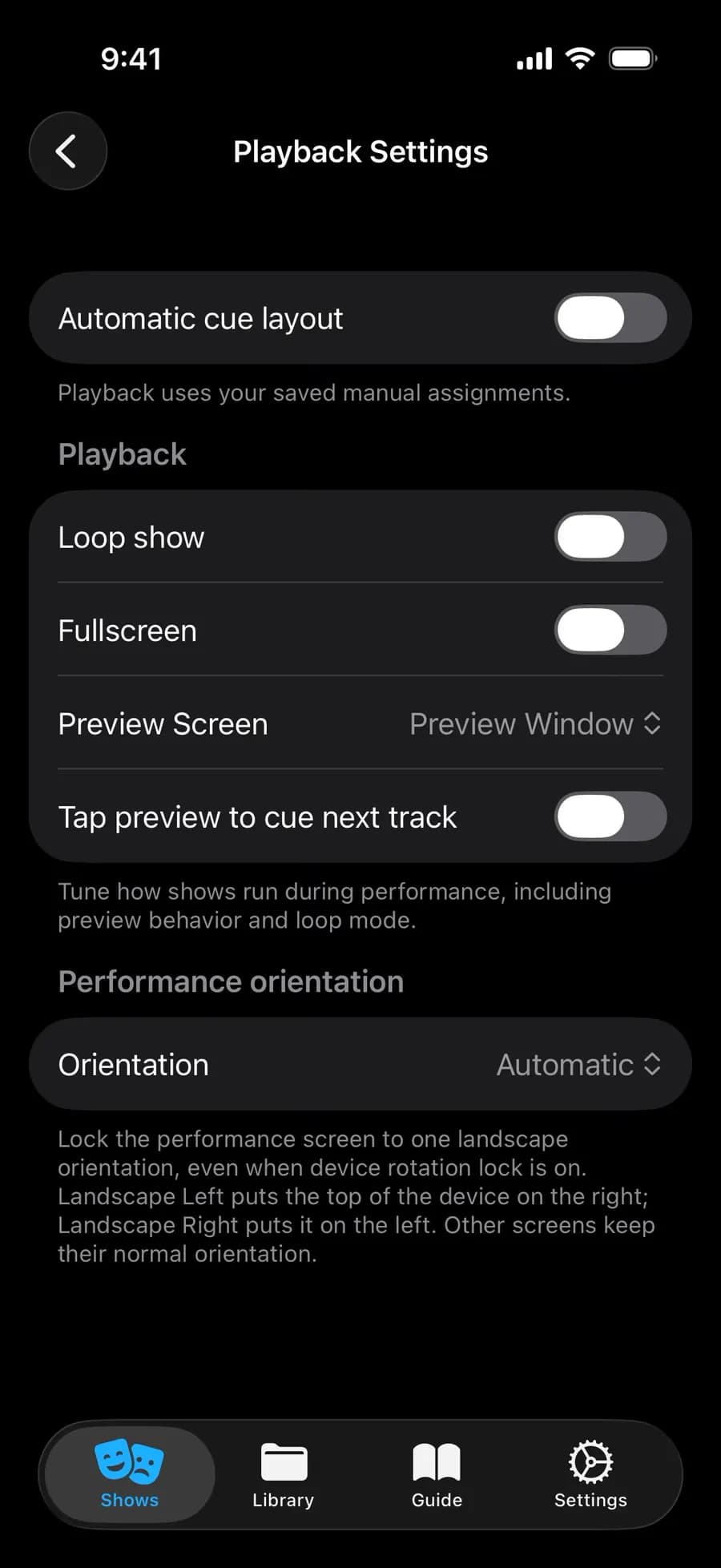
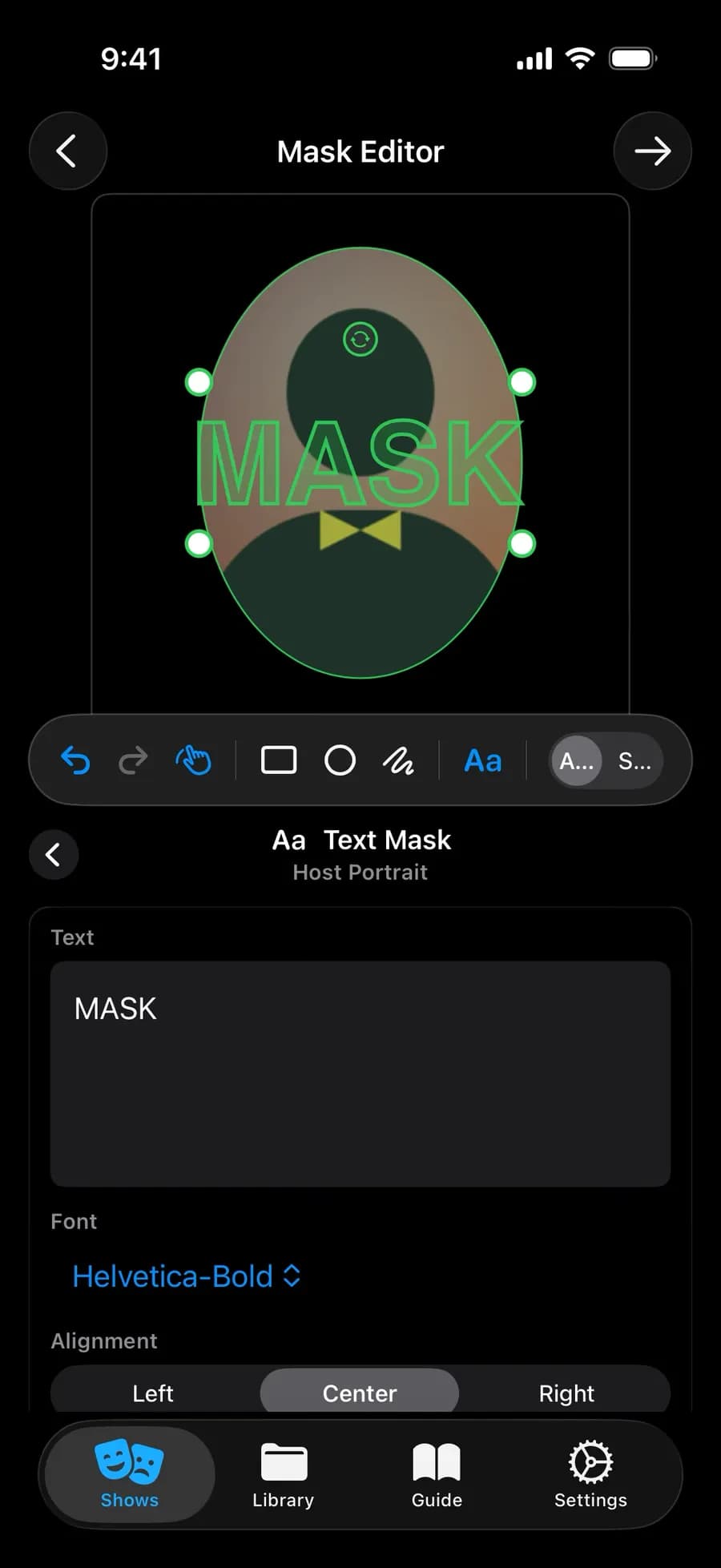
Borders, feathering and filters
Round the corners, add a border, soften the edges and adjust the colour.
Read the guide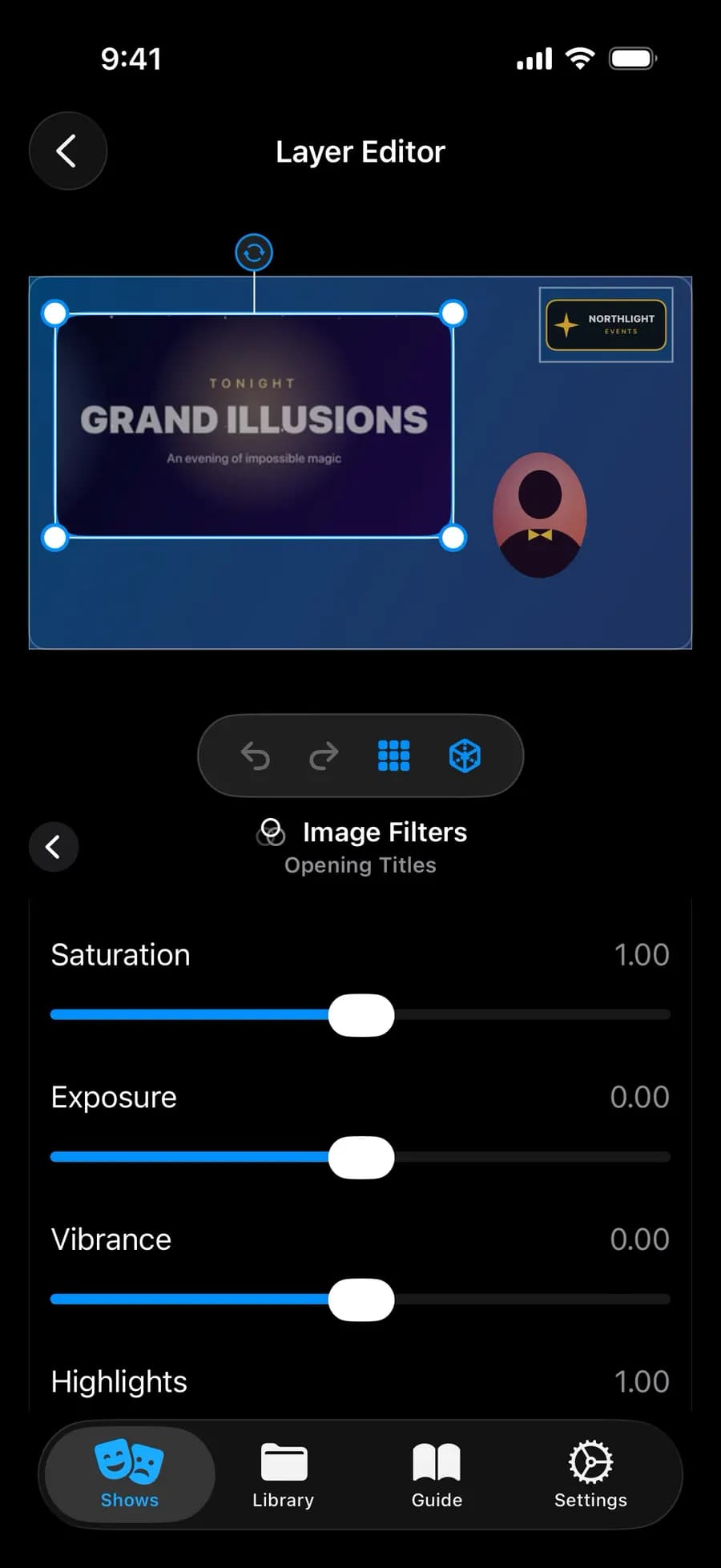
How it works
Three steps from idea to showtime.
- 01
Open the layer editor
From any group, see every picture that's on screen together.
- 02
Place each picture
Drag, resize, rotate and mask it on the live preview.
- 03
Fire it
Each cue appears exactly where you put it, in front of or behind the rest.
Learn it step by step
5 guides on layers and composition.
The same guides that live in the app, with real screenshots of every step.
- Beginner · 2 minLayers explainedHow iQ Pro stacks pictures on layers, and when you choose layers yourself.
- Beginner · 1 minChange a cue's layerMove a cue in front of or behind other pictures by picking its layer.
- Intermediate · 4 minThe layer editor: position and resizeMove, resize and rotate pictures on a live preview of your output, with grids, snapping and 3D corners.
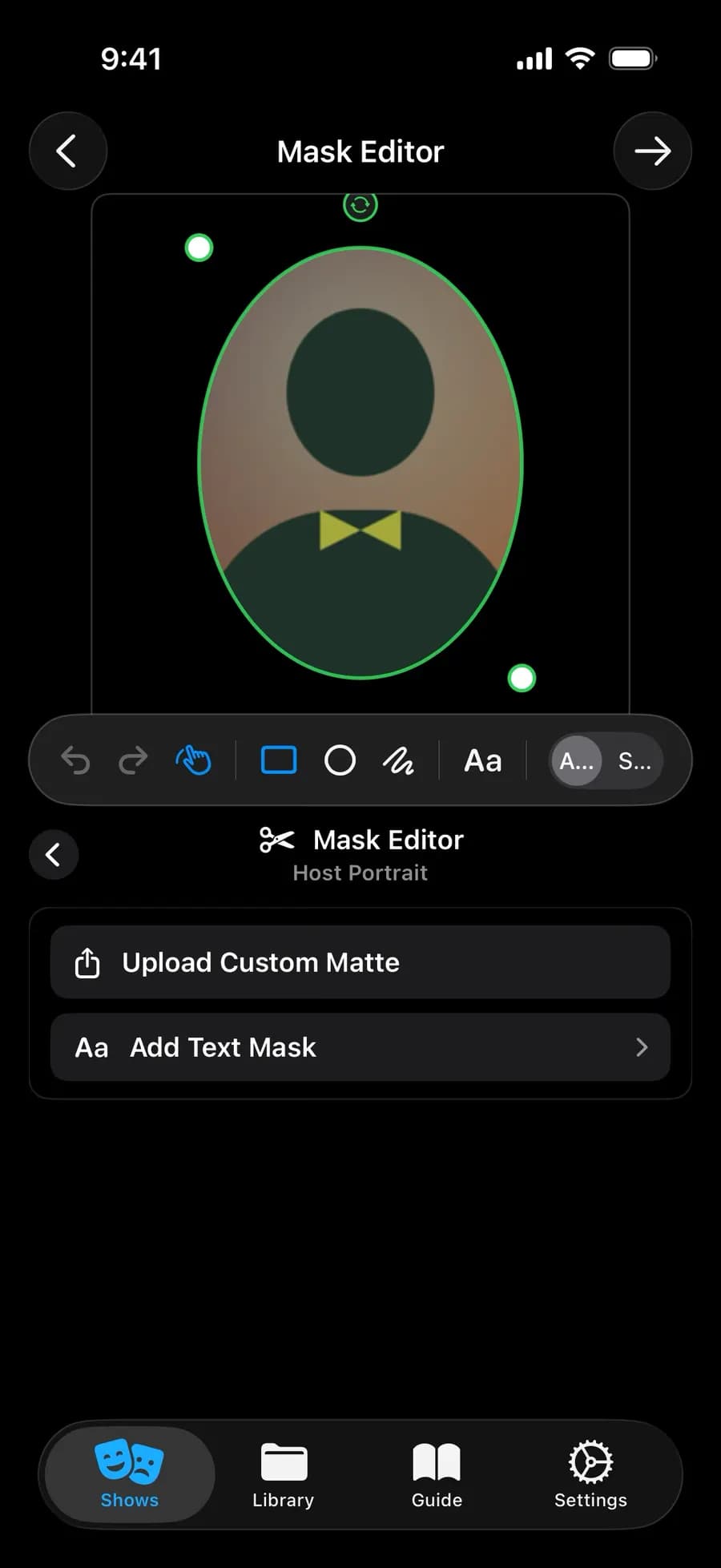
- Advanced · 4 minMasks: boxes, subtract and text masksCut a picture to a shape, punch holes in it, or show it through text, then fit the cue to the mask.
- Intermediate · 2 minCorner radius, borders, feathering and filtersRound a picture's corners, add a border, soften its edges and adjust its colour from the layer editor.
Keep exploring
More that iQ Pro can do.

Video and images
Play video, stills and animated backgrounds on any projector, TV or LED wall, straight from your iPhone or iPad.

Transitions
Fades, crossfades, cuts, moves and volume changes are cues too, so the show flows exactly the way you rehearsed it.
Slides
Title cards, countdowns, QR codes and live captions, built in the Slide Designer and cued with everything else.
Video and images
Play video, stills and animated backgrounds on any projector, TV or LED wall, straight from your iPhone or iPad.
Transitions
Fades, crossfades, cuts, moves and volume changes are cues too, so the show flows exactly the way you rehearsed it.
Slides
Title cards, countdowns, QR codes and live captions, built in the Slide Designer and cued with everything else.
Take control of your next show.
Download iQ Pro and run your first cue in minutes.
