
NDI® sends video over an ordinary network. If you have a PTZ camera, a video mixer, or a computer running NDI® software on the same network as your iPhone or iPad, iQ Pro can show its picture in a camera cue.
Add an NDI® source
- 1
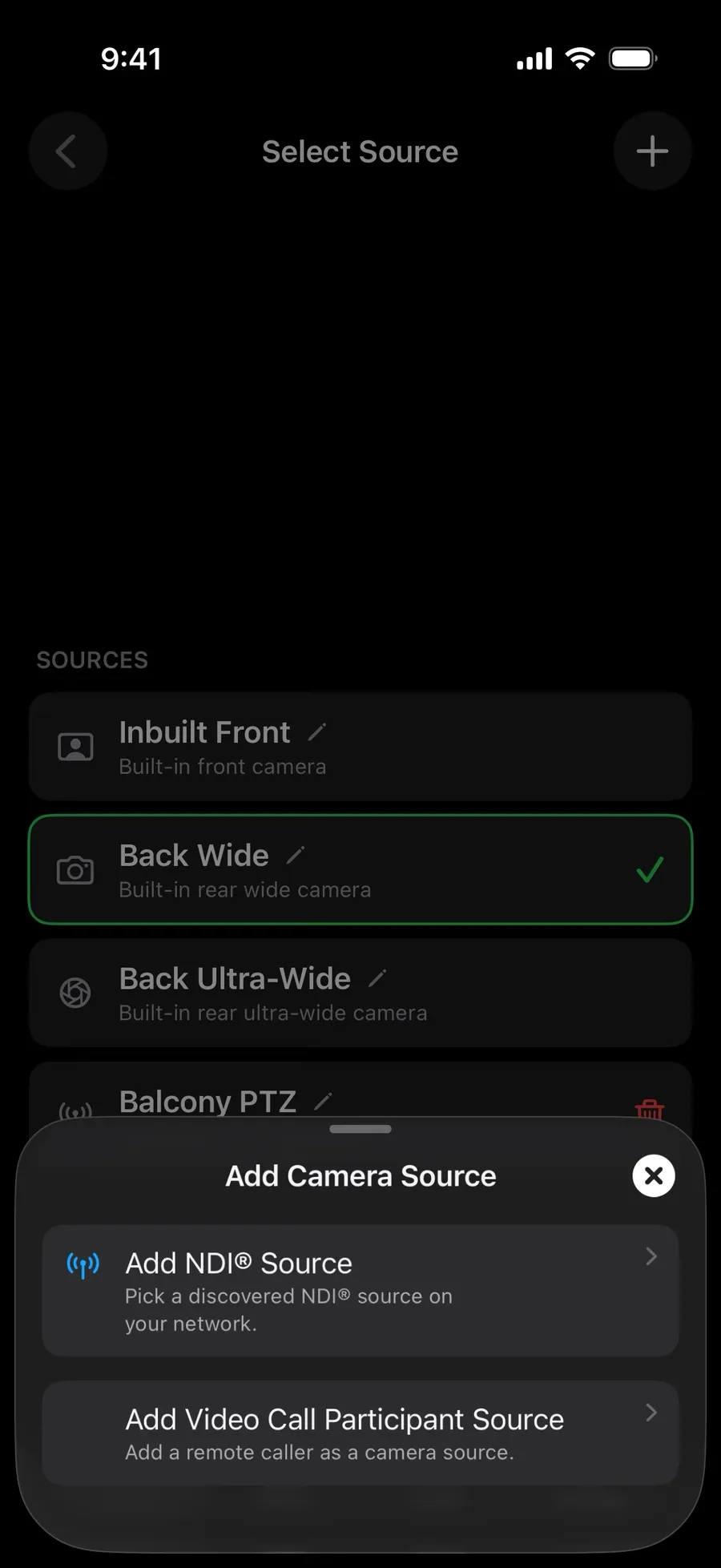
Open the camera cue, tap Select Source, then tap + at the top right.
- 2
Under Add Camera Source, tap Add NDI® Source.
NDI® - 3
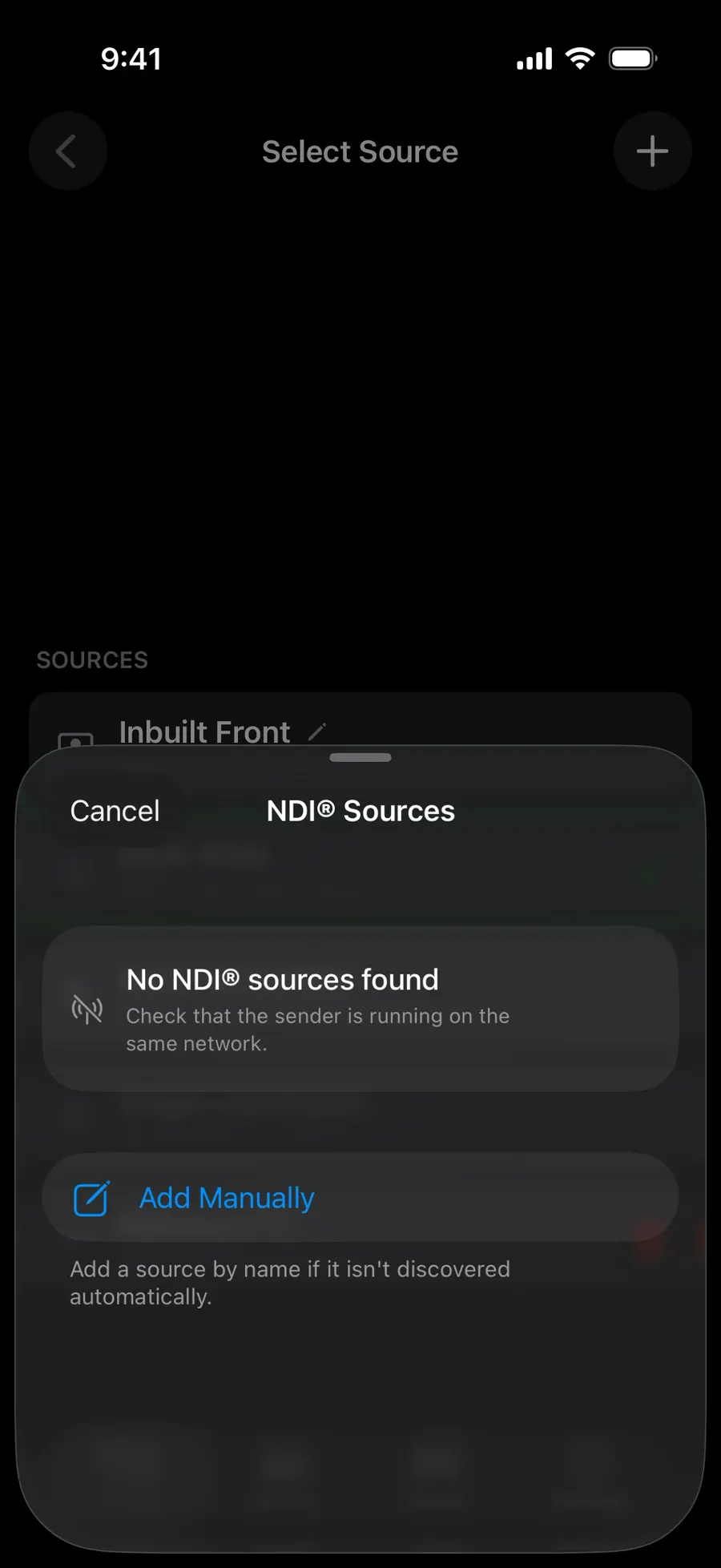
NDI® Sources searches your network. Sources appear under Available Sources as they're found. Tap one to add it.
Searching the network for NDI® senders - 4
The source is added to your list and selected for this cue.
Add a source by name
If a source isn't found automatically, for example on a network that blocks discovery, tap Add Manually. Enter a Display name, and the source name exactly as it appears on your network, such as STAGE-1 (iQ Pro), then tap Add.
Manage sources
NDI® sources stay in the Sources list for every show on this device, with their network name underneath.
- Tap the pencil to rename one.
- Tap the bin to remove it from this device.
NDI® is a registered trademark of Vizrt NDI AB.
