
A Volume cue changes the level of an audio or video cue that's already playing. Bring the walk-in music down as you take the stage, swell it for a reveal, then drop it under your voice again, all without stopping the track.
Add the cue
- 1
Open a group, tap Add cue, and tap Volume under Transitions. Place it where the change should happen.
- 2
Give it a name that says what it does, such as Music Down.
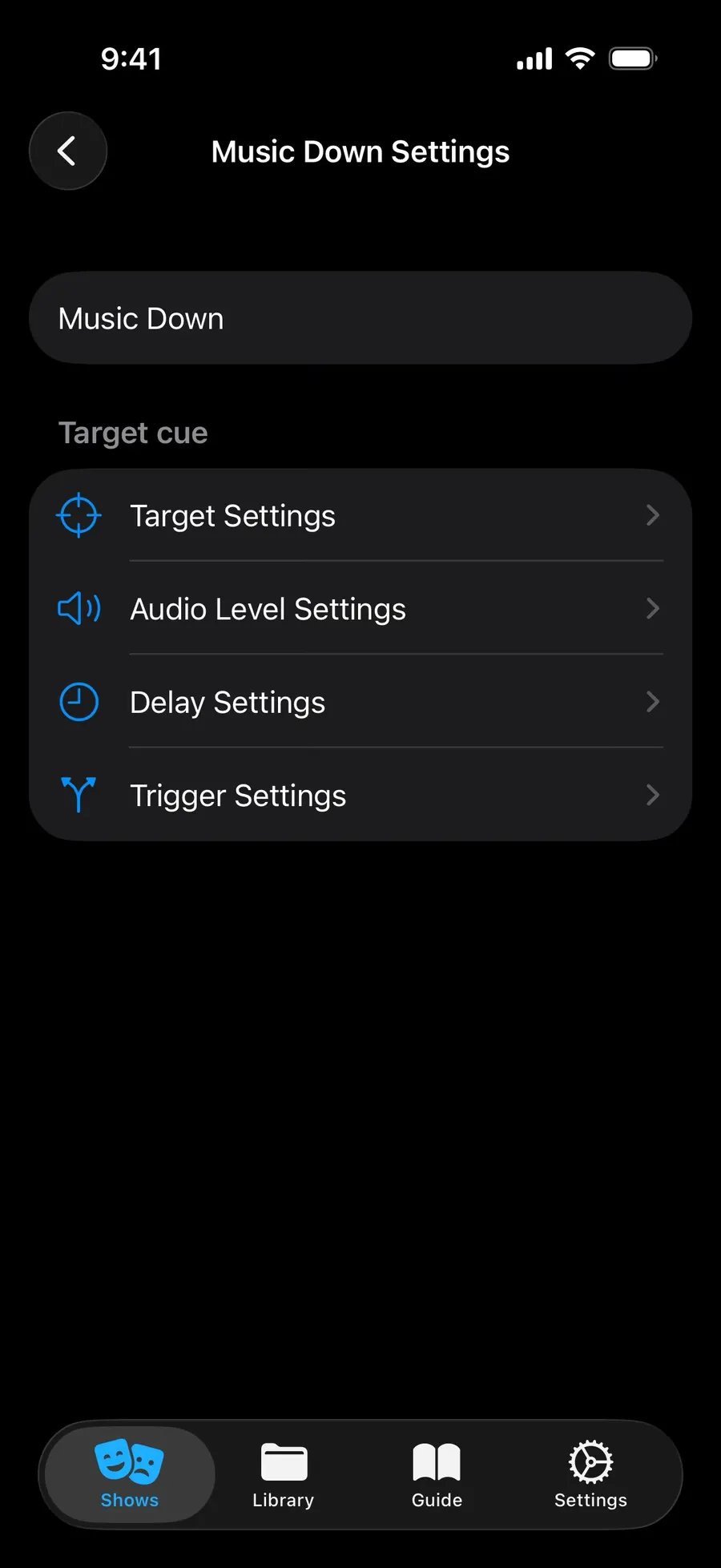
Music Down: its target, level, delay and triggers
Choose the cue and the fade
Tap Target Settings.
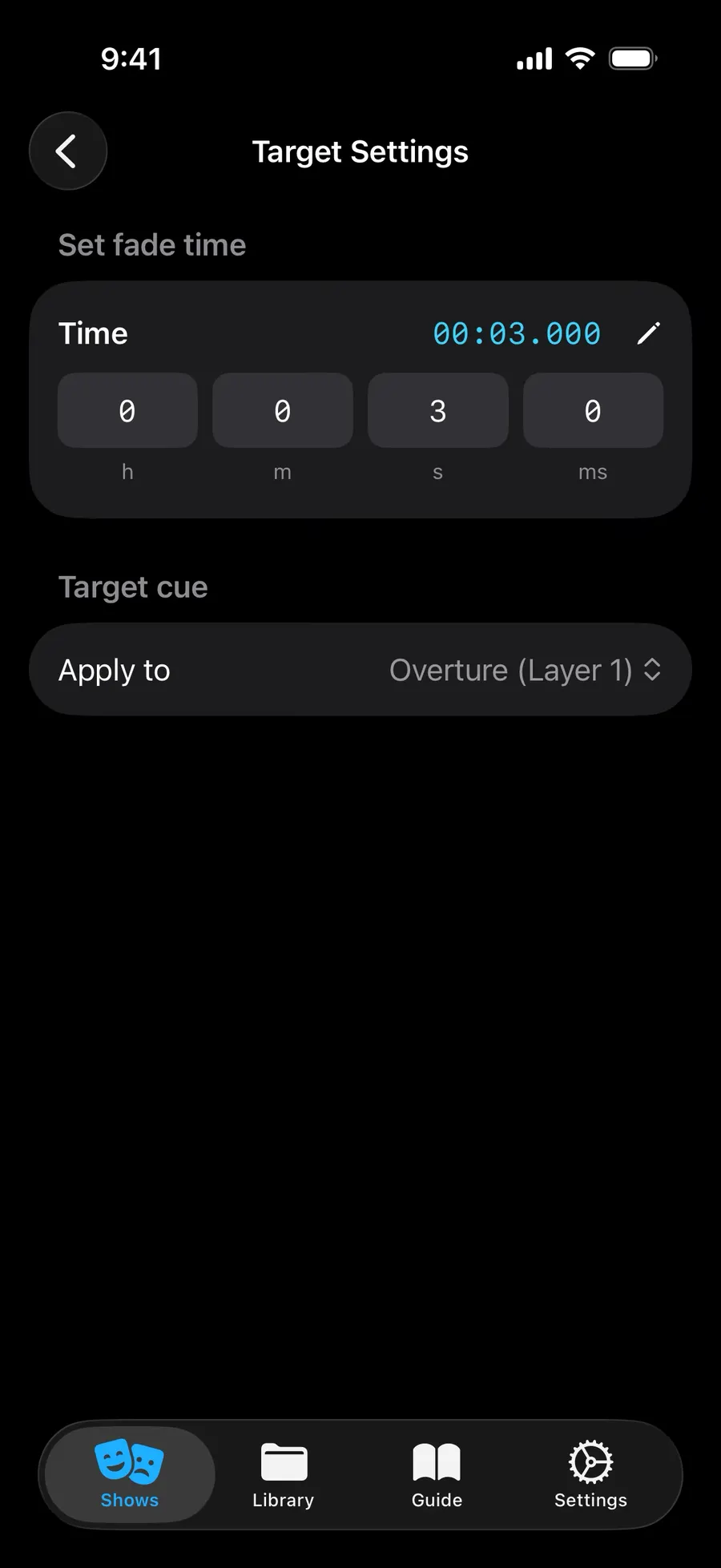
- Set fade time is how long the change takes. Use 0 for an instant change.
- Apply to picks the audio or video cue to change. It lists the audio and video cues in this group, and starts with the nearest one.
Set the new level
Tap Audio Level Settings.
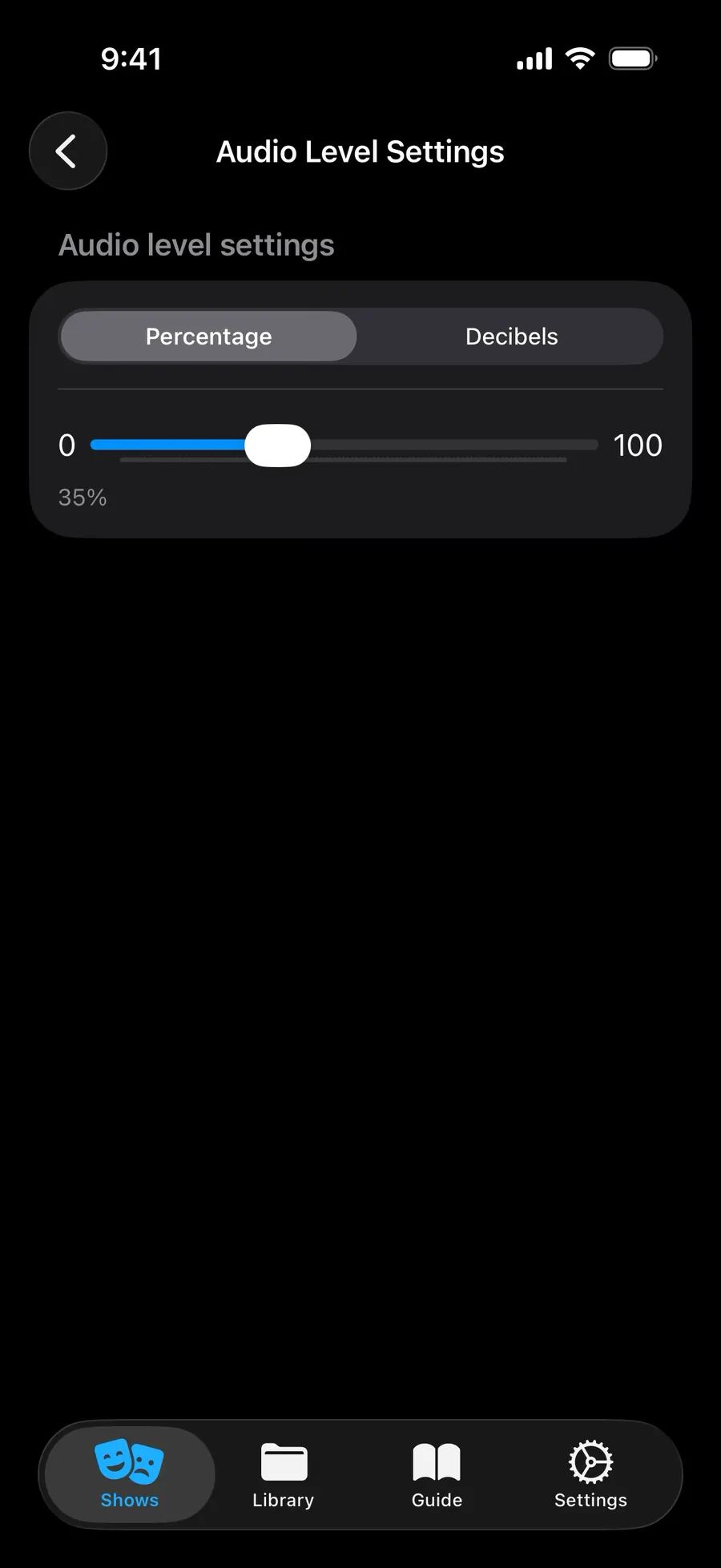
- With Percentage, drag Level from 0 to 100.
- With Decibels, set the Target level in dB.
The track fades from its current level to this one and stays there until another Volume cue, a fade or the end of the track.
In a dynamic cue group
A Volume cue in a dynamic group acts on whatever audio and video is playing when you fire it, rather than one chosen cue. Its Audio Level Settings add an Action:
- Set moves everything to the level you choose.
- Adjust turns everything up or down by an amount in dB. Negative values make it quieter, positive values louder.
