
iQ Pro runs the music, video, images, slides and cameras for your live act, so you can concentrate on performing. Everything you build comes down to four ideas: shows, groups, cues and layers.
Shows
A show is one complete act or event, such as The Mind Reader or Corporate Gala. It holds everything you need for that performance: its running order, its settings and the media it uses. Your shows live on the Shows tab, and you can sort them into folders.
Groups
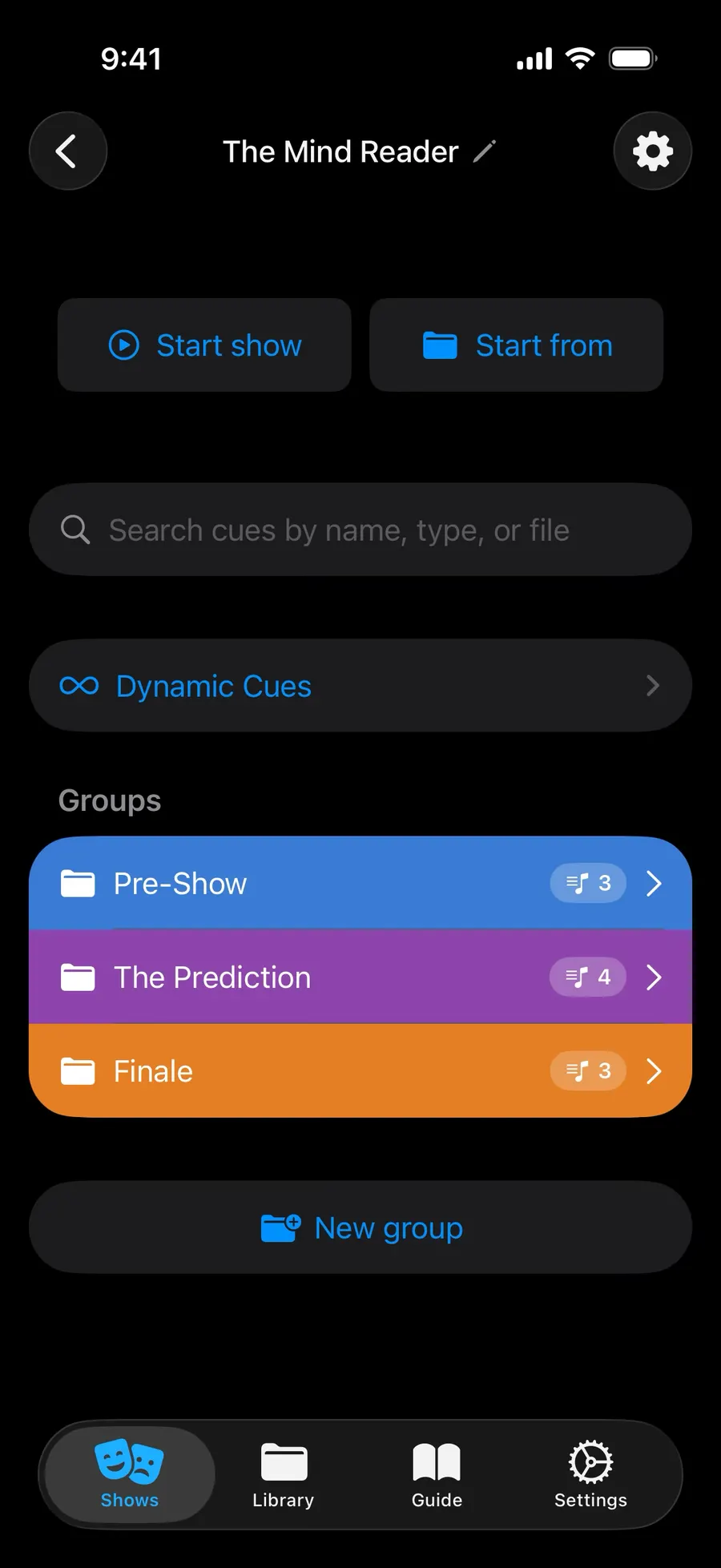
A show is split into groups. Each group is one part of your act, such as Pre-Show, The Prediction or Finale. Groups play in the order they're listed, and you can colour them so each part stands out on the Perform screen.
Cues
Each group holds cues: the individual things that happen when you tap Cue on stage. A cue might play a track, show an image, run a video or a slide, or change something that's already running, such as fading an image out or turning the music down.
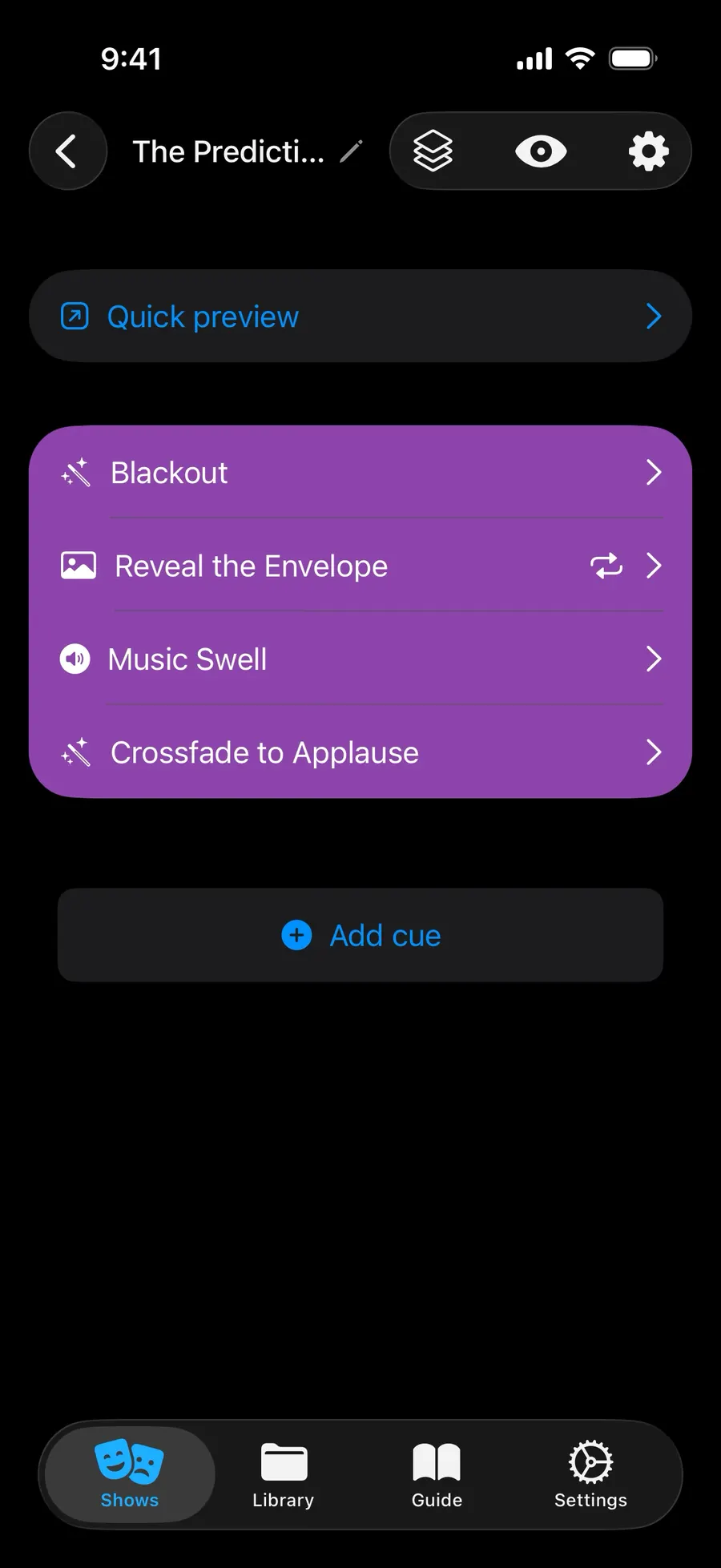
Cues fire one at a time, in order. A few settings change that when you need to:
- A delay waits a set time before the cue starts.
- Auto-follow starts the next cue for you, as this one starts or as it ends.
- Dynamic cues sit outside the running order, ready to fire whenever you like.
Layers
What your audience sees is built up in layers, like sheets of glass stacked on top of each other. A cue on a higher layer appears in front of one below it, so a logo can sit over a video, or a camera over a background.
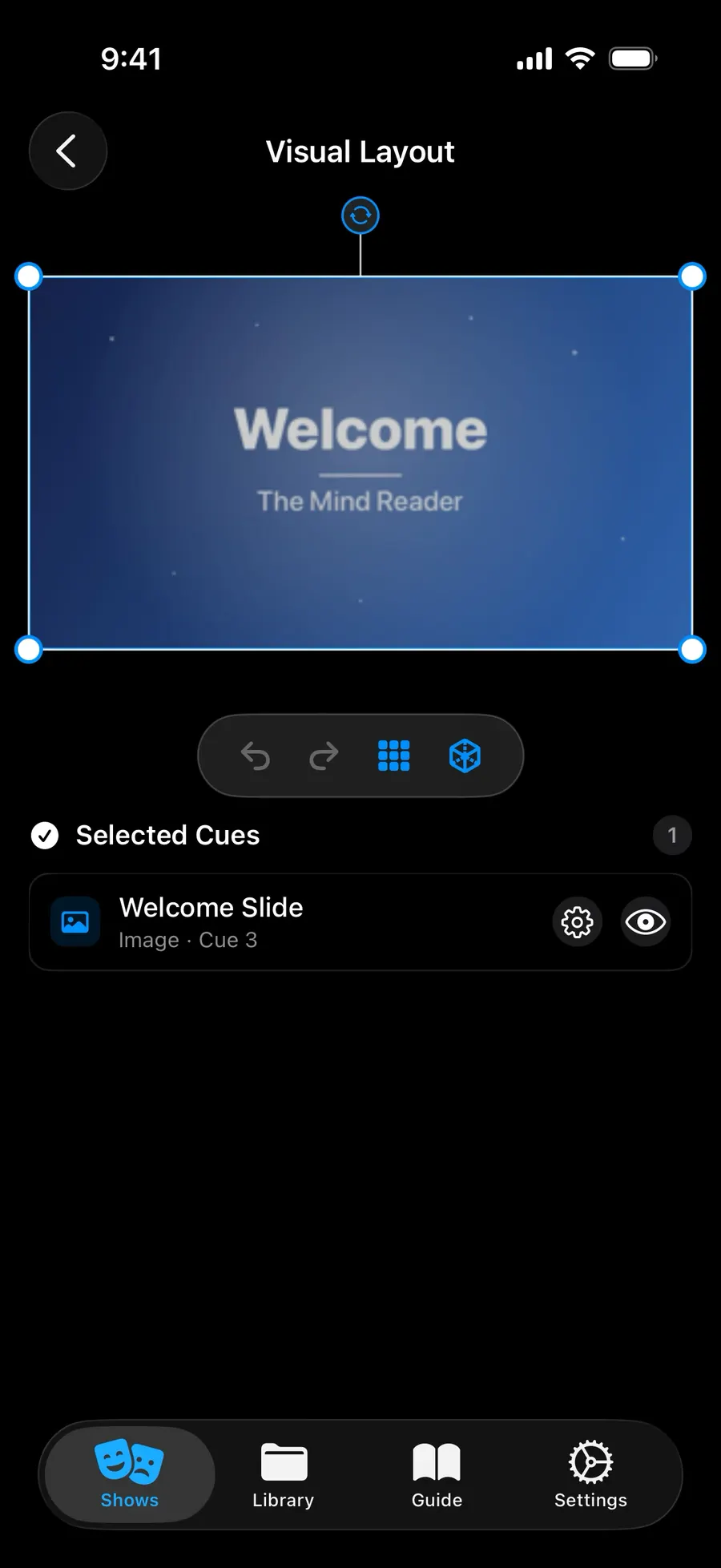
New shows lay their cues out automatically: each picture stacks in cue order, and fades and transitions control what stays on screen. You can still position and resize any picture. See Automatic cue layout.
Where to next
- A tour of the app shows you around the four tabs.
- Build your first show in 10 minutes puts all of this into practice.
- How groups work goes deeper into groups and cues.
