
Each show can choose its own microphone. iQ Pro uses it whenever a live participant camera is on screen.
- 1
Connect the microphone you want to use: a USB microphone or interface, a headset, or a wireless receiver.
- 2
Open your show's settings and tap Microphone Settings.
- 3
Choose it from Show Microphone.
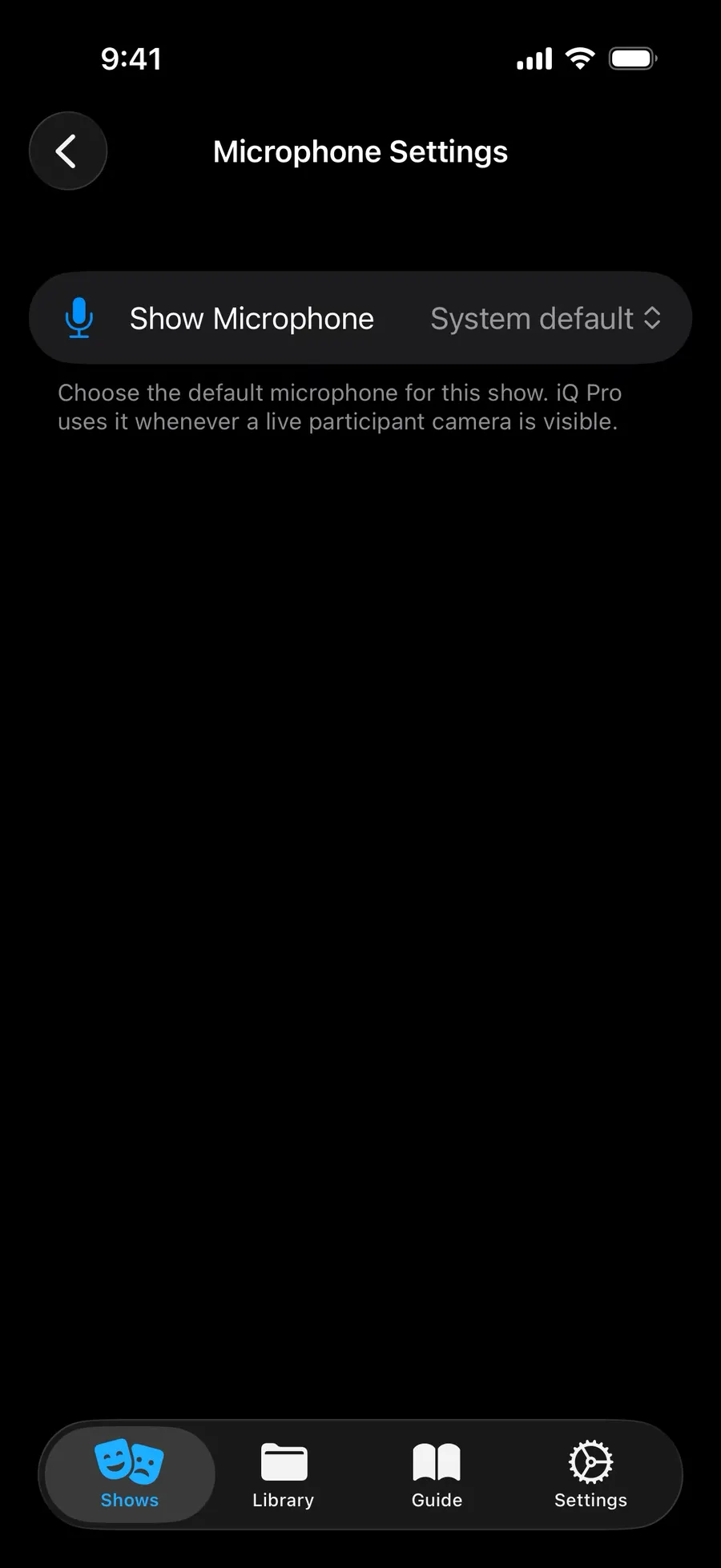
System default uses whatever iOS chooses
System default leaves the choice to iOS.
