
Export Cue List saves your show's running order as a plain text file. Hand it to a stage manager, a lighting operator or a venue, or print it for the side of the stage.
- 1
Open your show's settings and scroll to the bottom.
- 2
Tap Export Cue List.
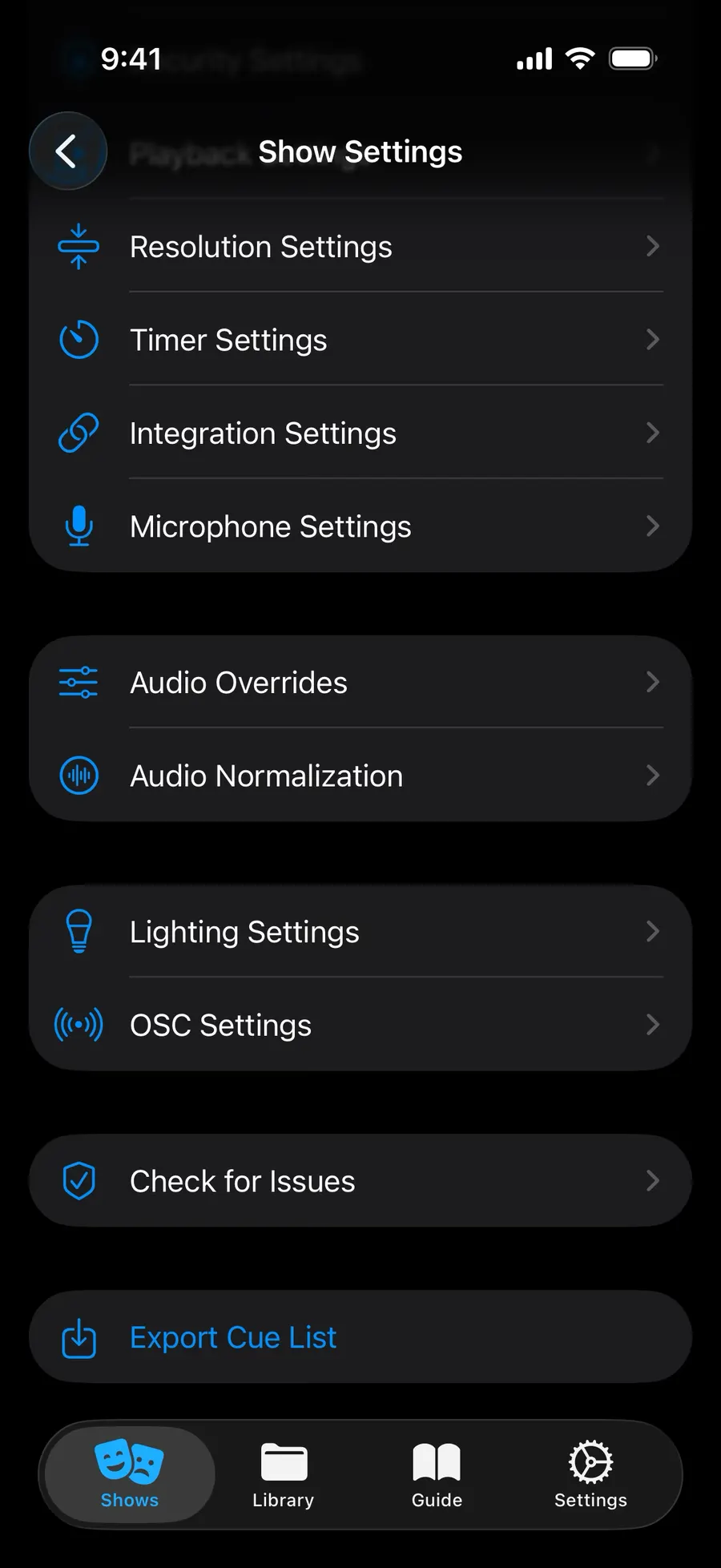
The last item in Show Settings - 3
Choose where to save it, such as iCloud Drive or On My iPhone, and tap Save.
The file is named after your show, such as The-Mind-Reader-cue-list.txt. It lists:
- the show's name and a summary of its loop, fullscreen, preview and timer settings;
- every group, in order, with how many cues it holds;
- every cue, numbered within its group and across the whole show, with its name, type, duration, delay, loop, layer and any time-code events.
Open it in any text editor, or share it from the Files app by email or AirDrop.
If saving fails, iQ Pro shows Export Failed with the reason. Check there's space on your device and try another location.
