
If someone else handles your iPhone or iPad, such as a stage manager or a venue technician, you can lock a show's settings so only you can change them.
- 1
Open your show's settings and tap Security Settings.
- 2
Turn on Lock show with Face ID.
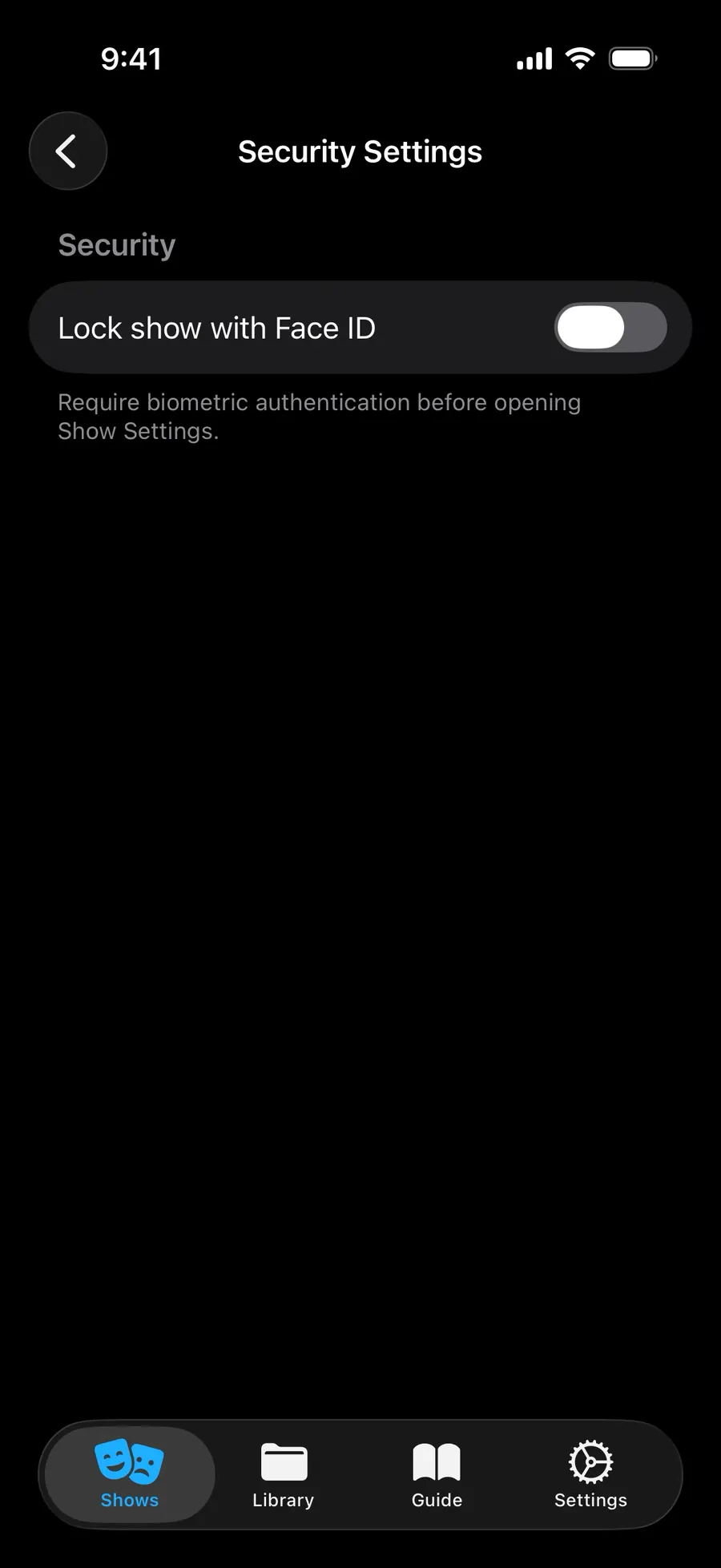
Lock show with Face ID protects Show Settings
From then on, opening Show Settings for this show asks for Face ID (or Touch ID, or your passcode). If it fails or you cancel, you go back to the show editor.
While the lock is on, you also can't add new dynamic cues to the show.
To unlock the show, open Show Settings (you'll be asked to authenticate), go to Security Settings and turn Lock show with Face ID off.
