
Settings › General holds the app-wide preferences that apply to every show on this device.
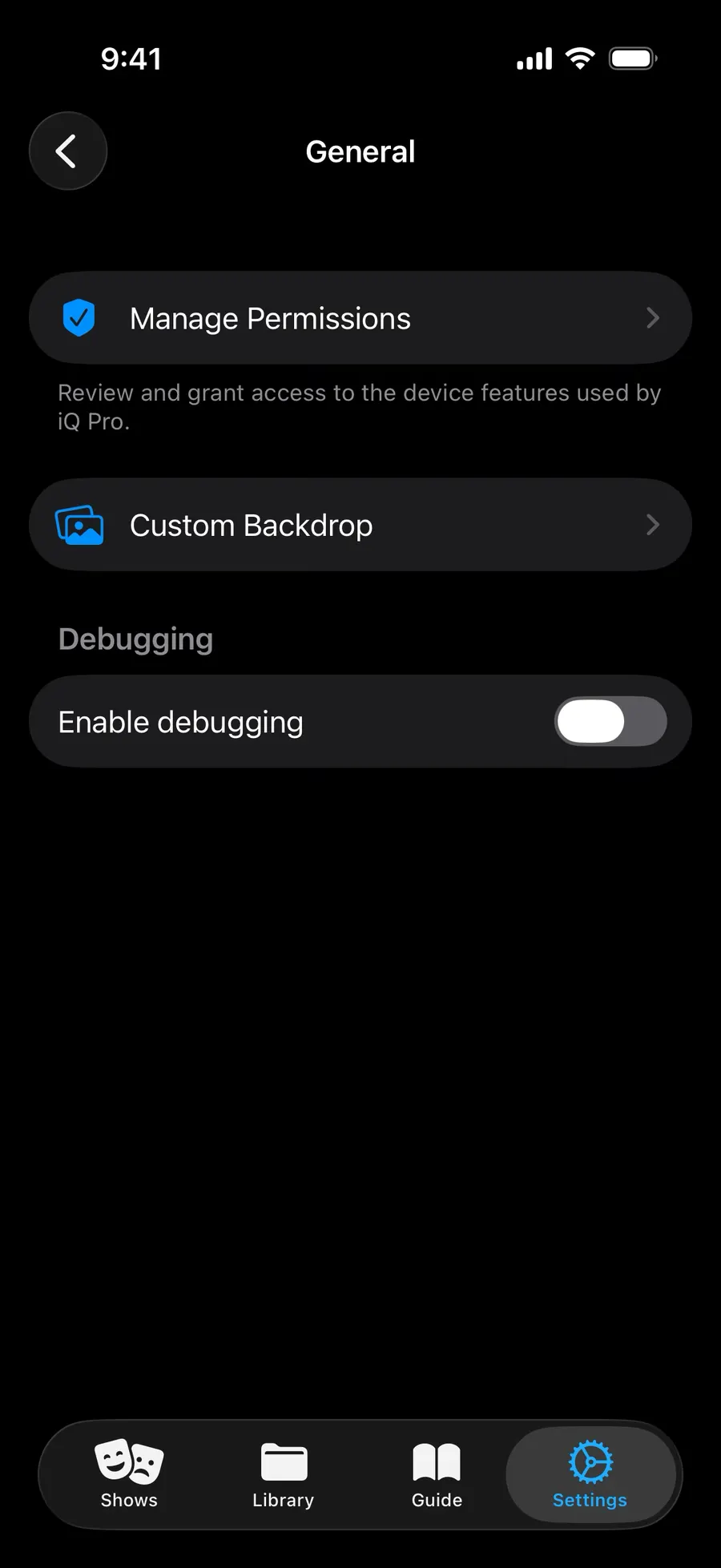
Manage Permissions
Manage Permissions lists the device features iQ Pro uses, such as Camera, Microphone, Photos, Bluetooth, Face ID and Local Network, with what each one is for and whether it is allowed. Tap Allow to grant one, or Open Settings to change it in the iOS Settings app.
Custom Backdrop
When no show is running, an external display shows a backdrop. Custom Backdrop lets you choose it.
- 1
Tap Custom Backdrop.
- 2
Tap a tile to use it. The tick shows the one in use. iQ Pro (No shows) is the standard backdrop.
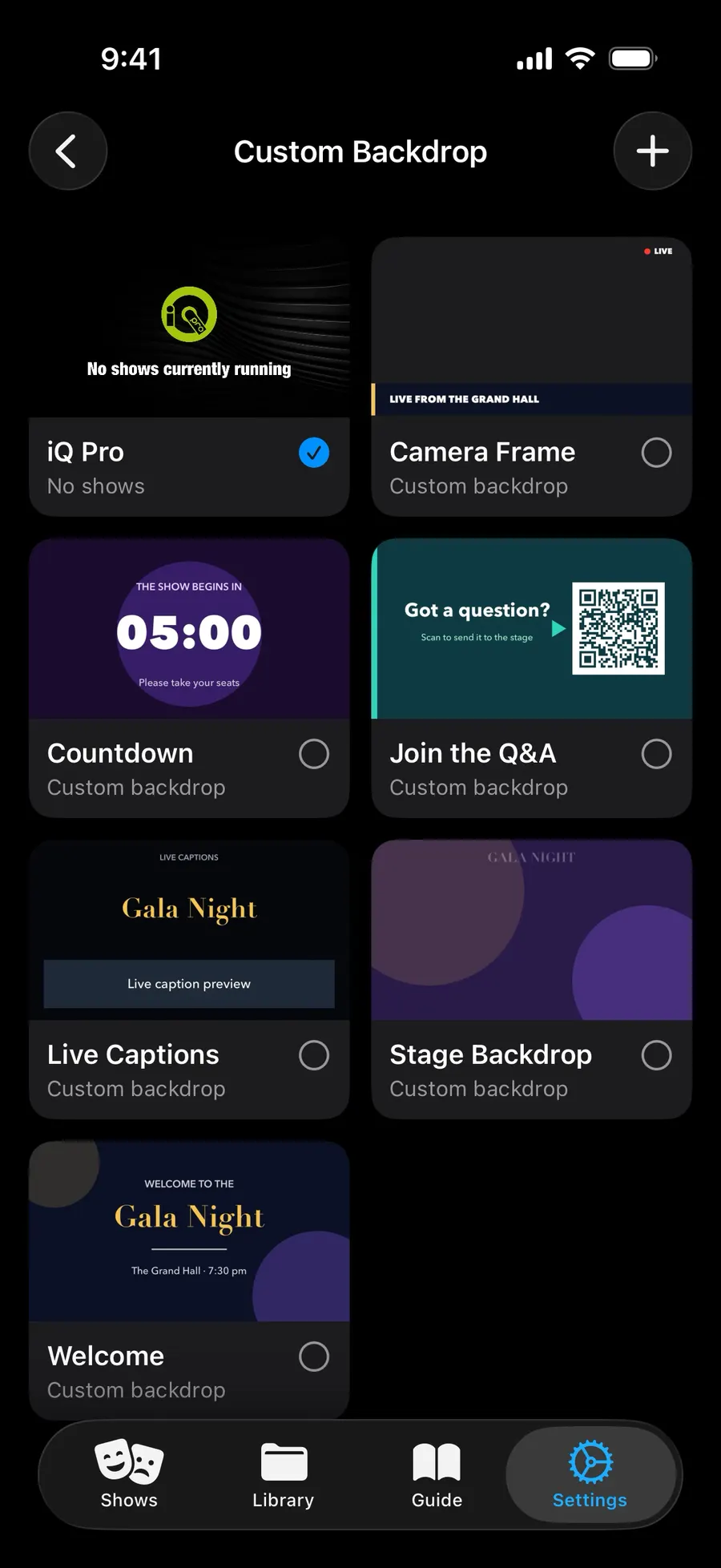
Pick a backdrop, or design your own slide with + - 3
To design your own, tap + at the top right, build a slide in the Slide Designer, and choose its tile.
Debugging
Enable debugging is for working with iQ Pro support. You don't need it day to day.
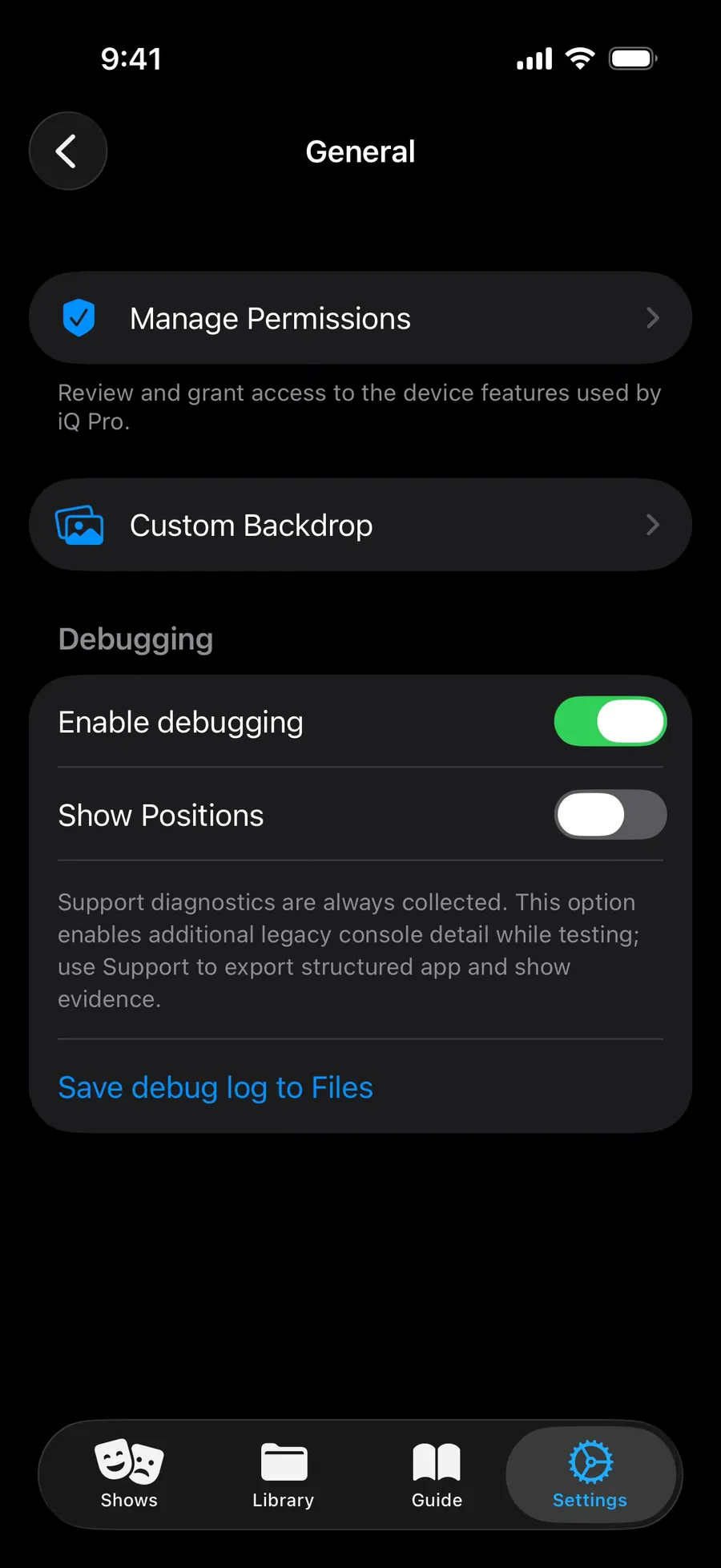
With it on:
- Show Positions adds position details for working on layouts.
- Save debug log to Files saves a detailed log you can attach to a support ticket.
- When you stop a show, iQ Pro offers to share that run's log.
