
Find a show or folder
- 1
On the Shows tab, tap Search shows and folders... at the top.
- 2
Type part of a name. The tiles narrow down as you type.
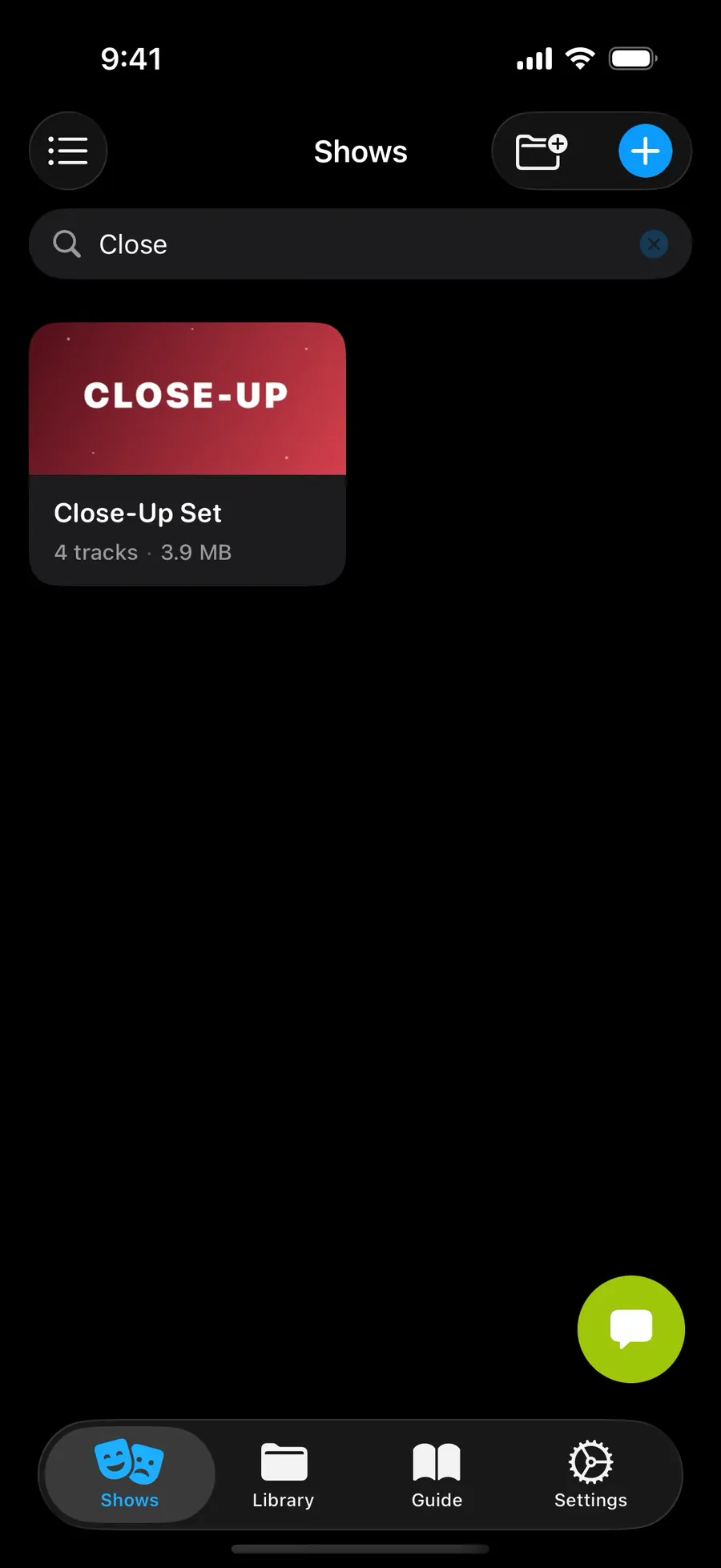
Close finds the Close-Up Set show - 3
Tap the x to clear the search.
Find a cue inside a show
In the show editor, tap Search cues by name, type, or file and type what you're looking for. iQ Pro searches every group, and lists the matching cues under their group's name.
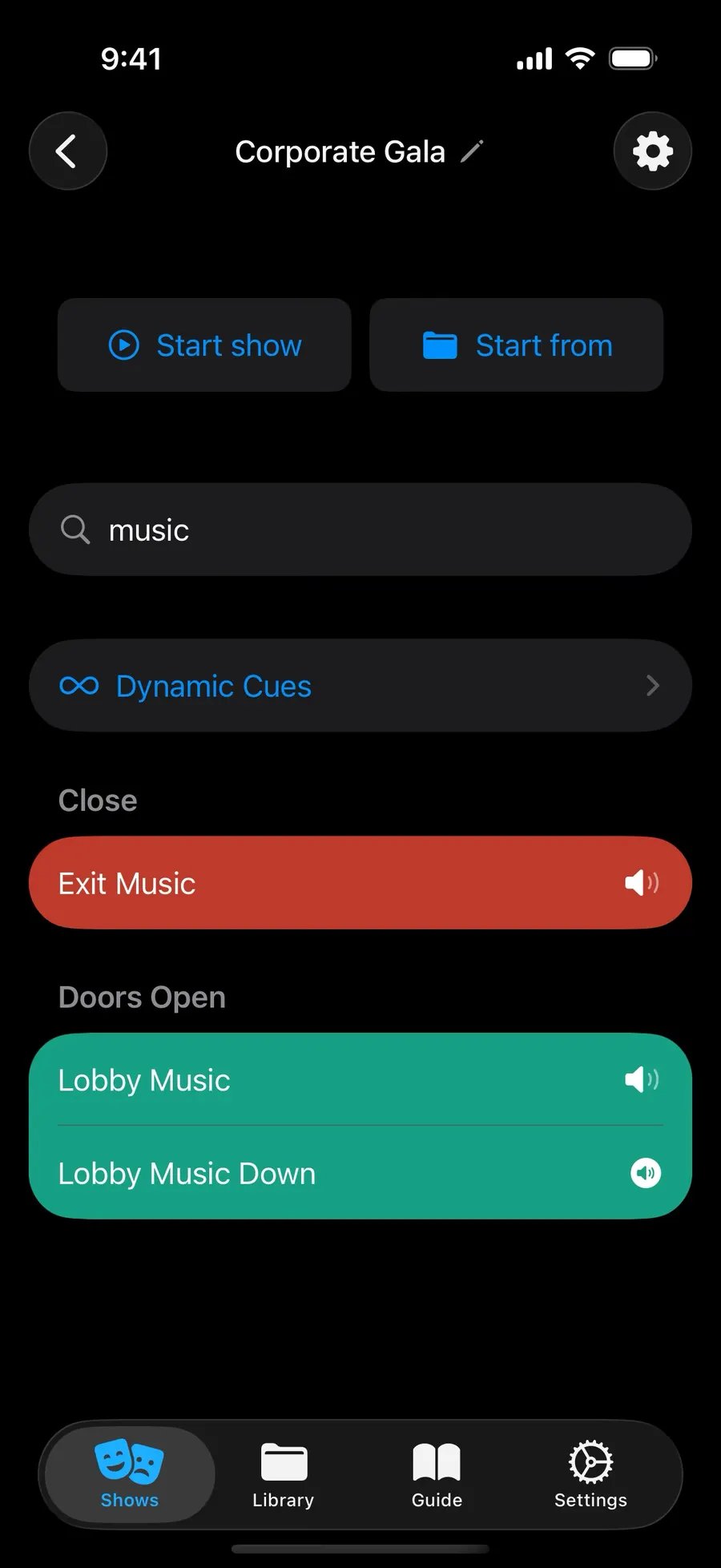
Tap a result to open that cue's settings. Clear the search to see your groups again.
Open your shows in iQ Pro