
Most acts reuse the same routines from gig to gig. Rather than programming them again, start your new show from the work you've already done.
Reuse a few routines
Create a new show, then copy just the groups you need into it.
- 1
Create the show with + › Start from scratch on the Shows tab. See Create a new show.
- 2
In the show editor, tap New group, then Choose from library.
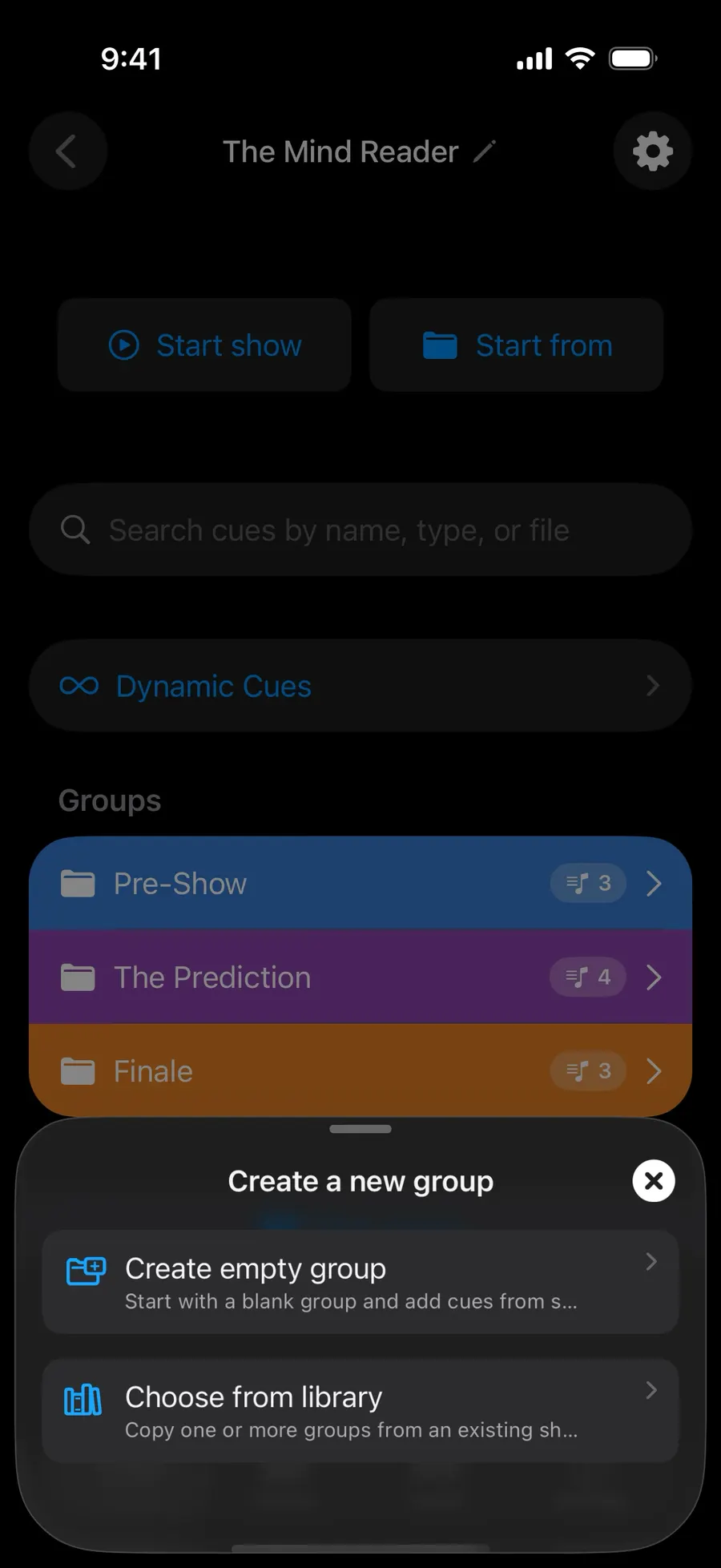
Choose from library copies groups from an existing show - 3
Under All shows, tap the show that has the routines you want.
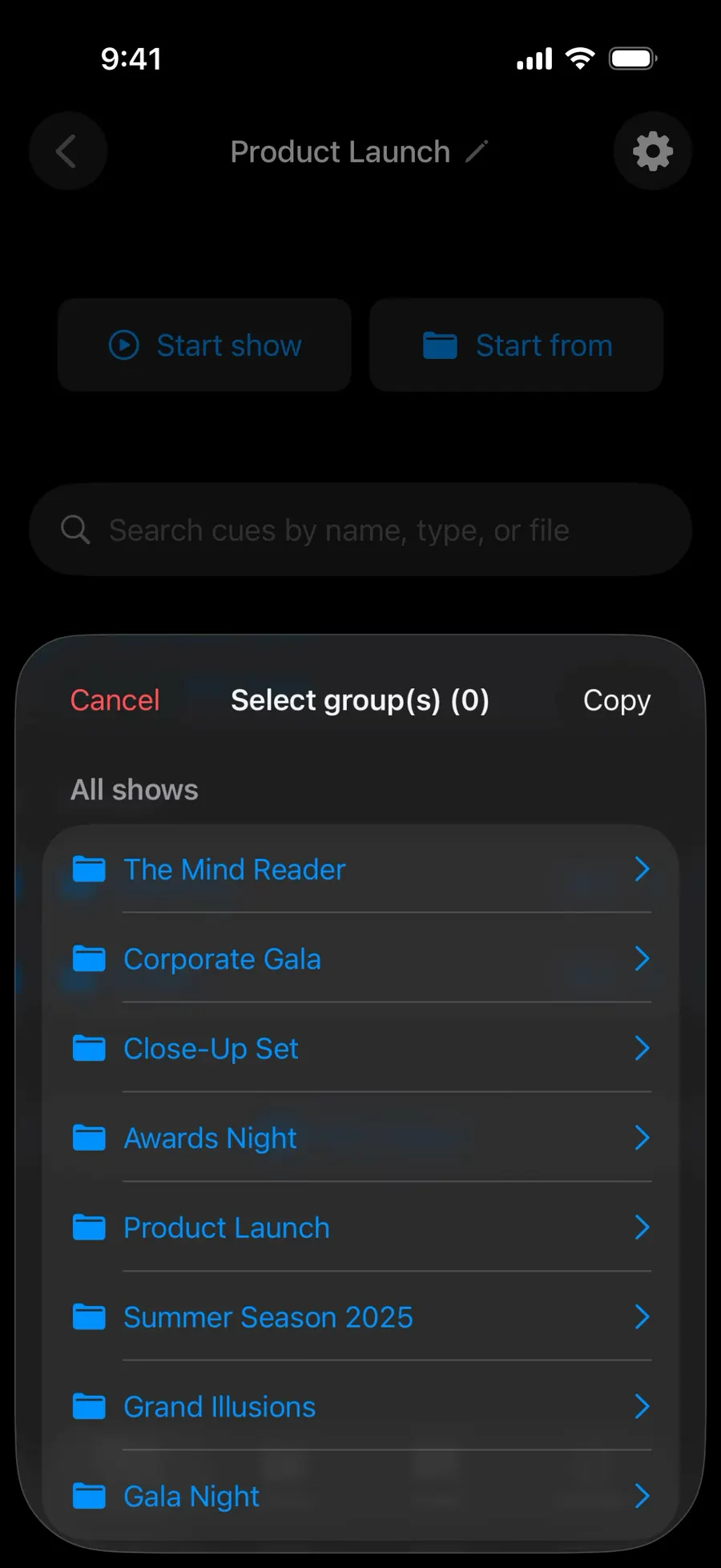
Every show on this device - 4
Tap each group you want. A green tick marks the ones you've chosen, and the title counts them.
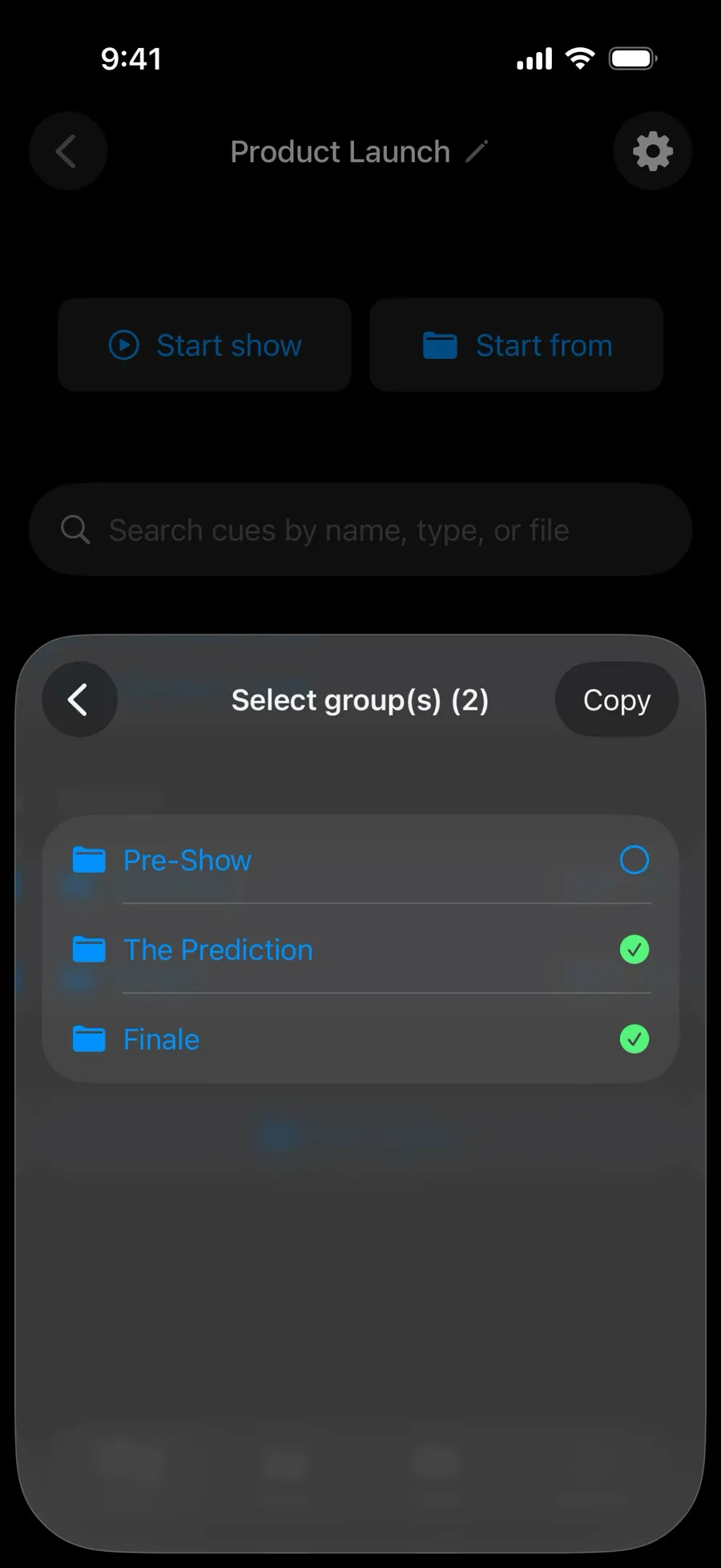
Two groups selected from The Mind Reader - 5
Tap Copy.
The groups are added to the end of your show with all their cues, colours and settings. To take groups from more than one show, repeat the steps for each one.
Reuse a whole show
If the new show is mostly the same as an old one, duplicate it instead:
- 1
On the Shows tab, touch and hold the show.
- 2
Tap Duplicate show. A copy appears with 2 on the end of its name.
- 3
Rename the copy and delete the groups you don't need.
Rename, duplicate, move and delete shows has more on duplicating.
Create a show in iQ Pro