
Once you've programmed a routine, you never need to program it again. Copy its group into any other show.
- 1
Open the show you want to add the group to, and tap New group at the bottom of the list.
- 2
Tap Choose from library.
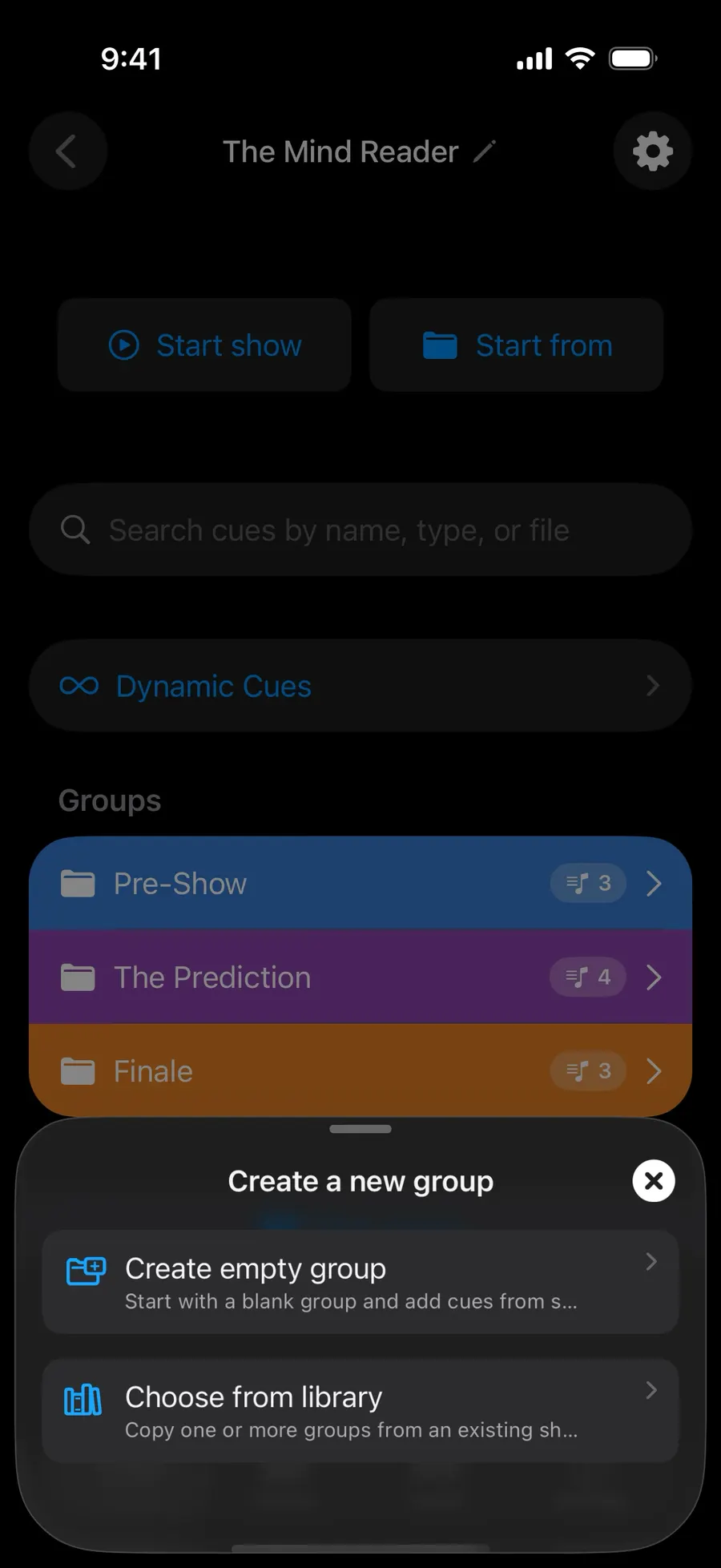
Copy one or more groups from an existing show - 3
Under All shows, tap the show the group is in.
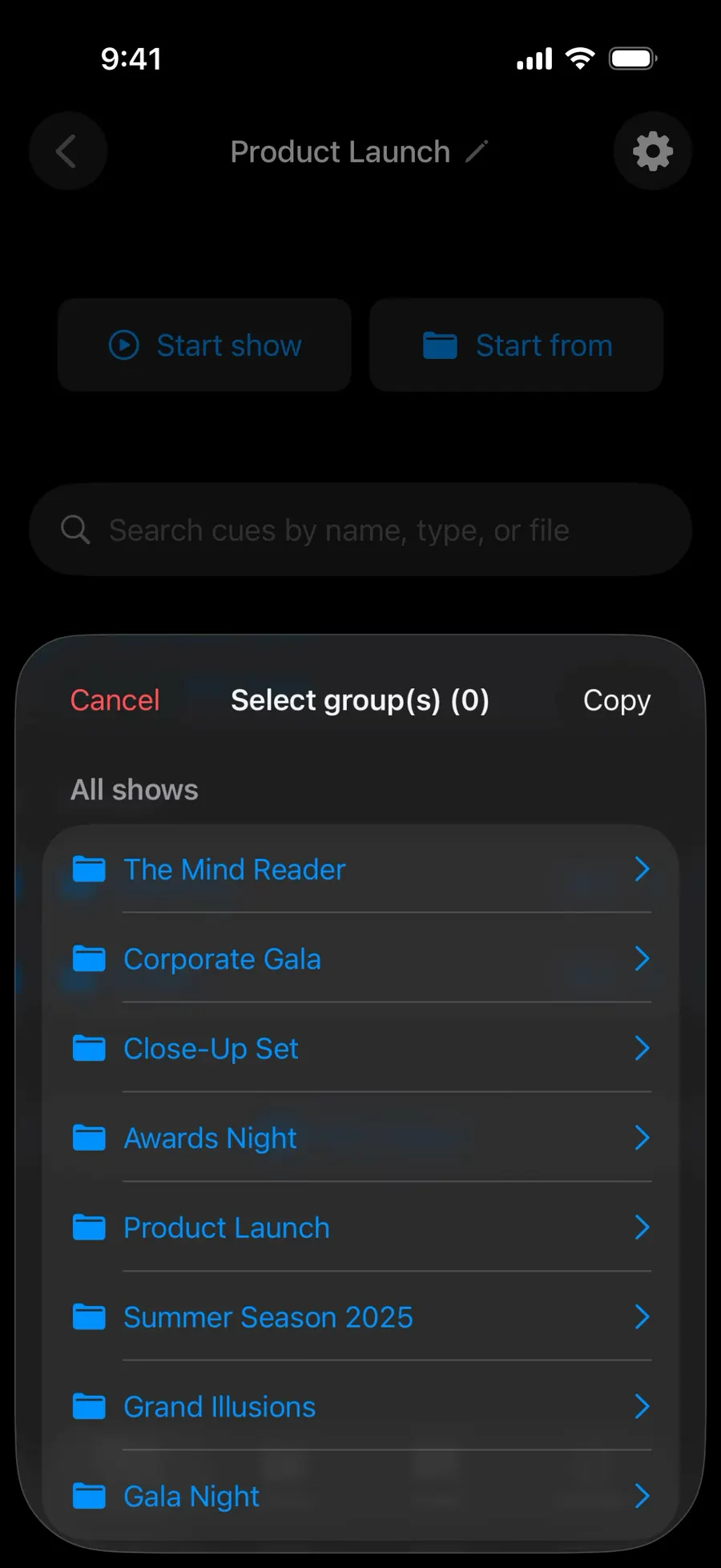
Pick the show to copy from - 4
Tap the groups you want. Each one gets a green tick, and the title shows how many you've picked, such as Select group(s) (2).
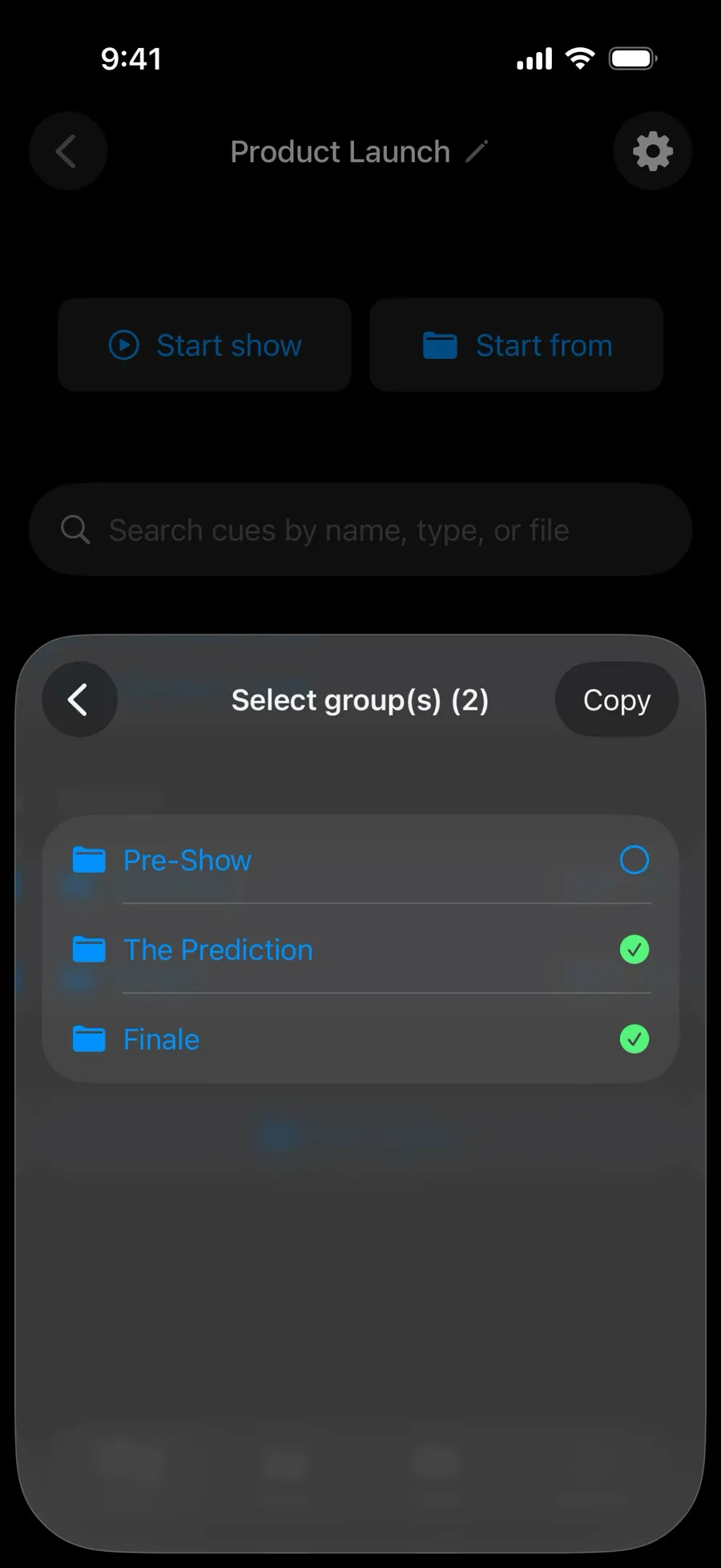
The Prediction and Finale, ready to copy - 5
Tap Copy.
The groups are added to the end of the show, in the order you picked them, with their cues, colours and settings. Transitions inside a copied group stay linked to the right cues.
To start a brand-new show from your existing routines, see Start a show from another show's groups.
