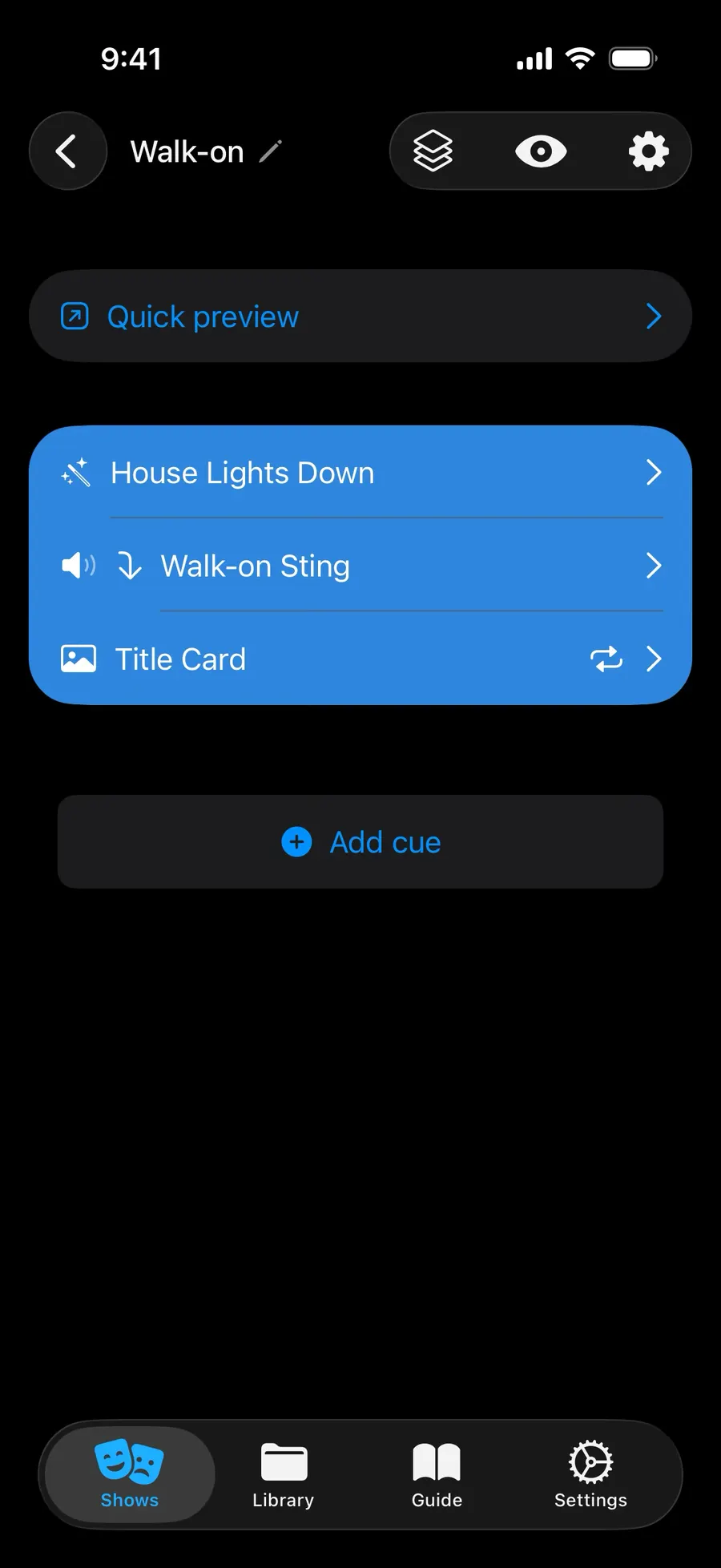
Auto-follow chains cues together, so one tap of Cue can run a whole sequence: a sting that brings up a title card, or a drumroll that lands on a reveal.
Each cue's Trigger Settings has two choices.
When track starts
Auto start next cue fires the next cue at the same moment as this one. Use it to start things together, such as music and a picture.
When track ends
Start next cue fires the next cue when this one finishes. Use it to run one thing after another without touching the screen.
When you choose it, Start next cue/queue appears. Set how many seconds before the end the next cue should start: 0 starts it exactly at the end, and a little more overlaps the two, so a reveal can land on the last beat of a drumroll.
Set it up
- 1
Open the group and tap the cue.
- 2
Tap Trigger Settings.
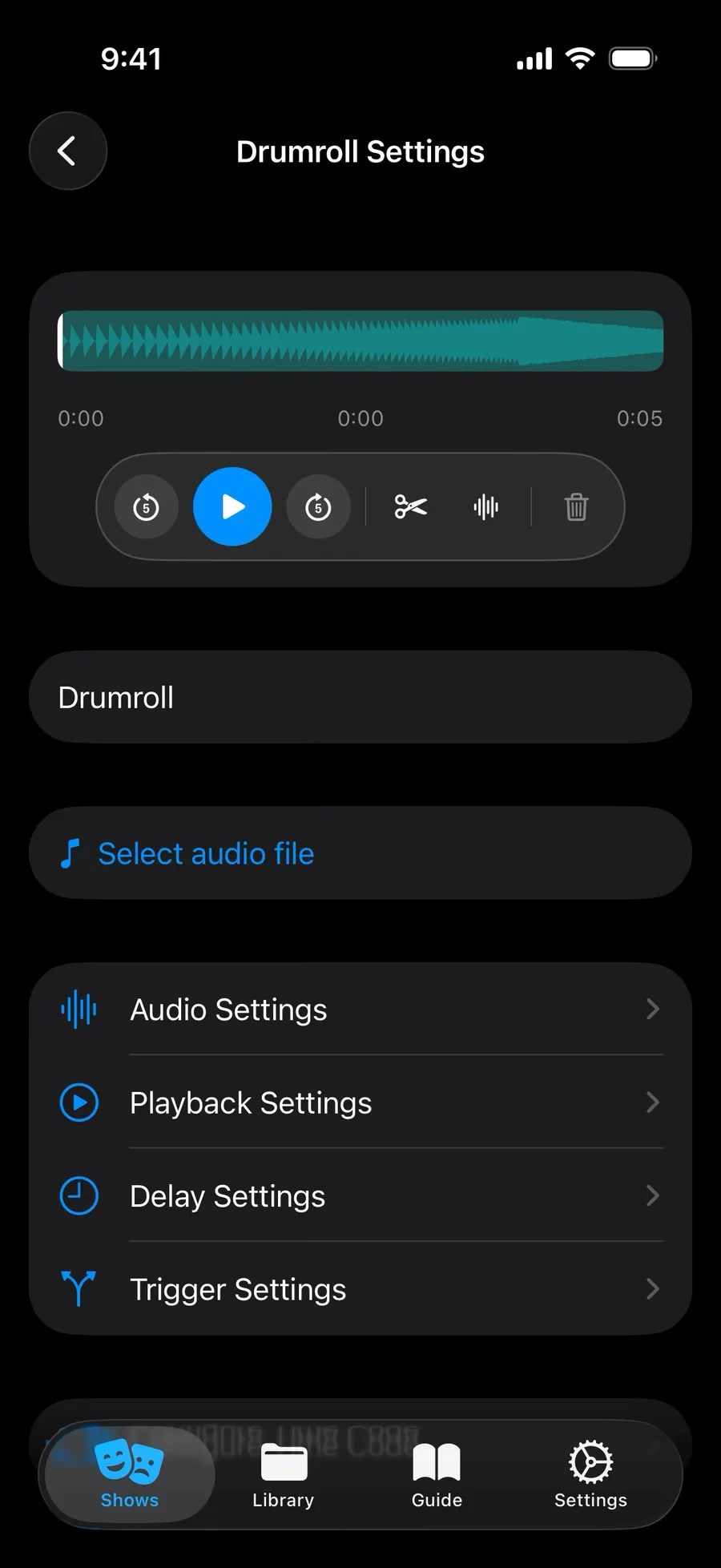
Trigger Settings, below Delay Settings - 3
Under When track starts or When track ends, choose what happens.
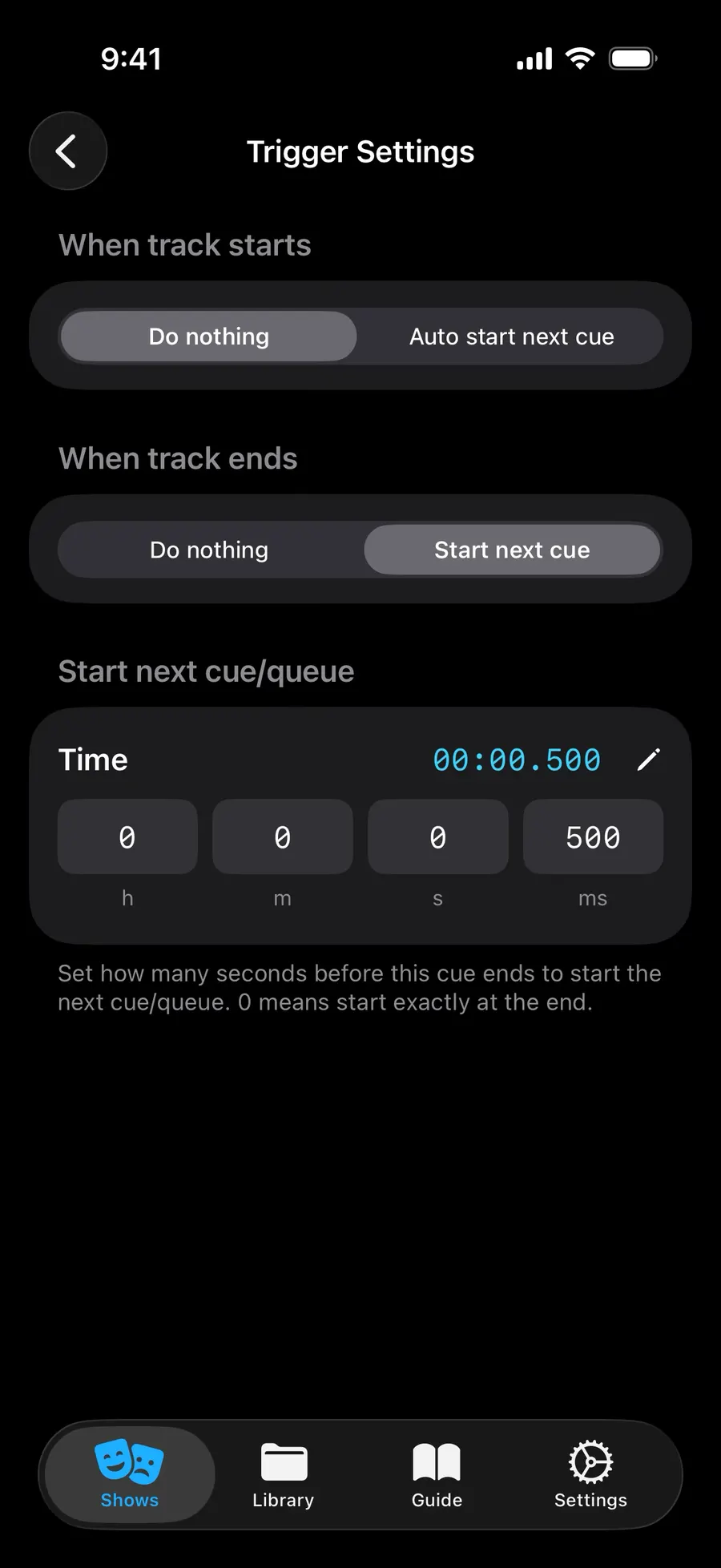
Drumroll starts the next cue half a second before it ends
See it in the group
A cue that auto-follows shows a turn-down arrow in the group.